Windows 10

How to Enable or Disable Desktop Peek In Windows 10

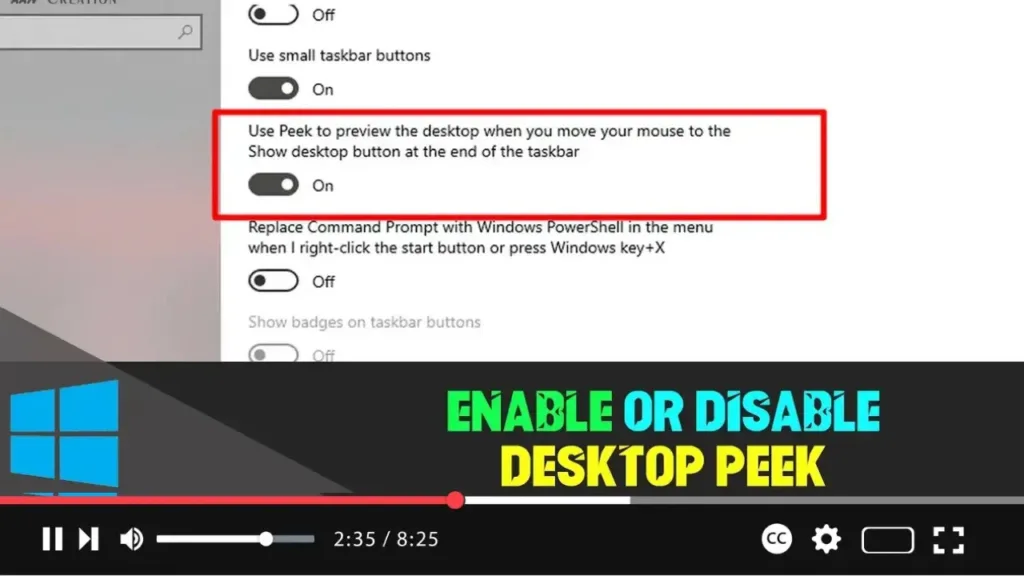
 Desktop Peek in Windows 10 provides a convenient way to quickly glance at your desktop without minimizing all open windows. This feature, when enabled, allows you to hover over a specific area on the taskbar to reveal the desktop temporarily. However, if you find this feature distracting or unnecessary, you can easily disable it. Below […]

How to Enable or Disable Desktop Peek In Windows 10 Read More »
How to Enable Dark Theme on Windows Terminal

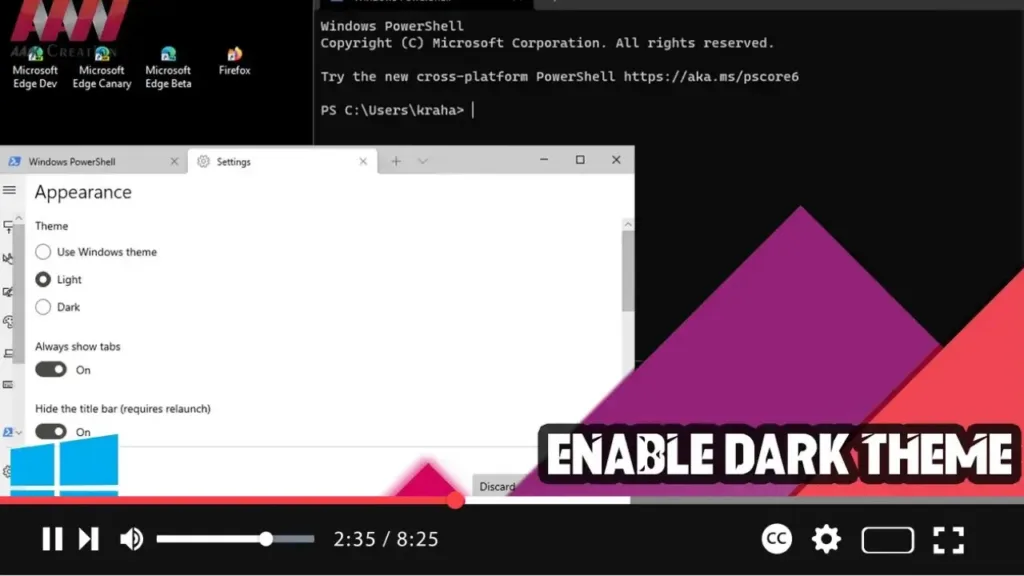
 Enabling the dark theme on Windows Terminal can make your working environment more visually appealing and reduce eye strain, especially in low-light conditions. Here’s a step-by-step guide to help you switch to the dark theme in Windows Terminal. Step 01: Open Windows TerminalFirst, open Windows Terminal: Click on the Start button. Search for Windows Terminal

How to Enable Dark Theme on Windows Terminal Read More »

How to do offline virus scan with Microsoft Defender on Windows 11

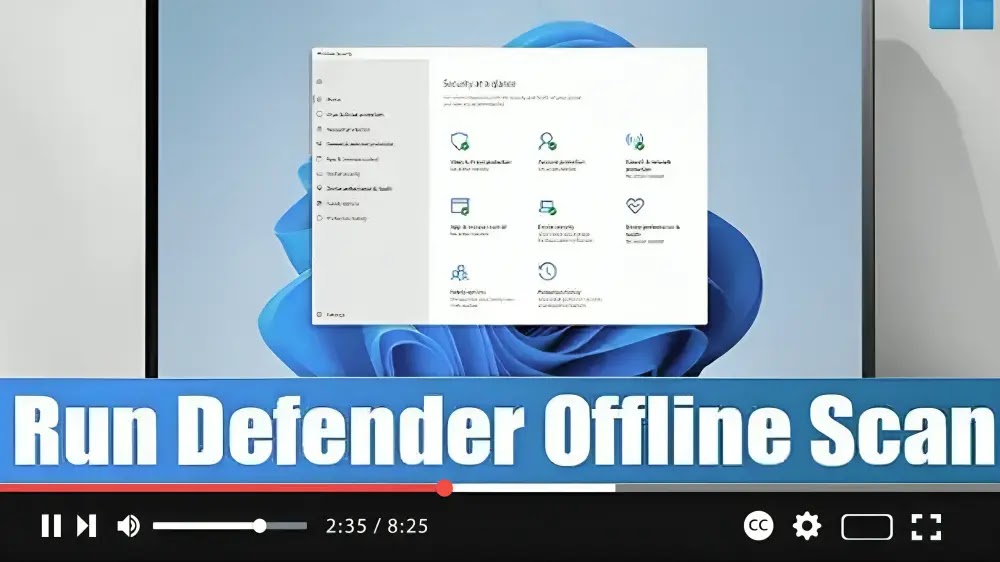
 Encountering persistent malware on your Windows 11 system can be frustrating, but fear not! Microsoft Defender offers an offline scan feature to help you detect and remove stubborn threats effectively. Here’s a simple guide to using Microsoft Defender Offline scan: Step 01: Open Windows Security: Start by opening the Windows Security app on your Windows

How to do offline virus scan with Microsoft Defender on Windows 11 Read More »

How to Clear Background Wallpaper History in Windows 10

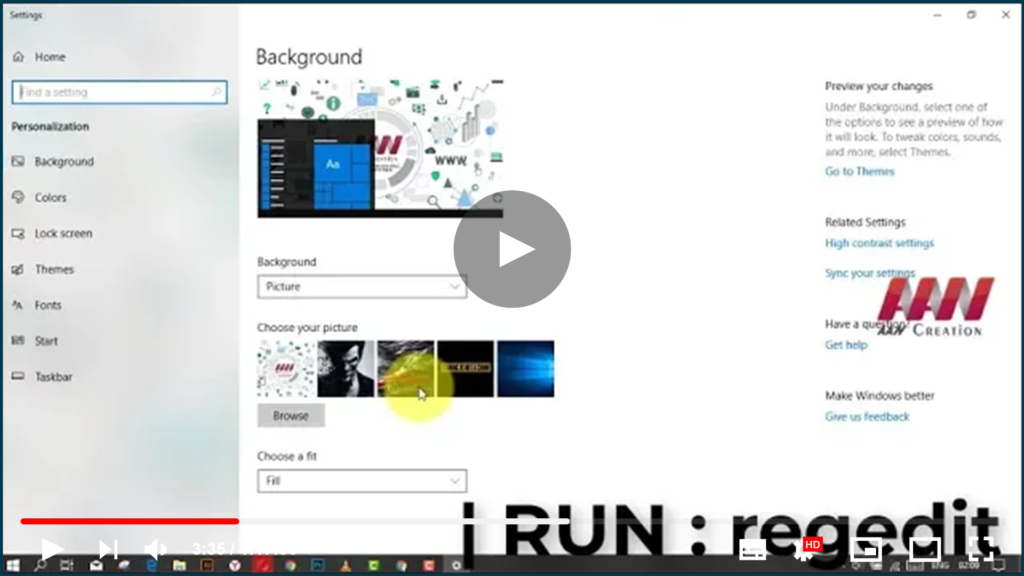
If you changed the background of your Windows 10 desktop several times, the images you used will be displayed in the Choose your picture in the Settings section. If you want to remove previous wallpapers and clear the used desktop background history, Windows 10 does not provide a way to do so! In this article,

How to Clear Background Wallpaper History in Windows 10 Read More »

How to Check if Your Email has Been Compromised in a Data Breach

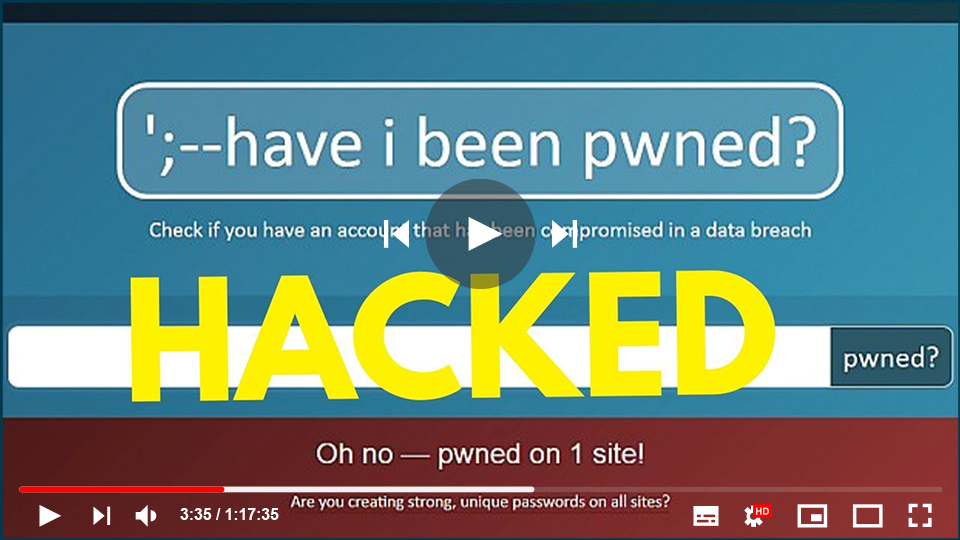
If you’re worried that your email address may have been hacked or exposed in a data breach, you can use services like Have I Been Pwned (HIBP) to check. HIBP helps you find out if your personal information was part of a breach by scanning compromised data from past leaks. What is a “Breach”? A

How to Check if Your Email has Been Compromised in a Data Breach Read More »

How to Set Up a Metered Connection for Wi-Fi in Windows

 In an era where data consumption can quickly spiral out of control, managing your internet connection effectively becomes crucial, especially when dealing with a metered connection. A metered connection is an internet connection that has a limit on the amount of data you can use within a specified time frame. This type of connection is

How to Set Up a Metered Connection for Wi-Fi in Windows Read More »

How to Fix Xbox App Sign-In Error 0x409 or 0x80070422 (Working Solution)

(adsbygoogle = window.adsbygoogle || []).push({});  Error code (0x409) 0x80070002 indicates that there is an error with the built-in apps, due to which you can’t sign into the Xbox app. You will also get an error message saying We are unable to sign you in at the moment, and there is also the possibility of having

How to Fix Xbox App Sign-In Error 0x409 or 0x80070422 (Working Solution) Read More »