Windows 10

How to Manage Startup Apps Using Settings on Windows 10

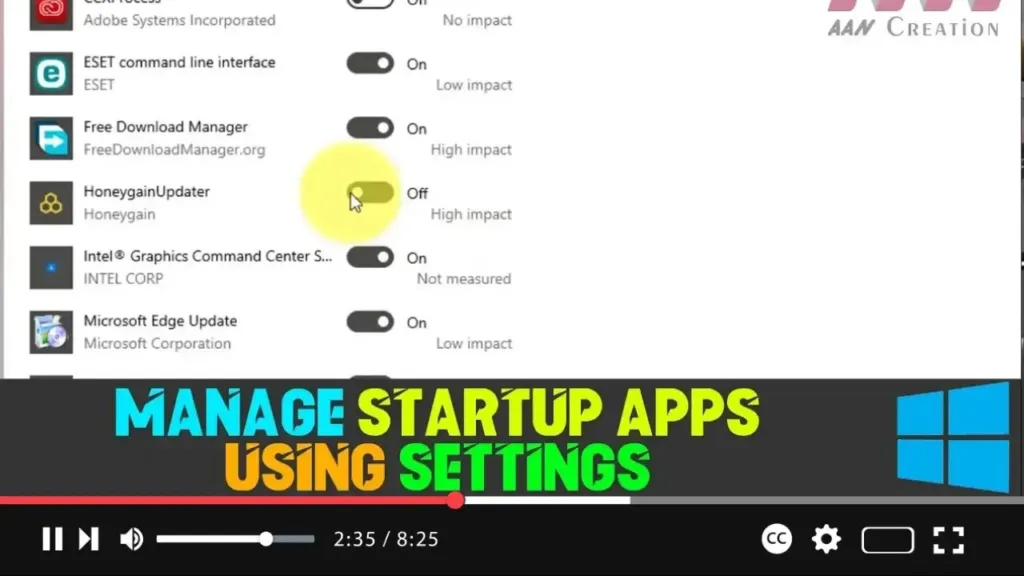
Managing startup apps on Windows 10 is crucial for maintaining optimal system performance. When too many applications are set to run at startup, you may notice that your device takes longer to boot up, battery life may decrease, and overall performance could be sluggish. By controlling which apps are allowed to run at startup, you […]

How to Manage Startup Apps Using Settings on Windows 10 Read More »
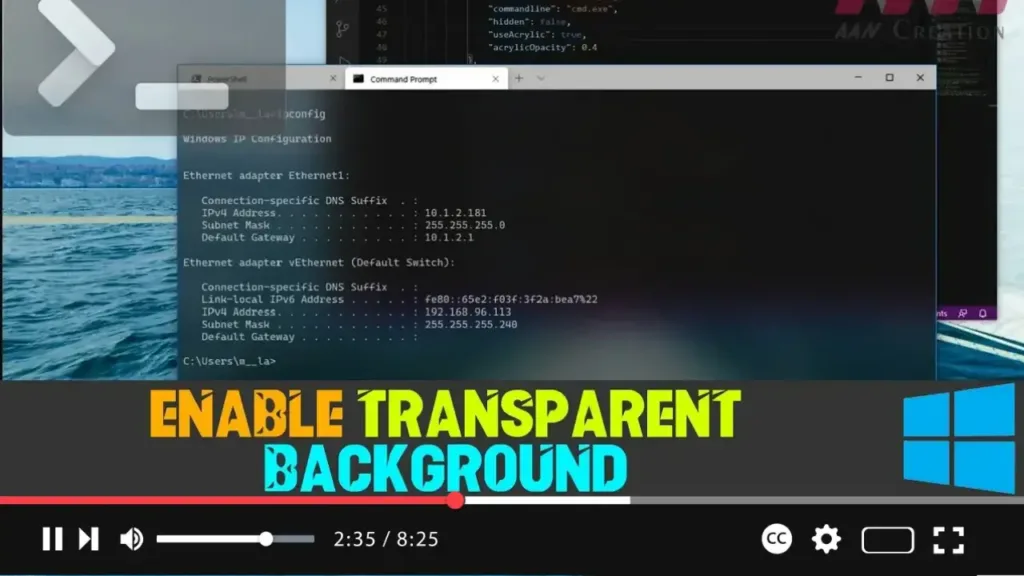
How to Enable Transparent Background on Windows Terminal

Windows Terminal is the primary command-line tool in Windows 10, offering support for Command Prompt, PowerShell, and Linux. It is highly customizable, allowing users to tailor the terminal to their preferences. One popular customization is the ability to set a transparent background, giving the terminal a modern, sleek look with added blur and noise textures

How to Enable Transparent Background on Windows Terminal Read More »

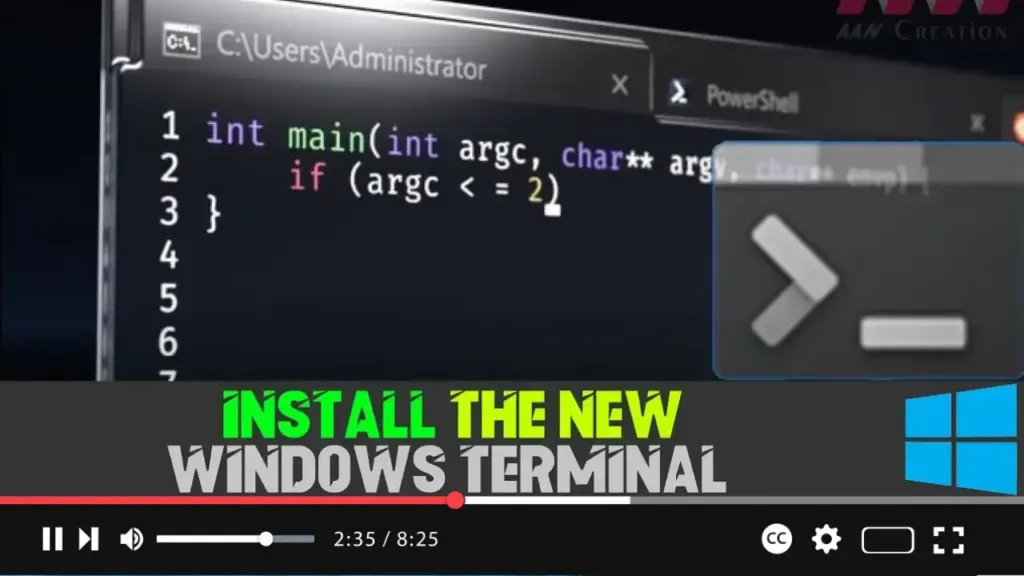
How to Install the New Windows Terminal on Windows 10

The Windows Terminal is a modern, fast, and powerful terminal application developed by Microsoft. It serves as a unified interface for the command line, Windows PowerShell, and other command-line tools, offering advanced features like multiple tabs, panes, custom themes, and a GPU-accelerated text rendering engine. This tool is essential for users who need a robust

How to Install the New Windows Terminal on Windows 10 Read More »

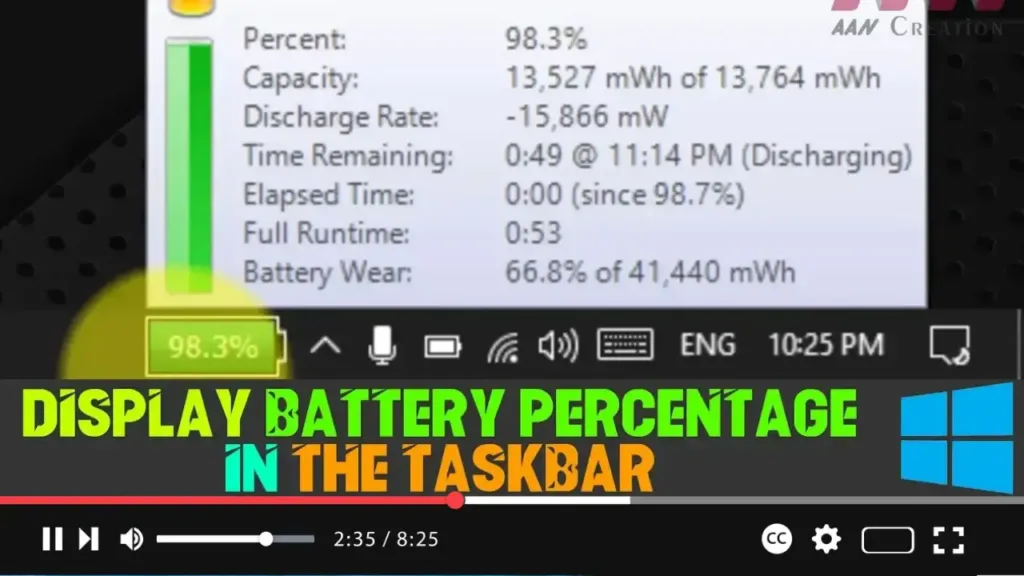
How to Display Battery Percentage in the Taskbar on Windows 10

Windows 10 typically shows a battery icon in the Taskbar on laptops or tablets, which provides a quick visual cue about whether your device is running on AC power and how much battery life remains. However, the default battery icon doesn’t display the battery percentage directly; instead, you must click the icon to view the

How to Display Battery Percentage in the Taskbar on Windows 10 Read More »

How to Quickly Locate Mouse Pointer on Windows 10

Navigating Windows 10 often requires using the mouse, but it’s not uncommon to lose track of the mouse pointer, especially when using a multi-monitor setup. Losing sight of the pointer can be frustrating, particularly during tasks that require precision. Fortunately, Windows 10 includes a feature that makes it easy to locate the mouse pointer with

How to Quickly Locate Mouse Pointer on Windows 10 Read More »

How to Enable Windows Recovery Environment on Windows 10

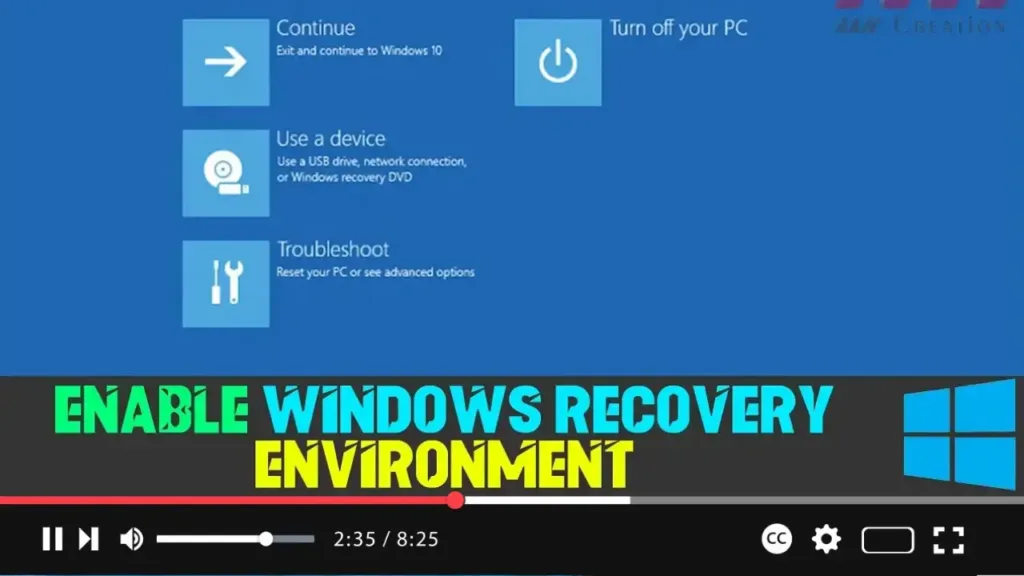
The Windows Recovery Environment (WinRE) is an essential tool in Windows 10 that provides a range of recovery and troubleshooting options. It includes features such as automatic repair, system image recovery, reset to factory default settings, and other advanced tools that help resolve issues when your device fails to start or run correctly. In some

How to Enable Windows Recovery Environment on Windows 10 Read More »

How to Fix Missing Battery Icon in Windows 10 Taskbar

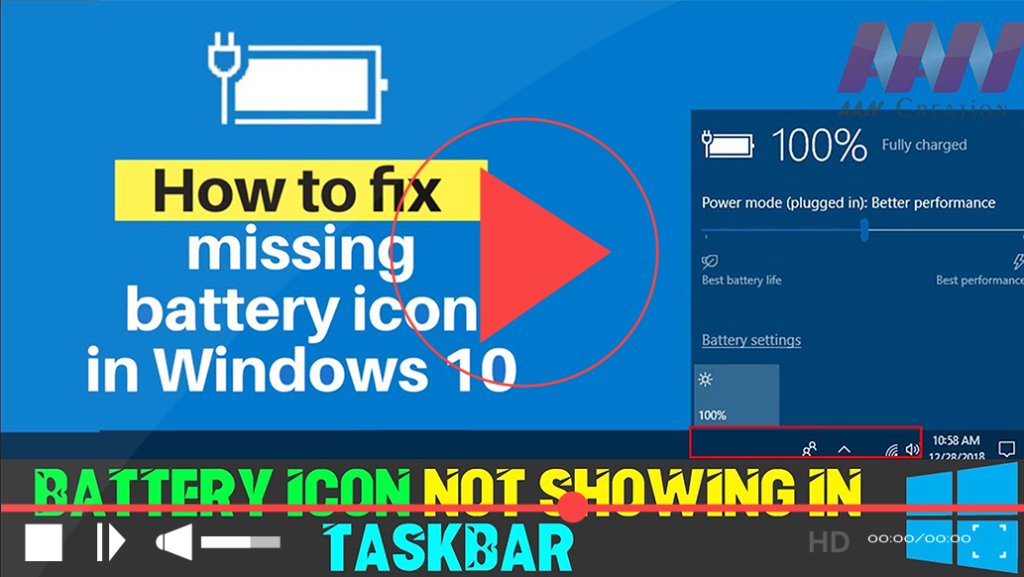
If you find that the battery icon is missing from your Windows 10 taskbar, it can be frustrating, especially if you need to monitor your battery life frequently. This issue may arise due to various reasons, such as disabling the battery icon in the settings or problems with Windows battery drivers. Here’s a straightforward guide

How to Fix Missing Battery Icon in Windows 10 Taskbar Read More »