Windows 10

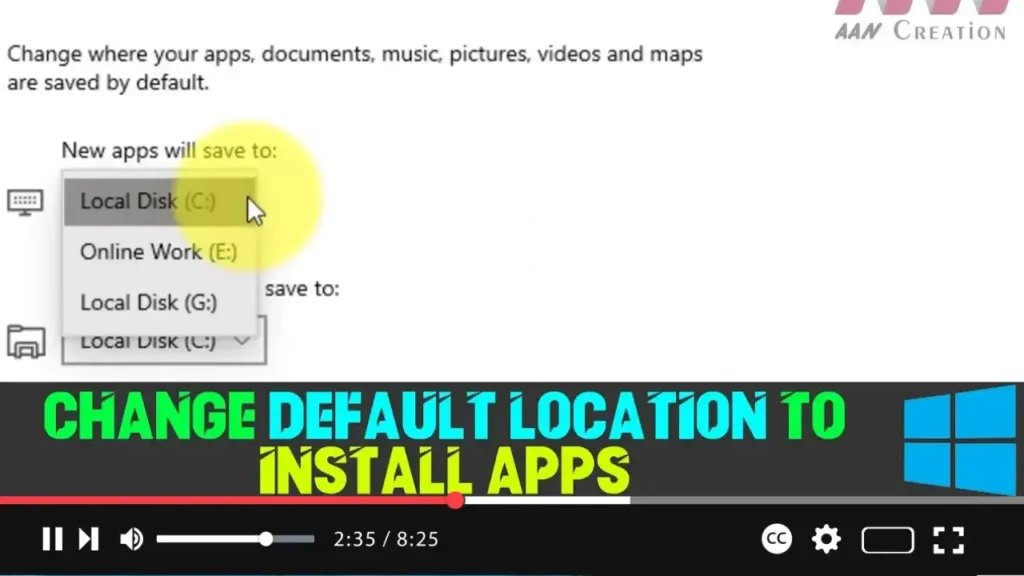
How to Change Default Location to Install Apps on Windows 10

By default, apps and games downloaded from the Microsoft Store are installed on the main system drive (usually the C: drive) in Windows 10. However, if you have a device with limited storage, this default setting can quickly lead to space issues, especially since some apps and games can be quite large. Fortunately, Windows 10 […]

How to Change Default Location to Install Apps on Windows 10 Read More »
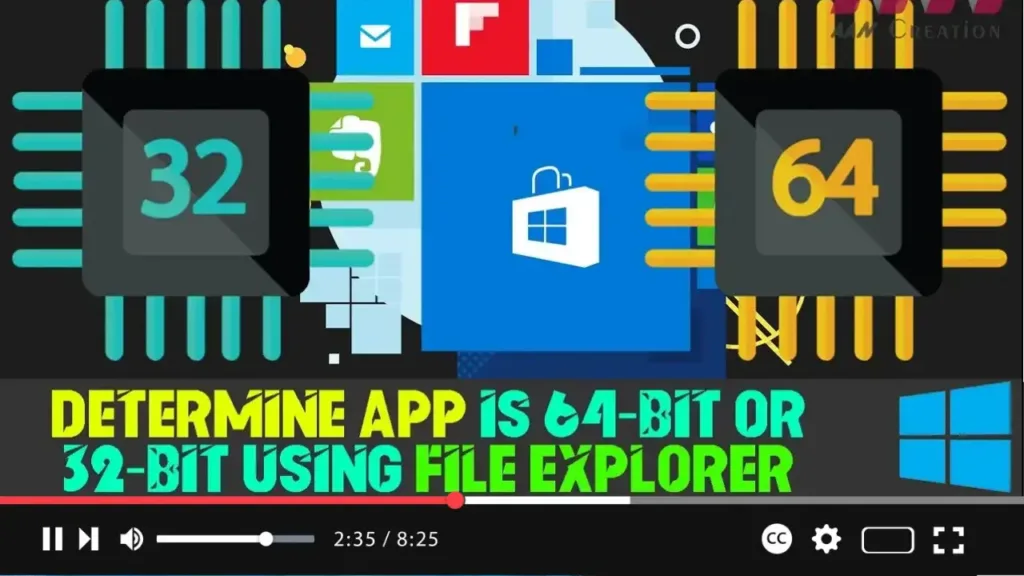
How to Determine App is 64-bit or 32-bit Using File Explorer

If you’re using a 64-bit version of Windows 10, you have the flexibility to run both 64-bit and 32-bit applications. However, for optimal performance, especially with demanding applications, you may prefer to use 64-bit versions whenever possible. 64-bit applications can access more than 4GB of memory, making them faster and more efficient compared to their

How to Determine App is 64-bit or 32-bit Using File Explorer Read More »

How to Determine App is 64-bit or 32-bit Using Task Manager

If you’re using the 64-bit version of Windows 10, you can run both 64-bit and 32-bit applications. However, for optimal performance, particularly with resource-intensive applications, it is advisable to use 64-bit versions whenever possible. This is because 64-bit applications can access more than 4GB of memory, which makes them more efficient and faster compared to

How to Determine App is 64-bit or 32-bit Using Task Manager Read More »

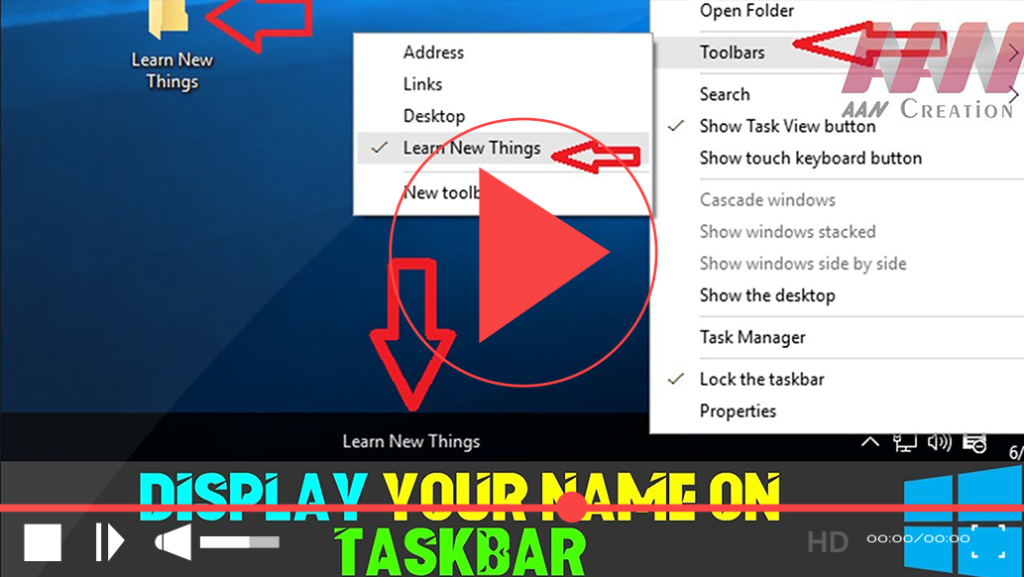
How to Display Your Name on the Taskbar in Windows 10

Customizing your Windows 10 experience can enhance productivity and provide quick access to your frequently used items. One way to personalize your taskbar is by displaying your name or a folder directly on it. This allows you to quickly access important files or simply add a personal touch to your desktop. Follow the steps below

How to Display Your Name on the Taskbar in Windows 10 Read More »

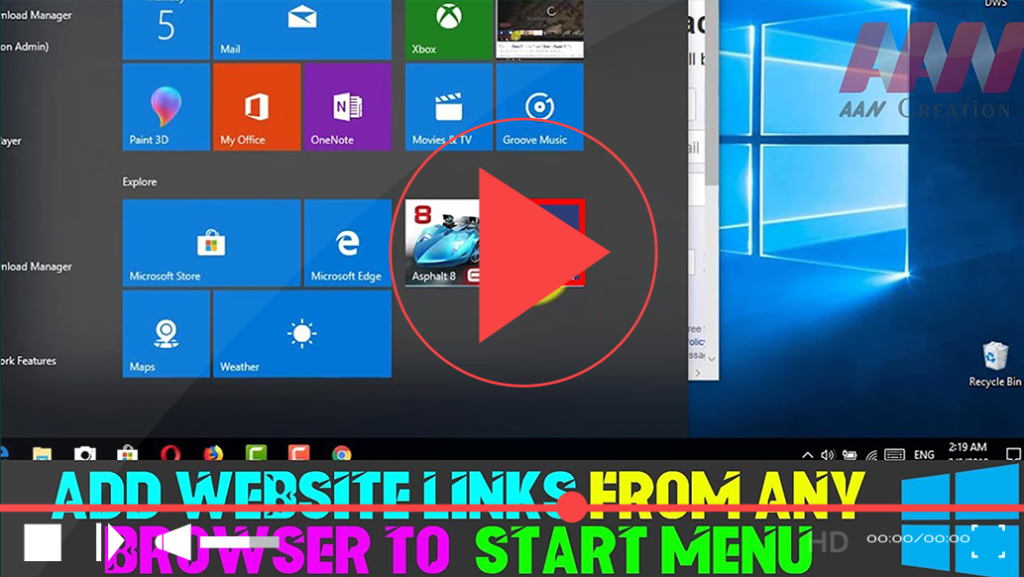
How to Add Website Links from Any Browser to Windows 10 Start Menu

Adding website shortcuts to your Windows 10 Start Menu allows you to access your favorite sites quickly and efficiently. Whether you’re using Microsoft Edge, Google Chrome, Mozilla Firefox, or another browser, this process is straightforward. Below are the detailed steps to pin websites to your Start Menu for easy access. Method 1: Pinning Directly from

How to Add Website Links from Any Browser to Windows 10 Start Menu Read More »

How to Use Snipping Tool to Capture Screenshots in Windows 10

The Snipping Tool is a built-in screenshot utility in Microsoft Windows that allows users to capture images of their screen easily. Although it has been largely replaced by Snip & Sketch in newer updates, the Snipping Tool remains accessible and useful, particularly for its unique features, such as the “Delay” function. This feature enables users

How to Use Snipping Tool to Capture Screenshots in Windows 10 Read More »

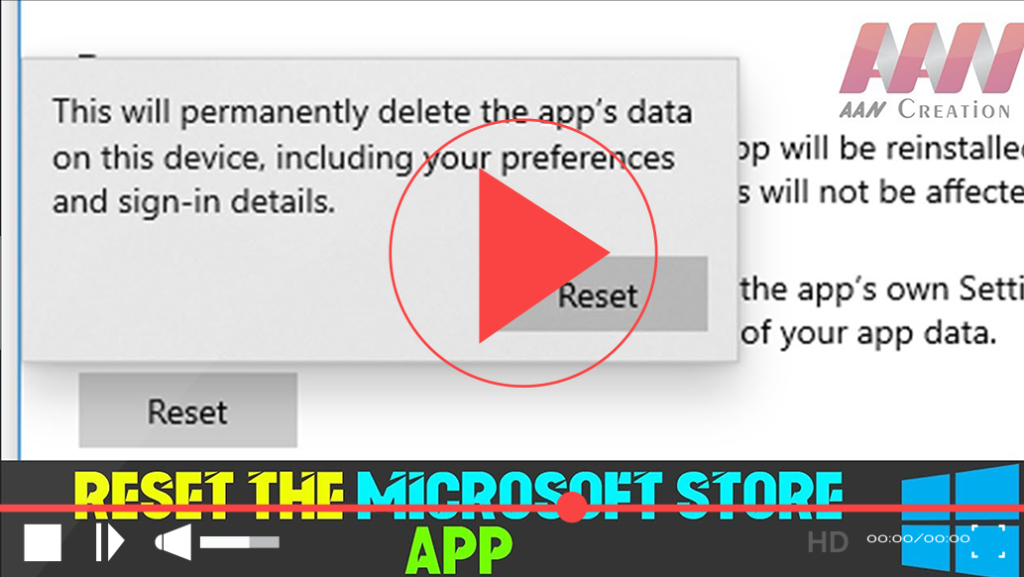
How to Fix Apps & Software Not Working Properly Issues (App Reset) in Windows 10

If you’re experiencing issues with apps not functioning correctly in Windows 10, especially with the Microsoft Store app, resetting it can often resolve these problems. The Microsoft Store is essential for installing and updating Universal apps, but sometimes it may crash or fail to install new applications. Fortunately, Windows 10 provides a straightforward way to

How to Fix Apps & Software Not Working Properly Issues (App Reset) in Windows 10 Read More »

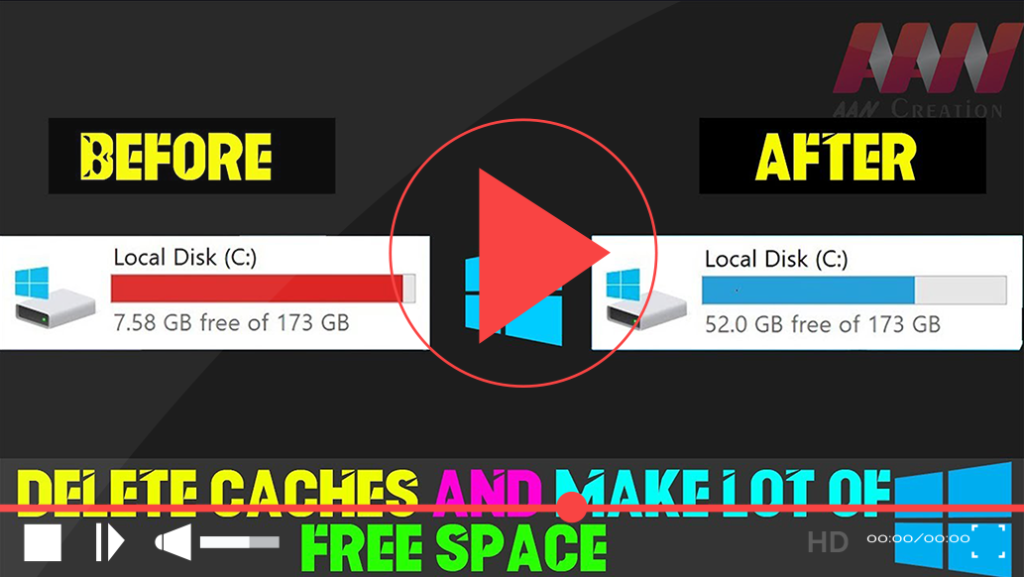
Delete Caches and Make a Lot of Free Space in Windows 10

Clearing cache files can free up a significant amount of space on your Windows 10 system, helping it run more efficiently. Cache files include temporary files, browser caches, download packages, and more. By regularly deleting these files, you can optimize your computer’s performance and recover valuable disk space. Here’s how to do it step-by-step. Steps

Delete Caches and Make a Lot of Free Space in Windows 10 Read More »

How to Check Graphics Card, Sound, and System Information in Windows 10

To effectively troubleshoot multimedia applications, 3D games, and HD videos in Windows 10, understanding your system’s hardware configuration is essential. The DirectX Diagnostic Tool (DxDiag) is a valuable utility that helps you diagnose and manage multimedia and gaming functionality on your PC. What is the DirectX Diagnostic Tool? DirectX is a collection of application programming

How to Check Graphics Card, Sound, and System Information in Windows 10 Read More »

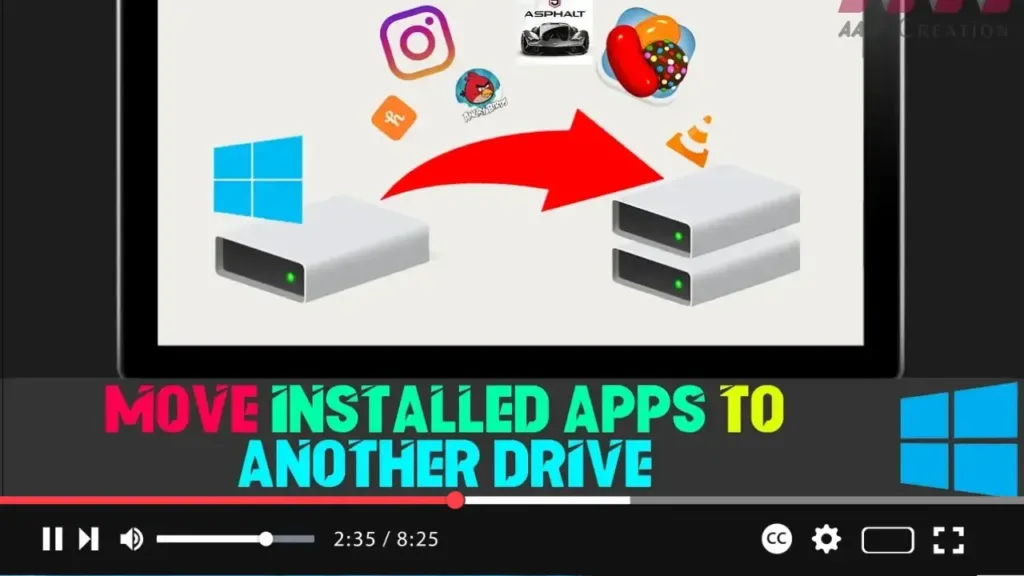
How to Move Installed Apps to a Different Location in Windows 10

When using a device with limited storage, applications and games downloaded from the Microsoft Store can quickly fill up the system drive. The problem lies not in the number of apps, but in their size—some games and applications consume significant amounts of space. Thankfully, Windows 10 provides an option to move already installed apps and

How to Move Installed Apps to a Different Location in Windows 10 Read More »