Windows 10

How to Find Out Graphics Card Details Using DirectX Diagnostic Tool in Windows 10

Your graphics card is crucial for rendering everything you see on your Windows 10 PC, whether you’re navigating the system, running applications, or playing games. The performance of your graphics card can significantly impact how well applications and games run, especially if they are graphics-intensive. Most devices come with a graphics card from one of […]

How to Find Out Graphics Card Details Using DirectX Diagnostic Tool in Windows 10 Read More »
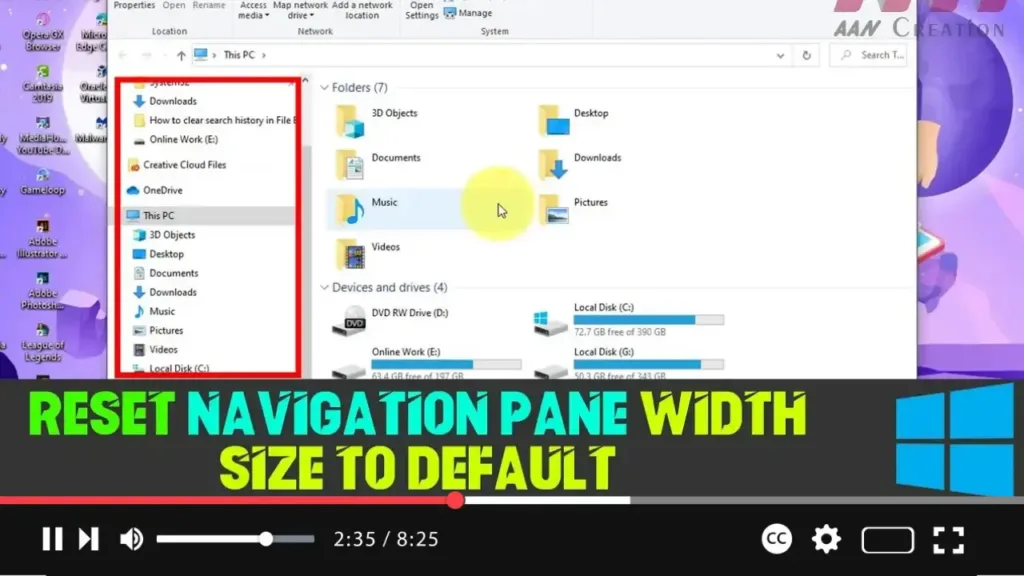
How to Reset Navigation Pane Width Size to Default in Windows 10

The navigation pane in File Explorer is a vital feature in Windows 10, offering quick access to essential folders like “This PC,” “Network,” “Libraries,” and more. Over time, you may resize the navigation pane to suit your needs, but sometimes you might want to revert it to its default width. Unfortunately, Windows 10 doesn’t provide

How to Reset Navigation Pane Width Size to Default in Windows 10 Read More »

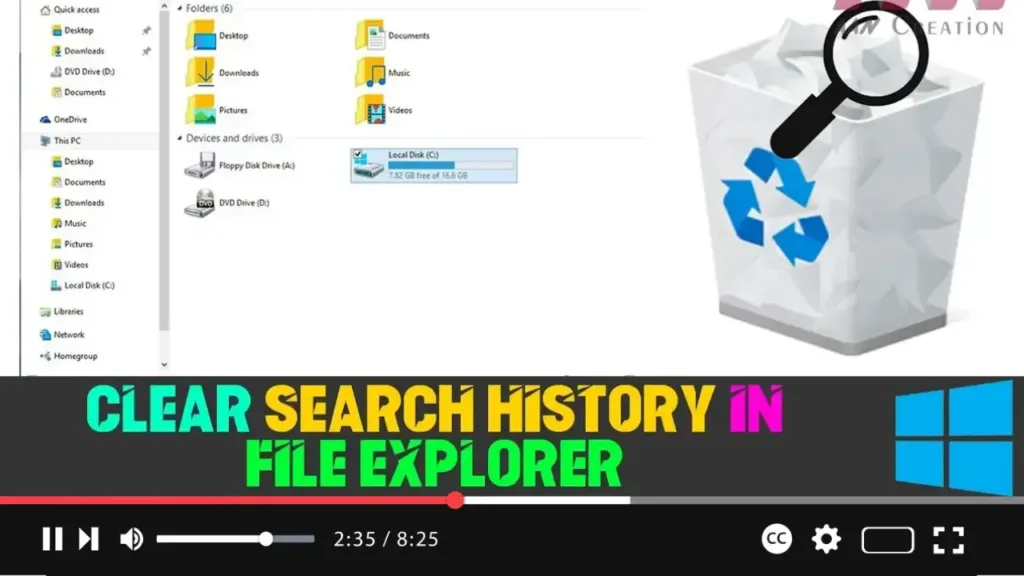
How to Clear Search History in File Explorer on Windows 10

  Windows 10’s File Explorer retains a history of your recent search queries. This feature can be helpful for quickly repeating searches, but it can also present privacy concerns, especially if you share your device with others. Whether you want to clear a single entry or delete your entire search history, Windows offers several ways

How to Clear Search History in File Explorer on Windows 10 Read More »

How to Add a “Slide to Shut Down” Option on Windows 10: A Fun and Easy Way to Power Off

Shutting down your computer may seem like a no-brainer, but did you know there’s a more interactive way to do it on Windows 10? Yes, we all know the classic methods of clicking Start, then Power, and selecting Shut down, but that’s pretty old-school! Microsoft introduced a fun way to power off your PC called

How to Add a “Slide to Shut Down” Option on Windows 10: A Fun and Easy Way to Power Off Read More »

How to Stop Windows 10 from Automatically Connecting to a Wi-Fi Network

When you connect to a Wi-Fi network, Windows 10 automatically remembers the network and its password, attempting to reconnect whenever you are in range. While convenient, this feature may not always be desirable, especially for networks you no longer wish to connect to automatically. Instead of forgetting the network altogether, you can configure Windows to

How to Stop Windows 10 from Automatically Connecting to a Wi-Fi Network Read More »

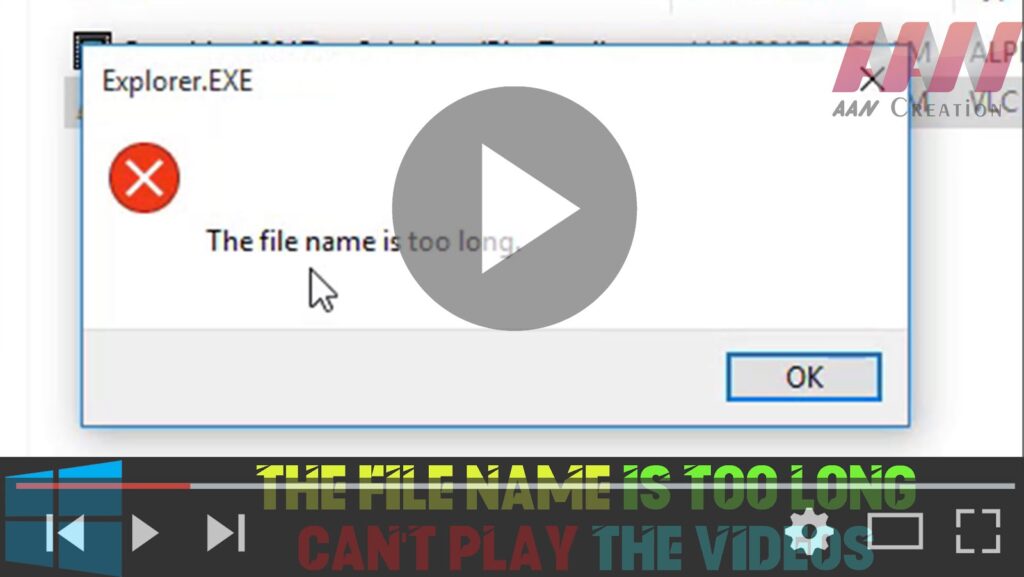
How to The File Name is too Long – Can’t Play the Videos on Windows 10

If you’re encountering issues playing videos on Windows 10 due to long file names, it’s likely that the file path exceeds the maximum limit. Here’s how to resolve the problem by renaming the video file: Step 01: Right-Click the Video Locate the video file that you’re unable to play. Right-click on the video file to

How to The File Name is too Long – Can’t Play the Videos on Windows 10 Read More »

How to Lock Your PC Automatically After Inactivity on Windows 10

If you need to step away from your computer for a while, it’s essential to ensure that your device locks automatically after a specific duration of inactivity. This serves as a security measure to prevent unauthorized access to your work. While Windows 10 doesn’t offer a direct setting to lock your PC automatically, you can

How to Lock Your PC Automatically After Inactivity on Windows 10 Read More »