Windows 11

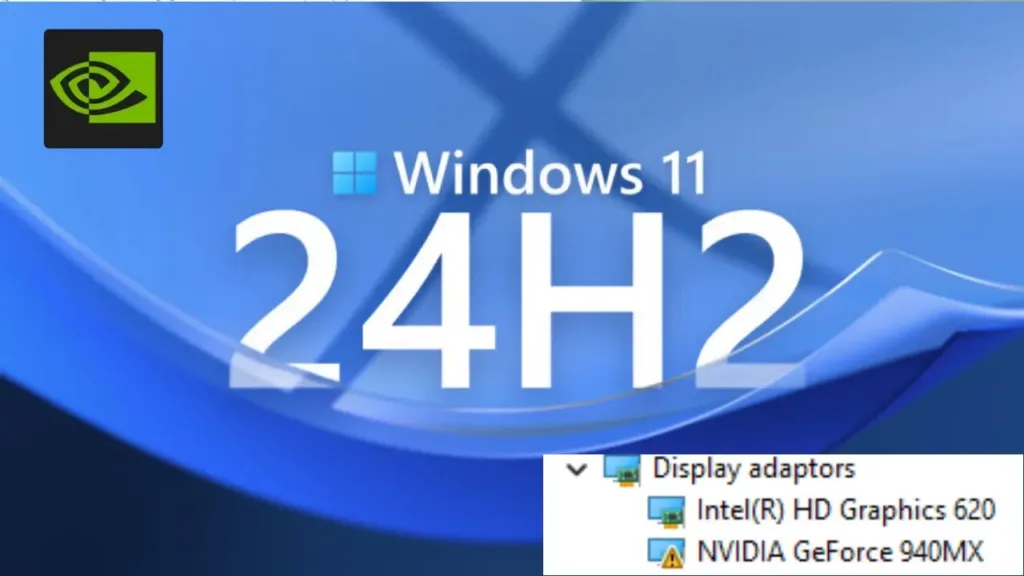
🚨 Windows 11 Users: Avoid 24H2 Update! ⚠️ Driver Crashes NVIDIA Graphics Cards

Windows 11’s latest update, 24H2, might seem tempting with its new features and performance improvements. However, many users are finding out the hard way that this update comes with significant issues. If you rely on your system for daily tasks, gaming, or work, it’s best to avoid updating for now due to the widespread driver […]

🚨 Windows 11 Users: Avoid 24H2 Update! ⚠️ Driver Crashes NVIDIA Graphics Cards Read More »
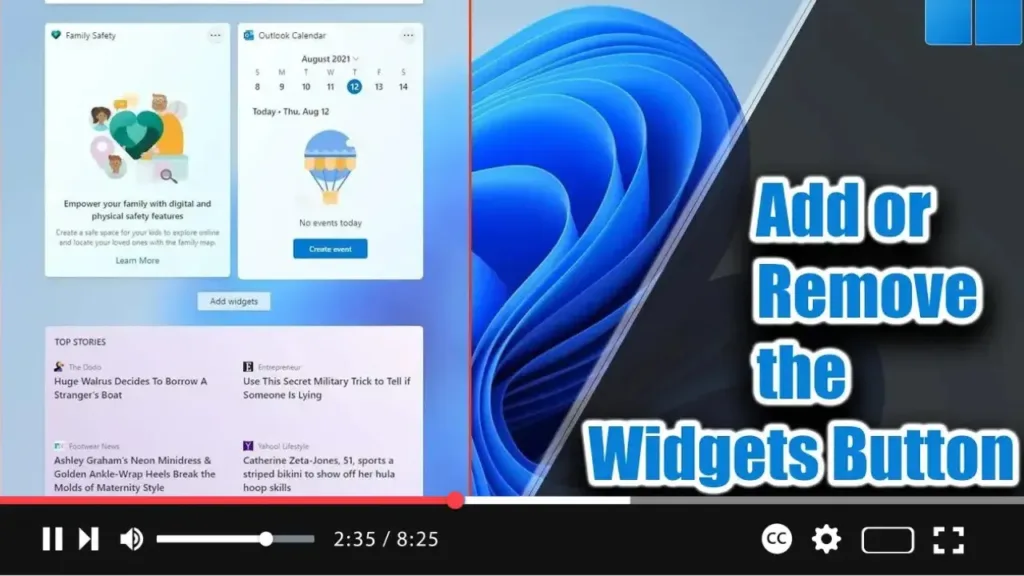
How to Add or Remove the Widgets Button from the Taskbar on Windows 11

. Windows 11 introduces Widgets, a feature similar to News and Interests in Windows 10. It appears from the left side of the screen, displaying time and cards with information about weather, news, sports, and more. If you find the Widgets button unnecessary, you can remove it from the taskbar. Alternatively, if the button is missing,

How to Add or Remove the Widgets Button from the Taskbar on Windows 11 Read More »

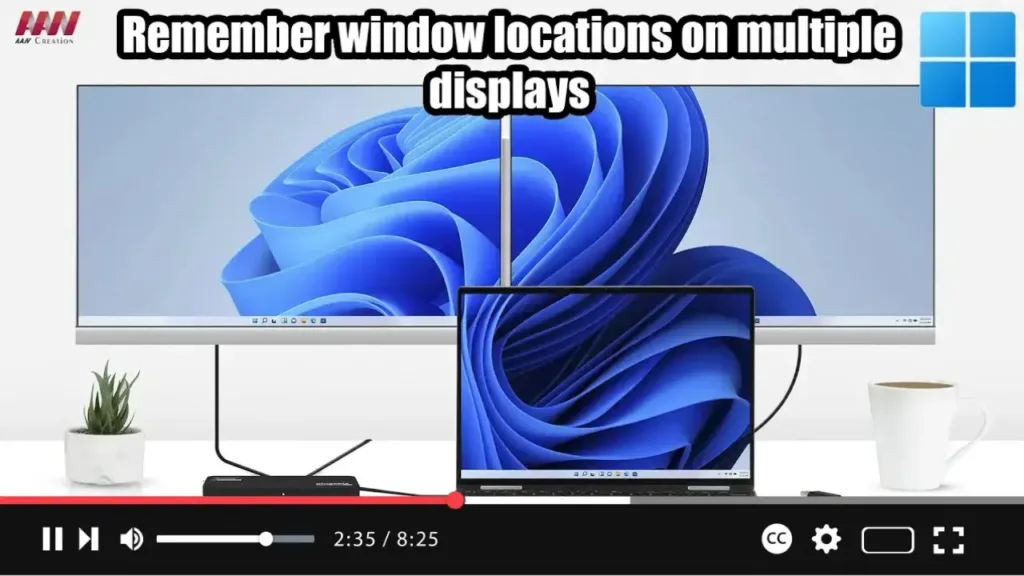
How to Enable or Disable Remember Window Locations on Windows 11

  Windows 11 offers convenient settings to enhance your experience when working with multiple displays. By enabling options to remember window locations based on monitor connections and minimize windows when a monitor is disconnected, you can streamline your workflow and maintain organization across displays. Here’s how to configure these settings: Steps to Allow Windows 11

How to Enable or Disable Remember Window Locations on Windows 11 Read More »

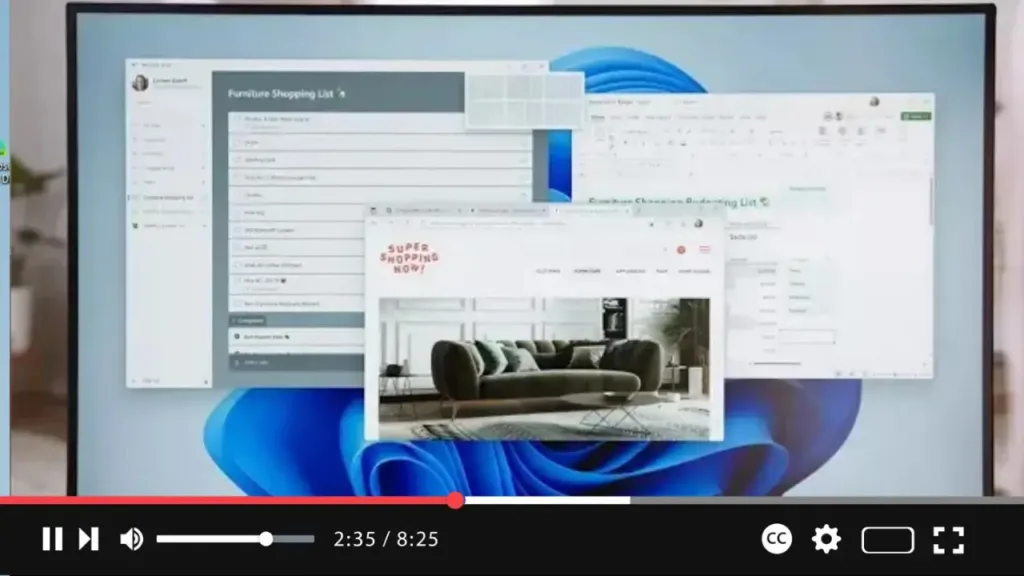
How to Enable or Disable Snap Layouts in Maximize Button on Windows 11

  Windows 11 introduces Snap Layouts, a feature that enhances multitasking by allowing you to easily organize open windows on your screen. When you hover over the maximize button, a grid of possible layouts appears, letting you snap your windows into different configurations. If you find this feature useful or distracting, you can enable or

How to Enable or Disable Snap Layouts in Maximize Button on Windows 11 Read More »

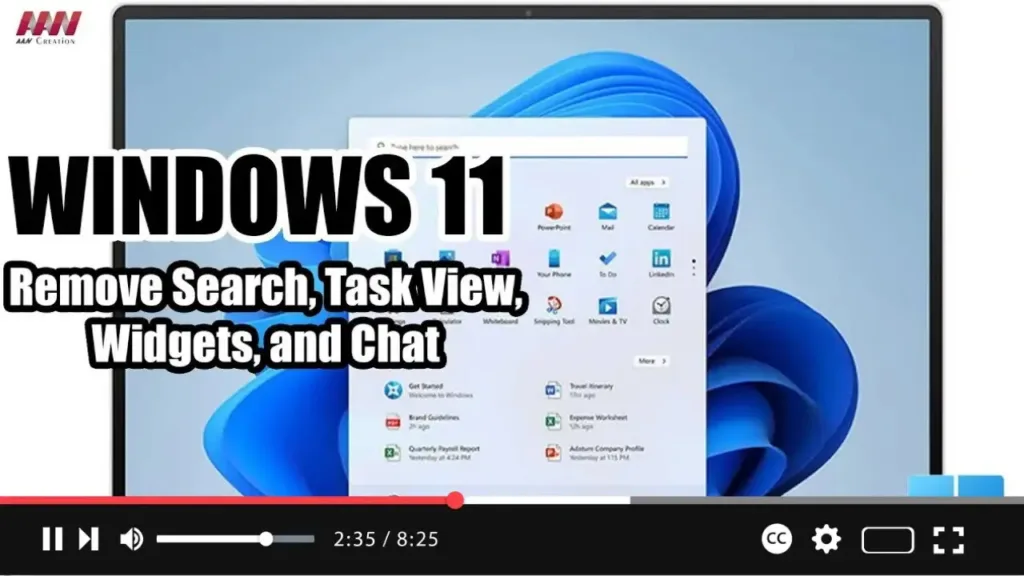
How to Remove Search, Task View, Widgets, and Chat from the taskbar on Windows 11

 On Windows 11, you will find a new taskbar that includes a center alignment with a bunch of new buttons for faster access to Search, Task View, Widgets, and Chat. However, since you can access all of these features with shortcuts (Windows key + S, Tab, W, and C), the buttons are just wasting space

How to Remove Search, Task View, Widgets, and Chat from the taskbar on Windows 11 Read More »