Windows 11

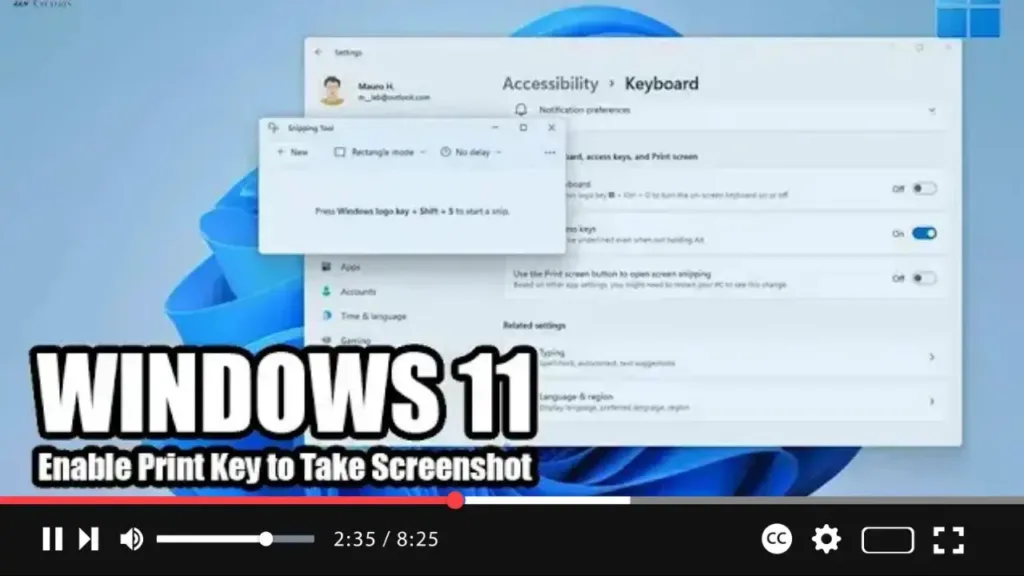
How to Enable Print Key to Take Screenshot with Snipping Tool on Windows 11

 Windows 11 introduces a revamped Snipping Tool app that combines the features of the classic Snipping Tool with Snip & Sketch to capture screenshots. While the default method for accessing the snipping menu is via the Windows key + Shift + S keyboard shortcut, you can customize this behavior to use the traditional Print key

How to Enable Print Key to Take Screenshot with Snipping Tool on Windows 11 Read More »

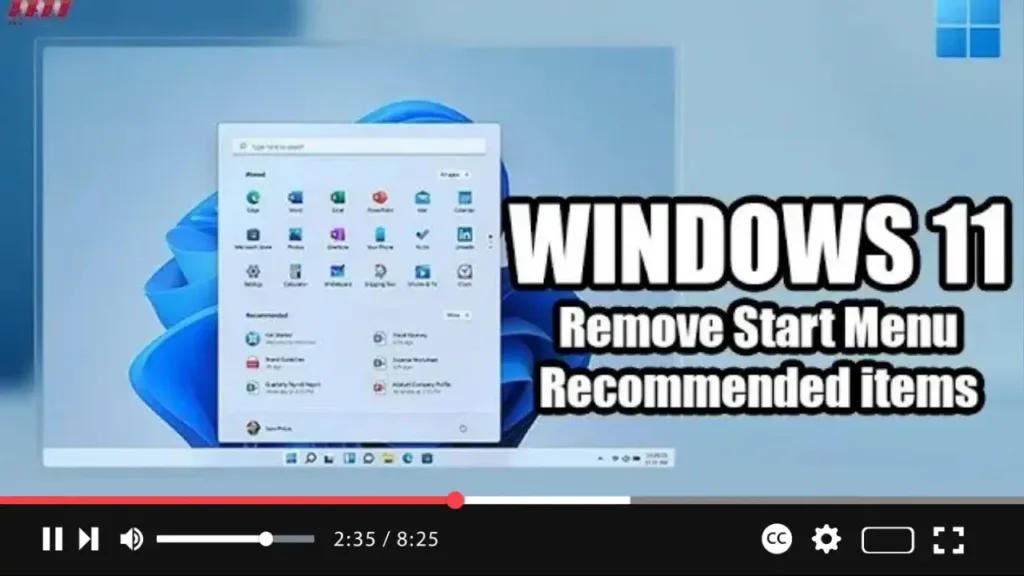
How to Remove Start Menu Recommended items on Windows 11

 Windows 11 introduces a redesigned Start menu that sits at the center of the screen, featuring a sleek, minimalistic design with familiar icons. One prominent feature of the Windows 11 Start menu is the “Recommended” section, which suggests apps and files similar to the Timeline feature in previous versions. If you find the Recommended section

How to Remove Start Menu Recommended items on Windows 11 Read More »

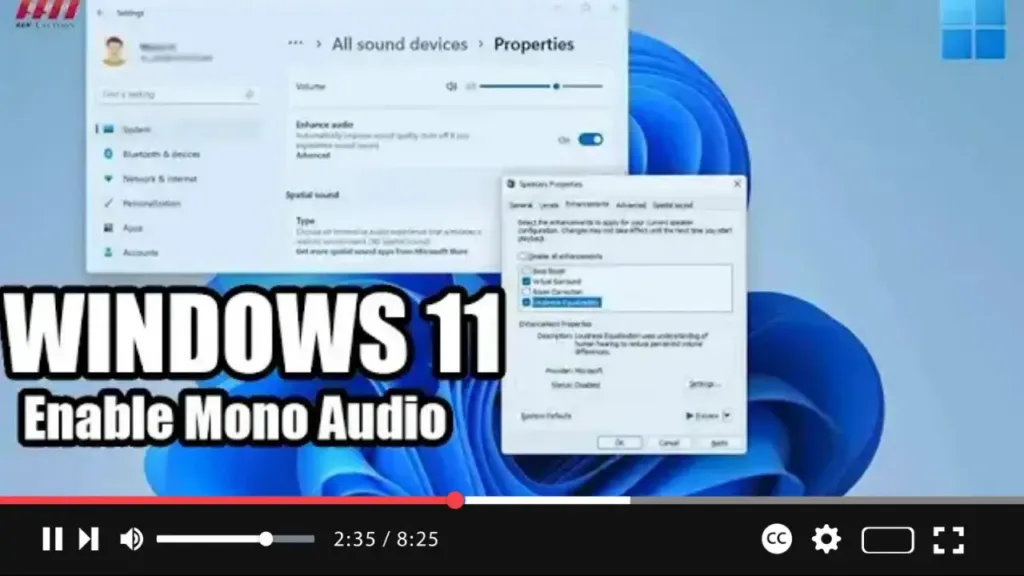
How to Enable Mono Audio on Windows 11

 If you’re experiencing difficulty hearing sounds from your Windows 11 computer, you can enable mono audio to enhance your listening experience. Mono audio converts stereo sound into a single channel, making it easier for individuals with hearing impairments to perceive audio content. While this feature was available on Windows 10, it’s now accessible through the

How to Enable Mono Audio on Windows 11 Read More »

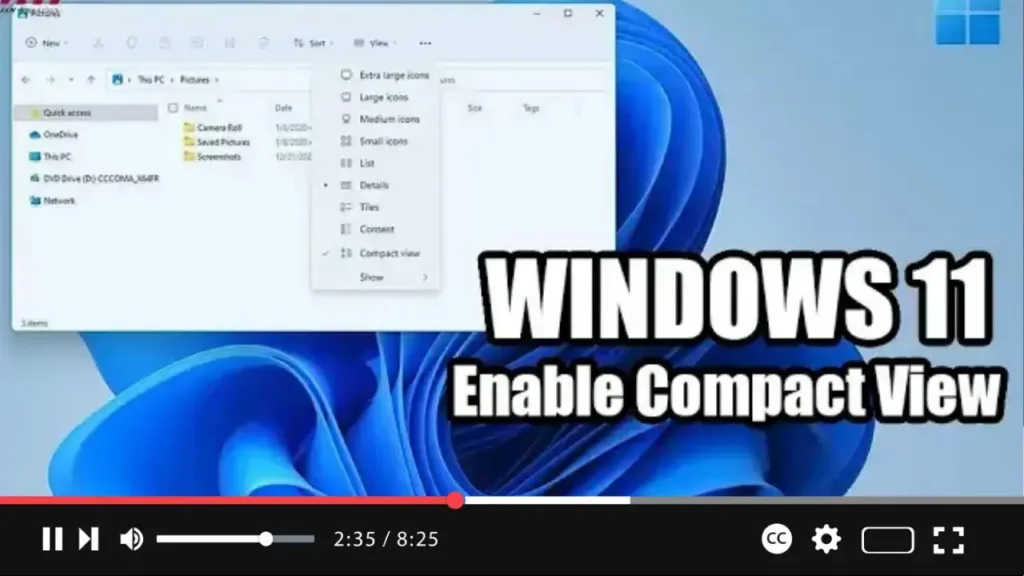
How to Enable File Explorer Compact View on Windows 11

  Exciting changes are coming to File Explorer in Windows 11, with a revamped default layout aimed at enhancing usability, particularly on touch-enabled devices. However, if you prefer the classic layout, fear not! Windows 11 offers the flexibility to revert to the traditional compact view. In this video tutorial, we’ll guide you through the steps

How to Enable File Explorer Compact View on Windows 11 Read More »