Windows 11

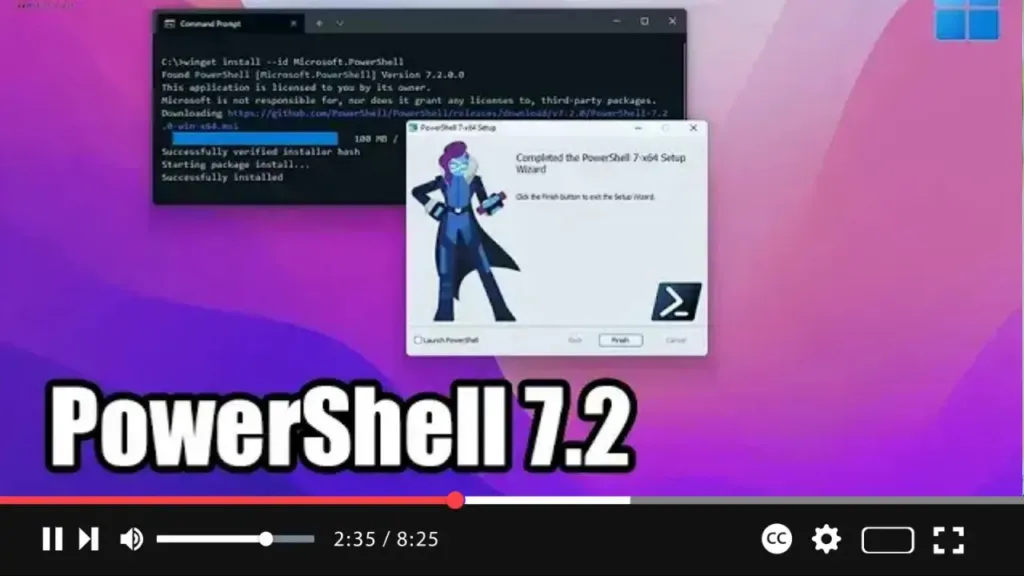
How to install PowerShell 7.2 on Windows 11 Using Microsoft Store

 Looking to install PowerShell 7.2 on your Windows 11 system? You can do so conveniently through the Microsoft Store. Here’s a step-by-step guide to help you get it done: Step 01: Open Microsoft Store: Start by accessing the Microsoft Store. You can do this by visiting the Microsoft Store website. Step 02: Find PowerShell 7.2:

How to install PowerShell 7.2 on Windows 11 Using Microsoft Store Read More »

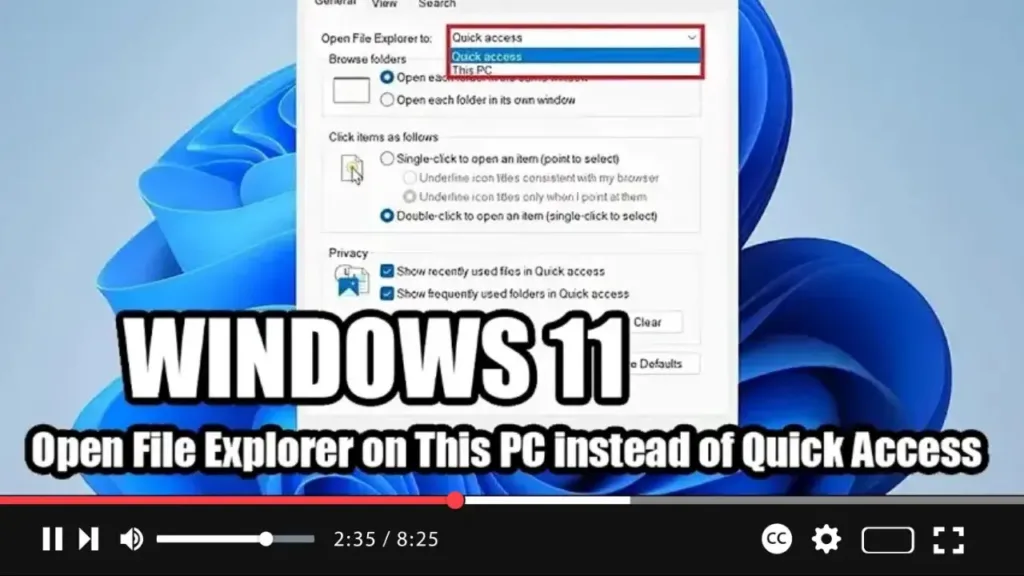
How to Open File Explorer on This PC instead of Quick Access on Windows 11

  If you prefer to have File Explorer open to the “This PC” page by default rather than the “Quick Access” page on your Windows 11 system, you can easily adjust the Folder Options settings. Here’s a simple guide to help you make the change: Step 01: Open File Explorer: Start by launching File Explorer

How to Open File Explorer on This PC instead of Quick Access on Windows 11 Read More »

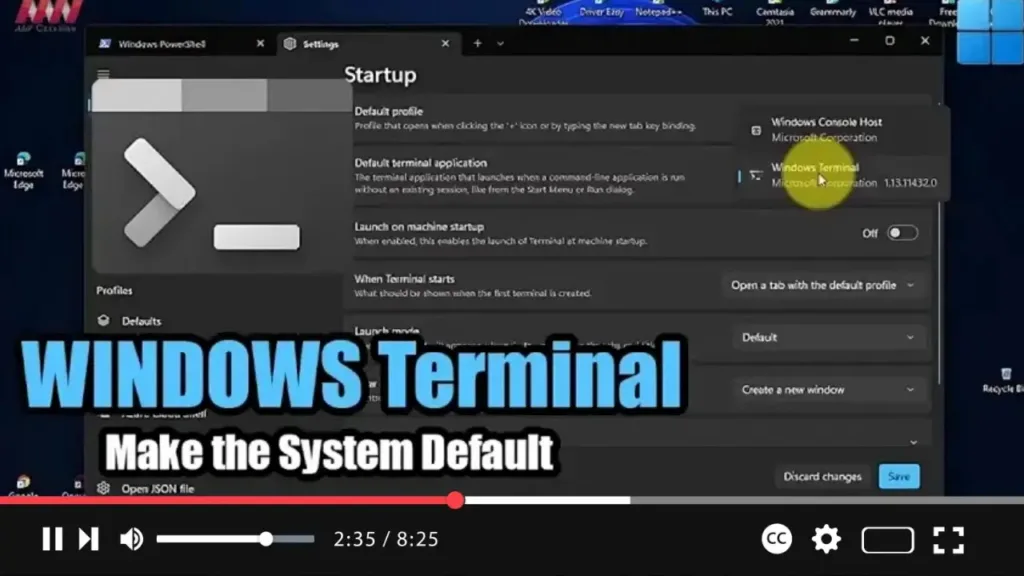
How to Make Window Terminal the System Default on Windows 11

If you prefer using the modern Windows Terminal app over the legacy Windows Console Host for running Command Prompt, PowerShell, and Linux commands on your Windows 11 system, you can easily set it as the default experience. Here’s a quick guide to help you make the switch: Step 01: Open Windows Terminal: Start by launching

How to Make Window Terminal the System Default on Windows 11 Read More »

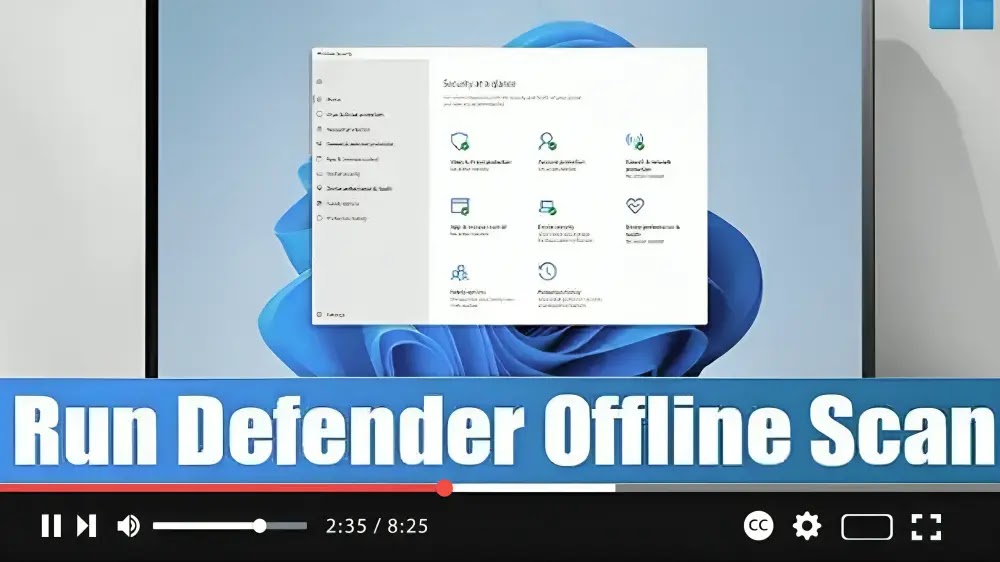
How to do offline virus scan with Microsoft Defender on Windows 11

 Encountering persistent malware on your Windows 11 system can be frustrating, but fear not! Microsoft Defender offers an offline scan feature to help you detect and remove stubborn threats effectively. Here’s a simple guide to using Microsoft Defender Offline scan: Step 01: Open Windows Security: Start by opening the Windows Security app on your Windows

How to do offline virus scan with Microsoft Defender on Windows 11 Read More »