Windows 11

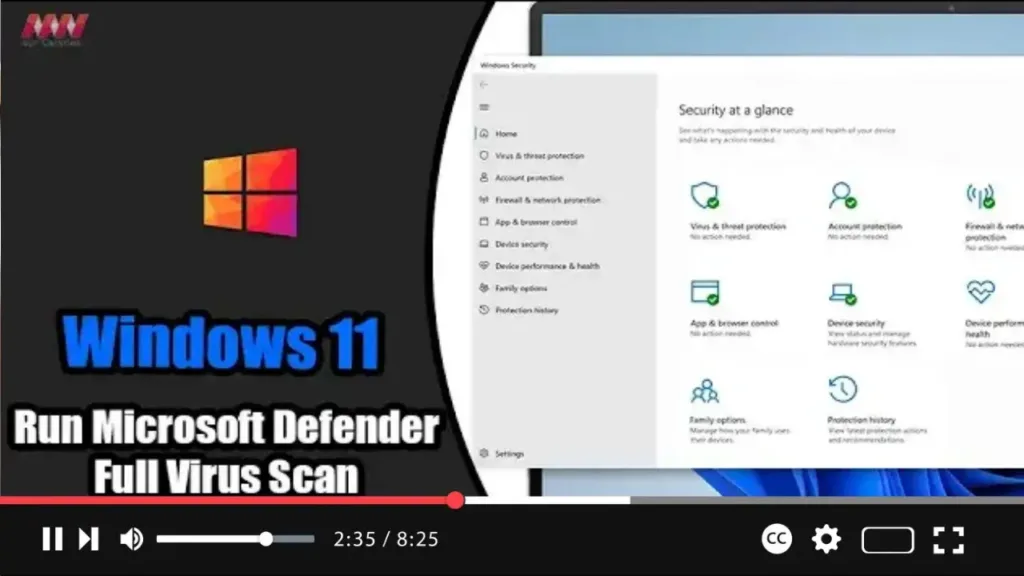
How to Run Microsoft Defender Full Virus Scan on Windows 11

  On Windows 11, Microsoft Defender Antivirus stands guard in the background, diligently scanning for various forms of malware, including viruses, ransomware, spyware, rootkits, and more. This built-in security feature provides proactive protection against cyber threats, ensuring the safety and integrity of your device. However, there are times when performing a manual virus scan becomes

How to Run Microsoft Defender Full Virus Scan on Windows 11 Read More »

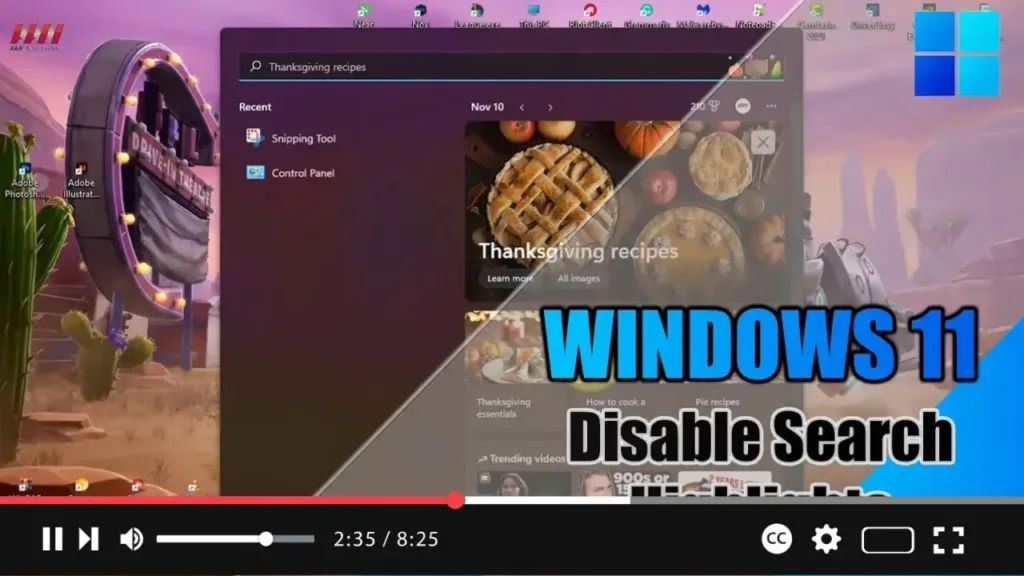
How to Disable Search Highlights on Windows 11

 Exciting news for Windows 11 users! The latest update introduces the “Search highlights” feature within the Windows Search experience, providing periodic updates to help you stay connected, discover more, and boost productivity. Here’s a breakdown of what you can expect from this feature: On the Right Side: You’ll find the “Search highlights” feature, showcasing notable

How to Disable Search Highlights on Windows 11 Read More »

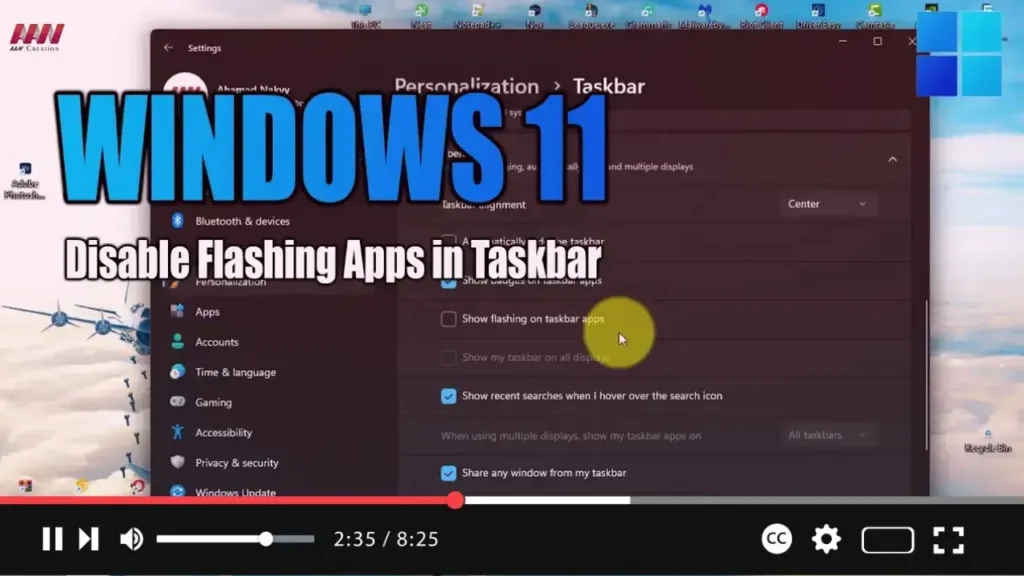
How to Disable Flashing Apps in Taskbar on Windows 11

 In Windows 11, notifications come in two types: those from apps and services, and system notifications. While they’re handy for keeping you informed about new messages or important events, they can sometimes become overwhelming and distract you from your tasks, especially when apps demand your attention with flashing icons in the Taskbar. Previously, disabling this

How to Disable Flashing Apps in Taskbar on Windows 11 Read More »

How to Enable Remote Desktop on Windows 11

 Exciting news for Windows 11 users! You can now enable Remote Desktop, allowing you to access your computer from anywhere using the Remote Desktop Protocol. Whether you need to offer assistance or control another device remotely, this feature enables seamless connectivity without requiring physical presence. Here’s a step-by-step guide to enable Remote Desktop on Windows

How to Enable Remote Desktop on Windows 11 Read More »