Windows 11

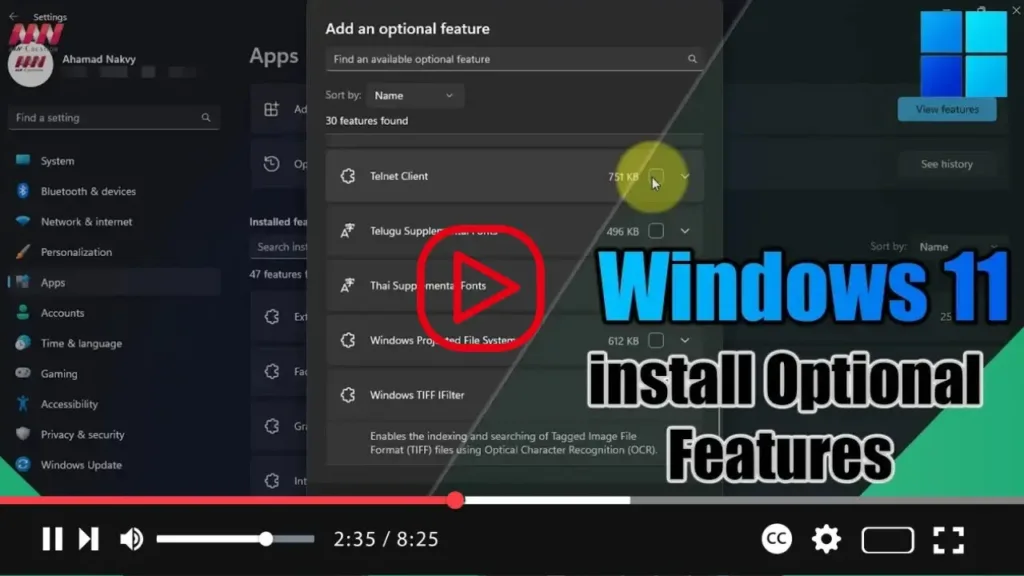
How to install Optional Features on Windows 11

 On Windows 11, Optional Features offer additional functionalities that are not essential for system operation but can enhance your overall user experience. While the operating system comes pre-installed with certain optional features like Internet Explorer mode and Notepad, users have the flexibility to install or remove additional components based on their preferences and requirements. In

How to install Optional Features on Windows 11 Read More »

File Explorer gets new details pane on Windows 11

  Microsoft is gearing up to introduce several enhancements to File Explorer in Windows 11, aiming to streamline user experience and enhance productivity. Among these improvements are a redesigned details pane and the ability to drag tabs out to create separate instances. These visual enhancements are set to debut with the release of build 23451,

File Explorer gets new details pane on Windows 11 Read More »

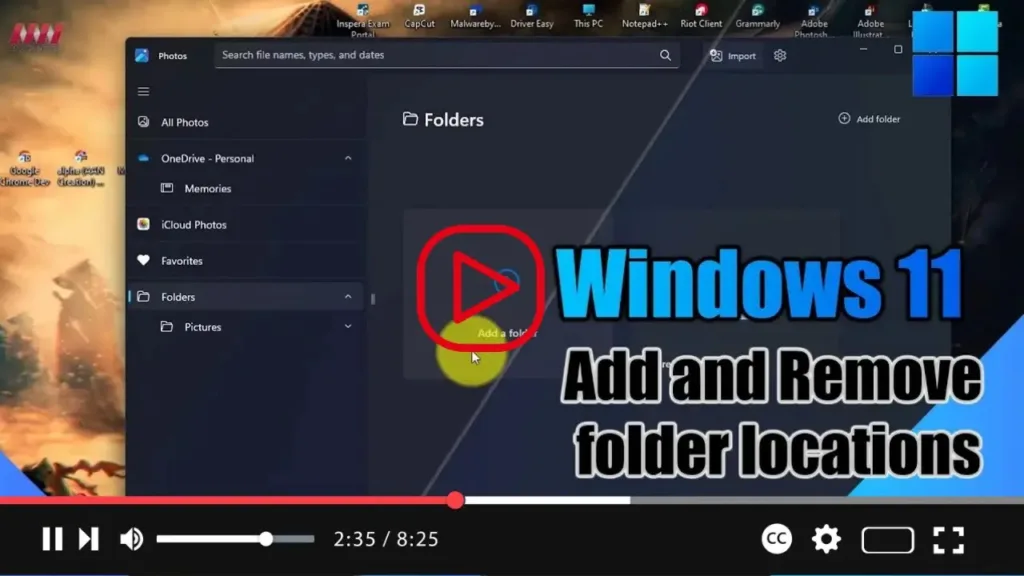
How to add and remove folder locations on Photos for Windows 11

 Windows 11 provides the Photos app as the default tool for viewing and managing your images and videos, whether they’re stored locally on your device or in the cloud via services like OneDrive or iCloud Photos. To customize the folders displayed in the Photos app and streamline your media management experience, follow these simple steps:

How to add and remove folder locations on Photos for Windows 11 Read More »

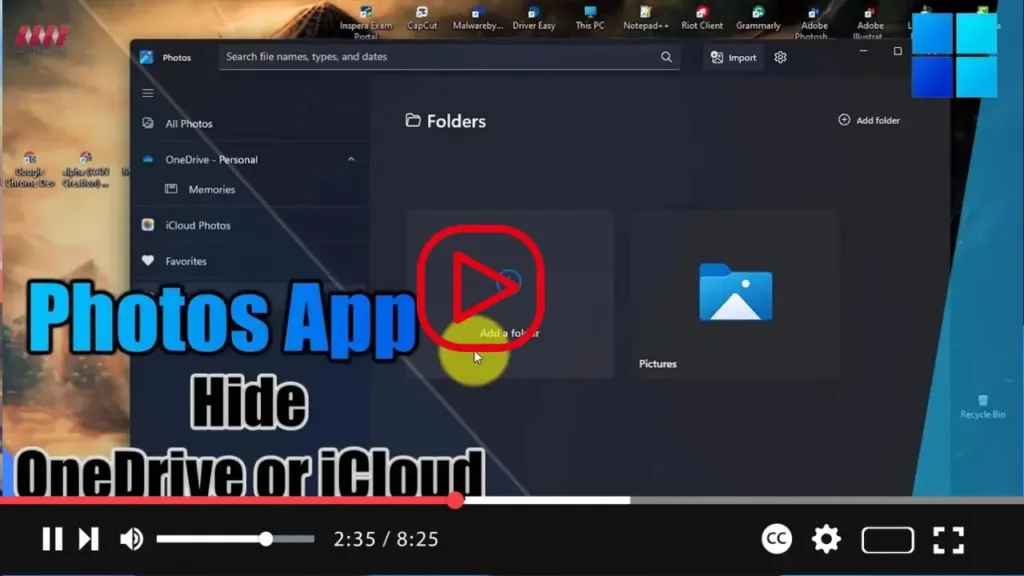
How to Remove OneDrive and iCloud Photos Integration in Windows 11 Photos App

 Windows 11 offers seamless integration with cloud storage services like OneDrive and iCloud Photos to access and manage your multimedia files. However, if you prefer not to use these cloud services or wish to declutter your Photos app interface, you can easily hide the OneDrive and iCloud Photos integrations. Here’s how to do it: Open

How to Remove OneDrive and iCloud Photos Integration in Windows 11 Photos App Read More »

How to Disable notifications on Windows 11

  On Windows 11, managing notifications can help streamline your desktop experience by reducing interruptions from apps, websites, and system alerts. Whether you prefer to silence all notifications or selectively disable them for specific applications, Windows 11 offers flexible options to customize your notification settings. Here’s how to enable or disable notifications on Windows 11:

How to Disable notifications on Windows 11 Read More »

How to Enable or Disable Snap Features on Windows 11

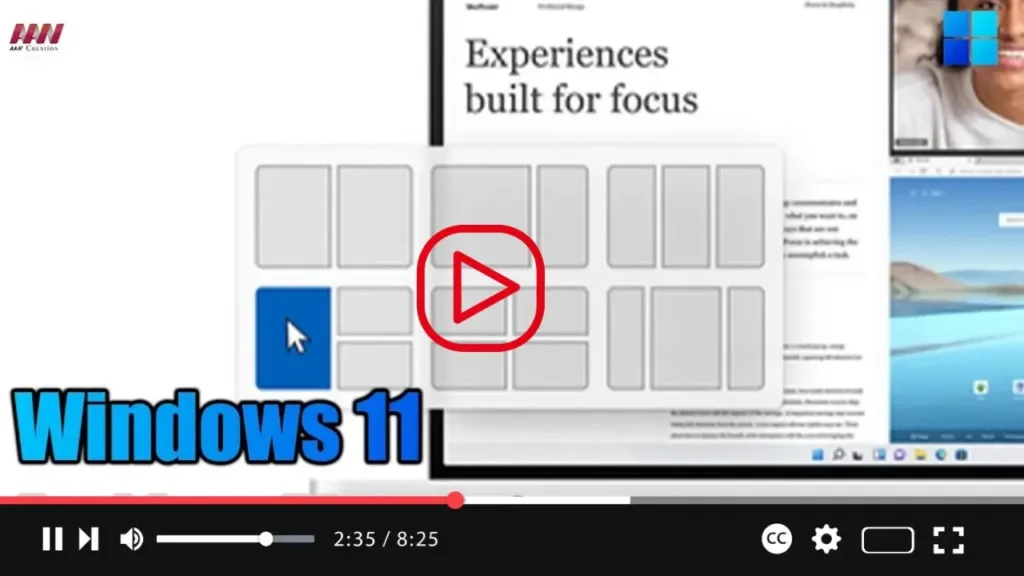
  Windows 11 comes with Snap Assist, a feature designed to enhance multitasking by efficiently organizing windows on the screen. Whether you’re working with two or more applications, Snap Assist offers various functions to easily snap windows to the sides or corners of the screen using your mouse, keyboard, or touch input. While Snap Assist

How to Enable or Disable Snap Features on Windows 11 Read More »