Windows 11

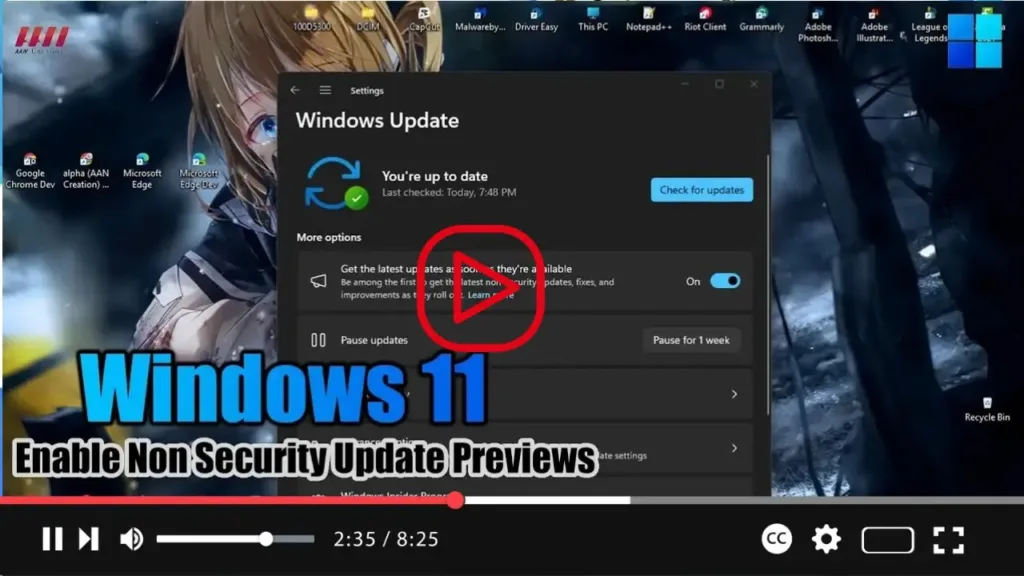
How to Enable Non Security Update Previews on Windows 11

 Hello everyone! On Windows 11, there’s an option to enable downloading and installation of non-security updates before the monthly Patch Tuesday. Microsoft releases quality updates, also known as “B releases,” on the Tuesday of every month. These updates include security fixes, new features, and improvements. This guide will show you how to receive update previews […]

How to Enable Non Security Update Previews on Windows 11 Read More »
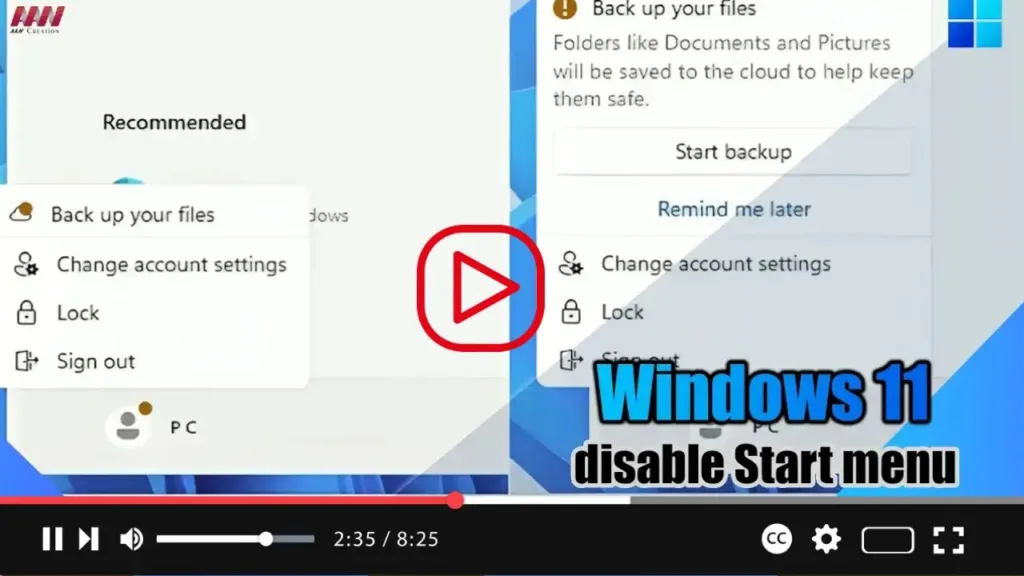
How to Disable Start menu account notifications on Windows 11 23H2

 Hey everyone! In Windows 11 23H2, there’s a feature in the Start menu that displays badge notifications. These notifications alert users about information and actions related to their Microsoft account. If you find these notifications bothersome or intrusive, you can easily disable them using the Settings app. To turn off badge notifications in the Start

How to Disable Start menu account notifications on Windows 11 23H2 Read More »

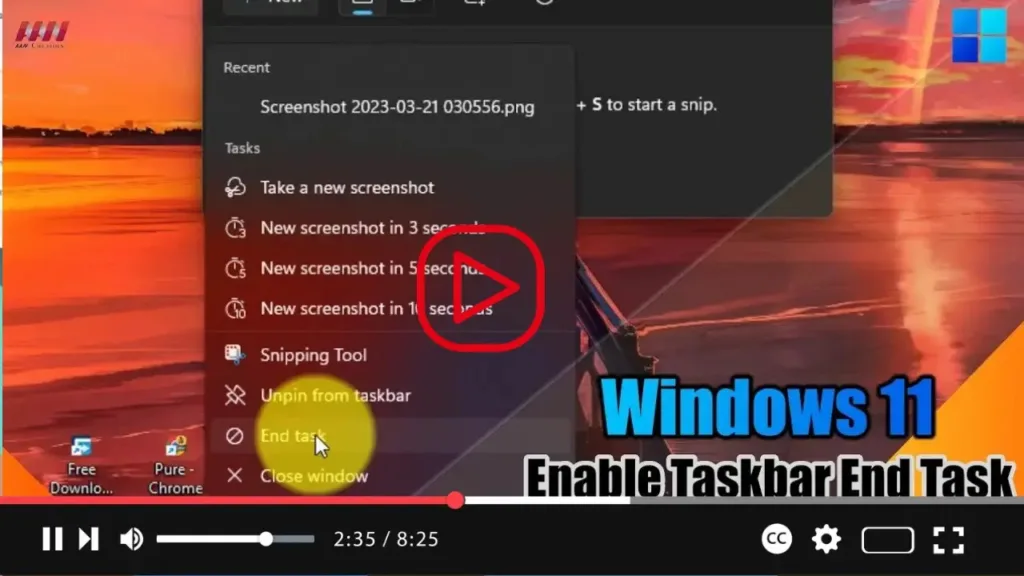
How to Enable Taskbar End Task option on Windows 11

  Greetings to all readers! Windows 11 has introduced a useful feature that allows users to easily close unresponsive applications. This feature, known as “End Task,” can be manually enabled to enhance the efficiency of managing unresponsive apps. Instead of navigating through the Task Manager, Windows 11 now offers a more convenient way to terminate

How to Enable Taskbar End Task option on Windows 11 Read More »

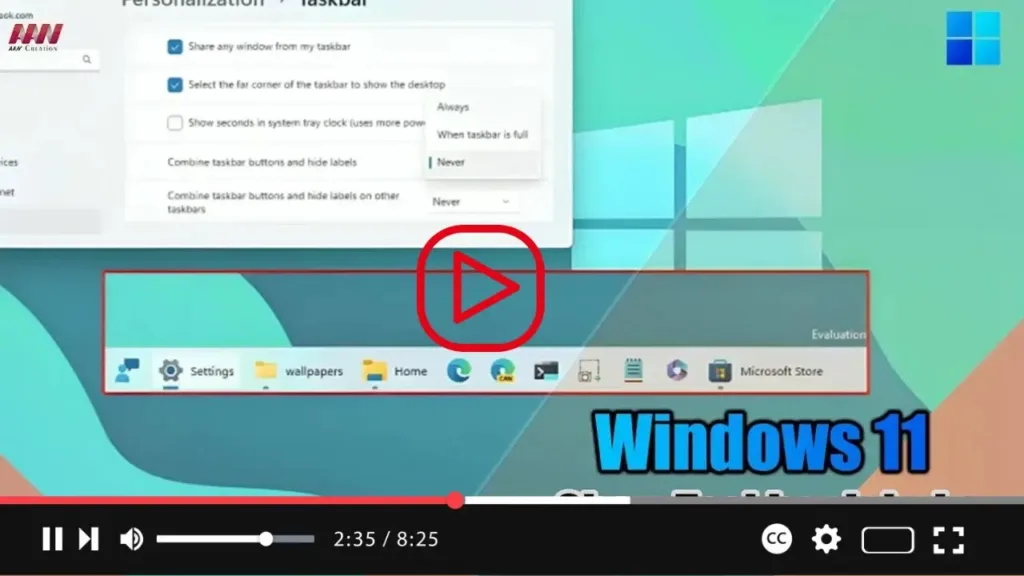
Enhance Your Windows 11 23H2 Taskbar: How to Display Labels for Apps

  Enabling Taskbar Labels and Ungrouping Apps on Windows 11 23H2 Windows 11 23H2 introduces a fresh option to showcase labels in the Taskbar, and we’re excited to guide you through the process. Microsoft has been diligently working on reinstating the “Combine taskbar buttons and hide labels” settings, offering users more control over their Taskbar

Enhance Your Windows 11 23H2 Taskbar: How to Display Labels for Apps Read More »

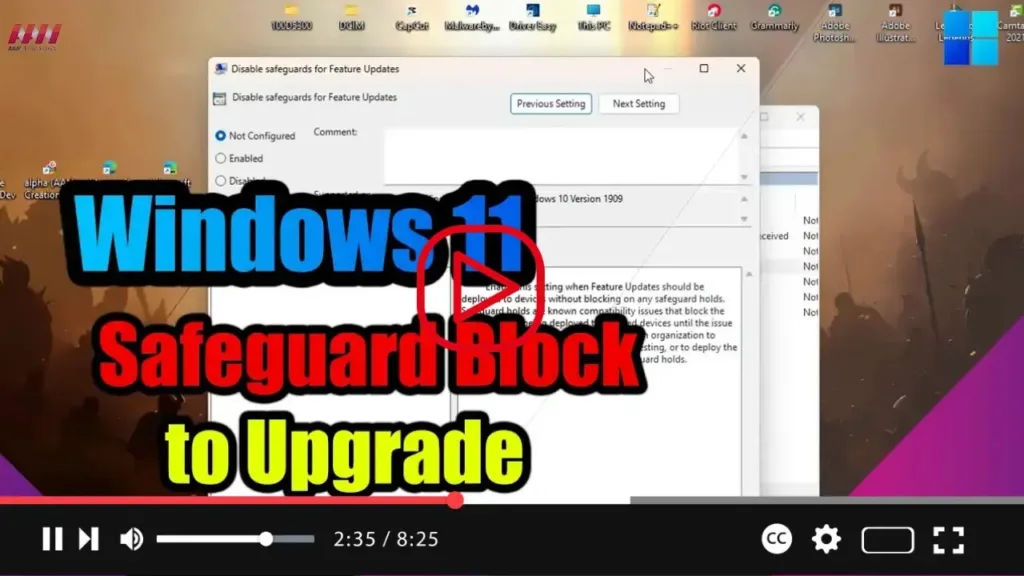
How to Disable Safeguard Block to Upgrade to Windows 11 23H2

  Disabling Safeguard Hold for Windows 11 23H2 (2023 Update) Hey everyone! If you’ve encountered a safeguard hold preventing you from upgrading to the Windows 11 23H2 (2023 Update) due to compatibility issues with your system, you have the option to bypass this block. Although not recommended, you can proceed with the upgrade process after

How to Disable Safeguard Block to Upgrade to Windows 11 23H2 Read More »

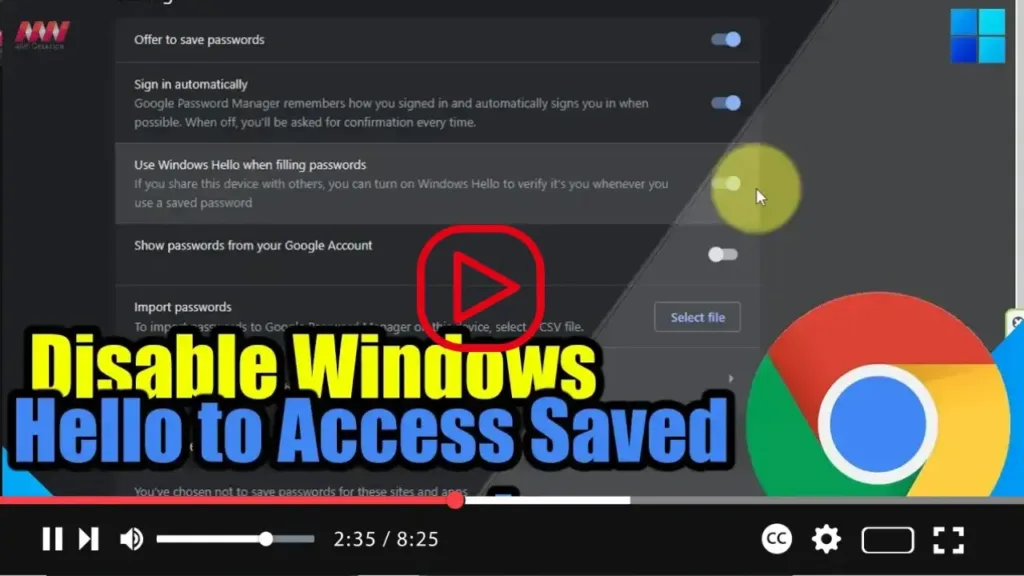
How to Disable Windows Hello to Access Saved passwords on Chrome

 Disabling Windows Hello Authentication for Password Autofill in Google Chrome Hello Chrome users! Are you finding the Windows Hello authentication prompts for password autofill in Google Chrome a bit intrusive? Don’t worry, you can easily disable this feature to streamline your browsing experience. Follow these simple steps to turn off Windows Hello protection for accessing

How to Disable Windows Hello to Access Saved passwords on Chrome Read More »

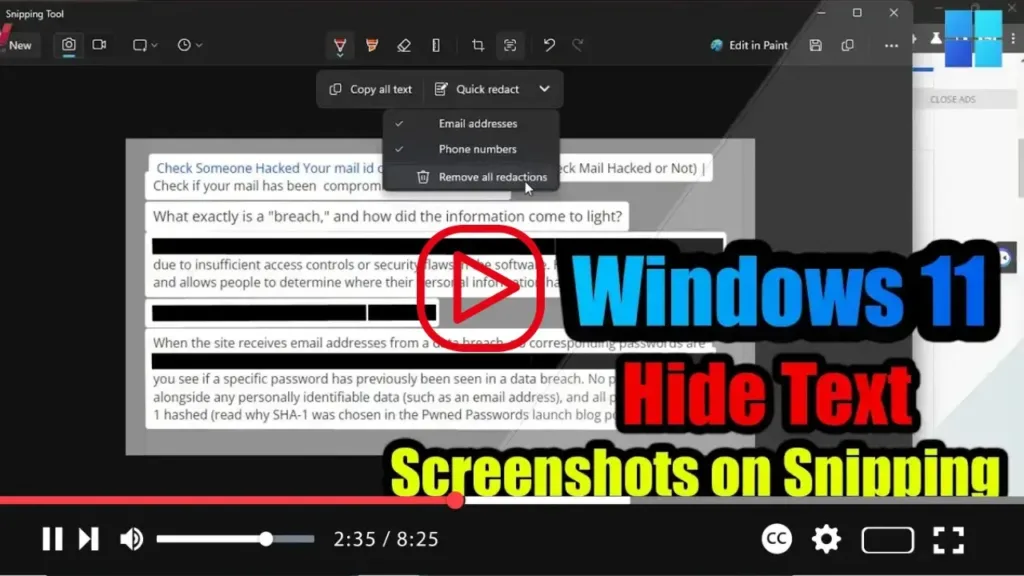
How to Hide Text from Screenshots on Snipping Tool for Windows 11

  Securing Your Screenshots: Redacting and Extracting Text with the Snipping Tool on Windows 11 Hello, Windows 11 users! Did you know that the Snipping Tool now offers advanced features to help you protect sensitive information when sharing screenshots? With the latest version, you can easily redact confidential data and extract text from your screenshots

How to Hide Text from Screenshots on Snipping Tool for Windows 11 Read More »

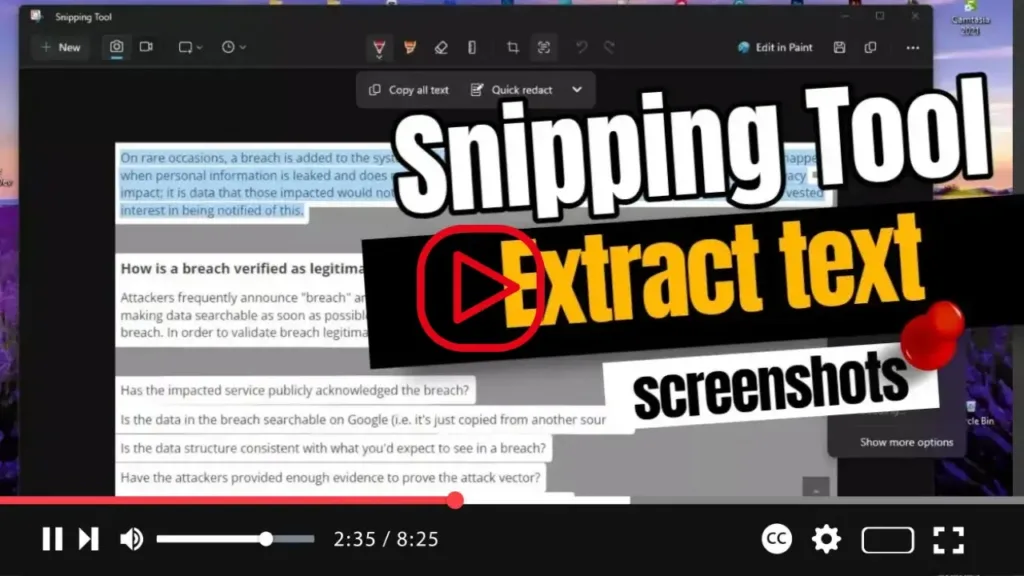
How to Extract text from screenshots with Snipping Tool

Unlocking Advanced Features in the Snipping Tool on Windows 11 Greetings, Windows 11 users! Did you know that the Snipping Tool just got even more powerful with the latest update? Now, not only can you capture screenshots with precision, but you can also leverage OCR (Optical Character Recognition) technology to extract text from your screenshots.

How to Extract text from screenshots with Snipping Tool Read More »