Windows 11

How to Enable New Customization Side Panel on Google Chrome

  Google Chrome’s Visual Overhaul: A Guide to Customization Get ready to elevate your browsing experience with the upcoming release of Google Chrome’s updated version for desktop users. Packed with a plethora of visual enhancements, this release promises to provide users with greater flexibility in customizing their browser’s appearance to match their preferences. In this […]

How to Enable New Customization Side Panel on Google Chrome Read More »
How to Set Live Desktop Wallpapers on Windows 11

 Unlock Dynamic Desktops with Lively Wallpaper on Windows 11 Ready to breathe life into your desktop experience on Windows 11? While official support for live wallpapers may be absent, fear not! You can still enjoy dynamic backgrounds akin to animated wallpapers found on Android devices, thanks to the “Lively Wallpaper” app available on the Microsoft

How to Set Live Desktop Wallpapers on Windows 11 Read More »

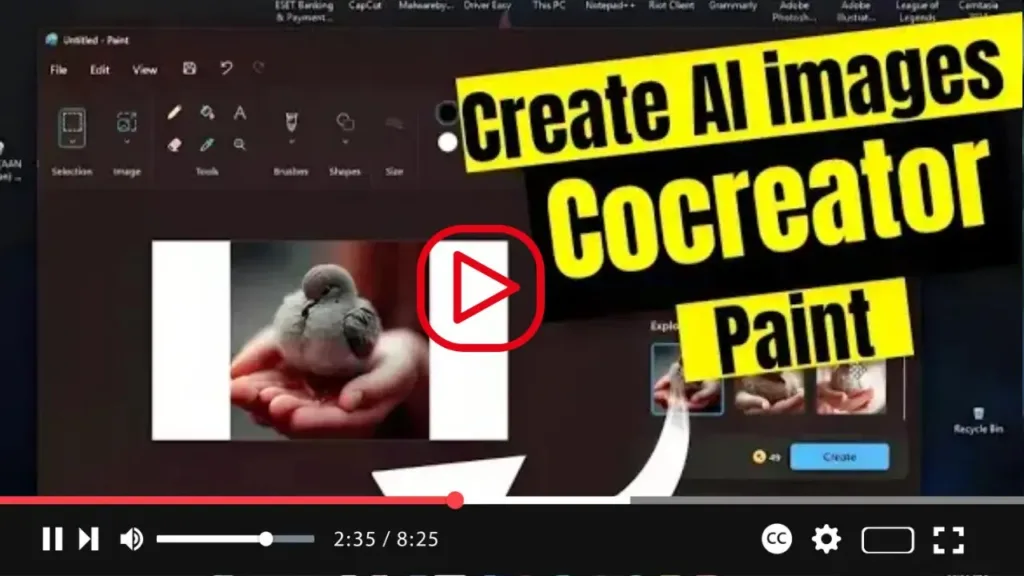
How to Create AI images with Cocreator on Paint for Windows 11

 Introducing Paint Cocreator: Unleash Your Creativity with AI Assistance Exciting news for Windows 11 users! The Microsoft Paint app now offers the innovative “Paint Cocreator” feature, also known as “Cocreator,” leveraging the DALL-E AI model from OpenAI. This groundbreaking feature allows users to generate virtually any image from a text description, revolutionizing the creative process.

How to Create AI images with Cocreator on Paint for Windows 11 Read More »

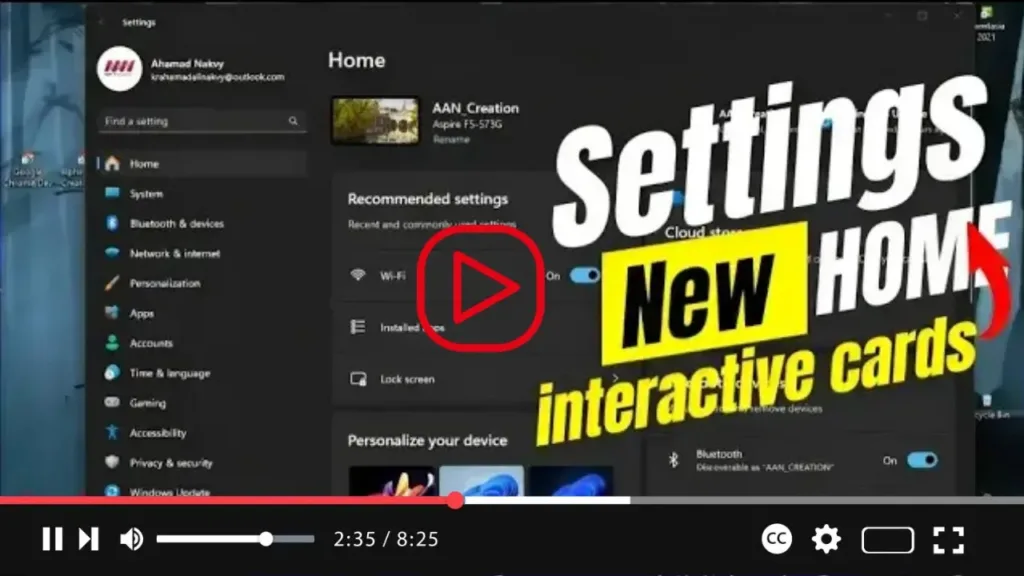
Settings app gets new ‘Home’ with interactive cards on Windows 11 23H2

Introducing the Latest Windows 11 23H2 Update: Enhanced Settings Experience Exciting news for Windows 11 users! With the upcoming 23H2 improvements, Microsoft is set to unveil a brand new “Home” page for the Settings app. This revamped page introduces a fresh design utilizing interactive cards, reminiscent of widgets, to represent various device and account-related settings.

Settings app gets new ‘Home’ with interactive cards on Windows 11 23H2 Read More »

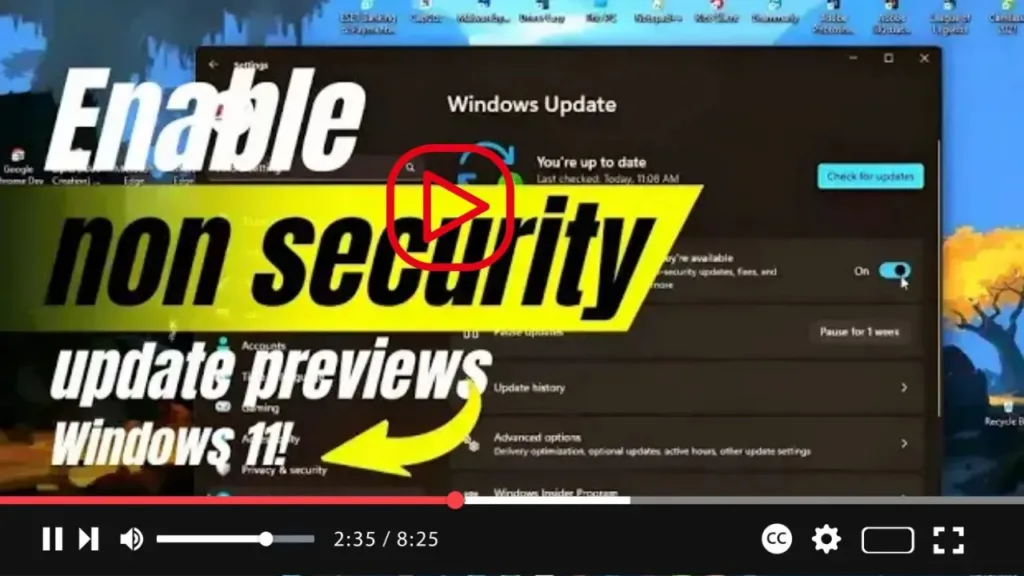
How to Enable non security update previews on Windows 11

 Interested in getting the latest non-security updates ahead of Patch Tuesday on Windows 11? We’ve got you covered. With this guide, you’ll learn how to enable an option to automatically download and install these updates, ensuring you stay up-to-date with the latest fixes, features, and improvements. Here’s how you can receive optional update previews with

How to Enable non security update previews on Windows 11 Read More »

New System Components Page for Settings on Windows 11

Introducing Windows 11 build 25926! This latest update brings a notable addition to the Settings app: the “System Components” page. Microsoft is enhancing user experience by introducing a dedicated space within the Settings app to manage essential system components, including default apps, extensions, and codecs. With the new System Components page, users gain a comprehensive

New System Components Page for Settings on Windows 11 Read More »

How to Disable Bing highlights in Taskbar Search on Windows 11

 If you’re using Windows 11, you might have noticed the “Search highlights” feature in the Windows Search experience. This feature periodically updates from Bing search to help you discover more, stay connected, and boost productivity. Situated on the right side, it showcases notable moments such as holidays, anniversaries, and educational events happening locally and globally.

How to Disable Bing highlights in Taskbar Search on Windows 11 Read More »