windows guidance

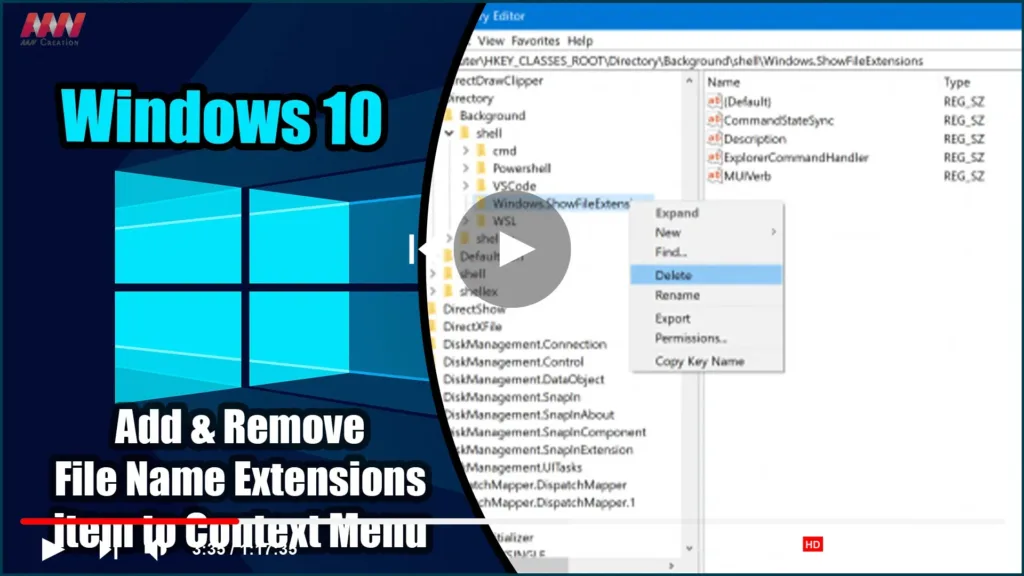
How to Add & Remove File Name Extensions item to Context Menu in Windows 10

On Windows 10, Microsoft has added a feature to the File Explorer Options or Folder Options ribbon and mini window that allows the user to enable or disable the visibility of file extensions in the File Explorer. However, some users enable it for a few minutes and then hide the file extensions. Following the Folder […]

How to Add & Remove File Name Extensions item to Context Menu in Windows 10 Read More »
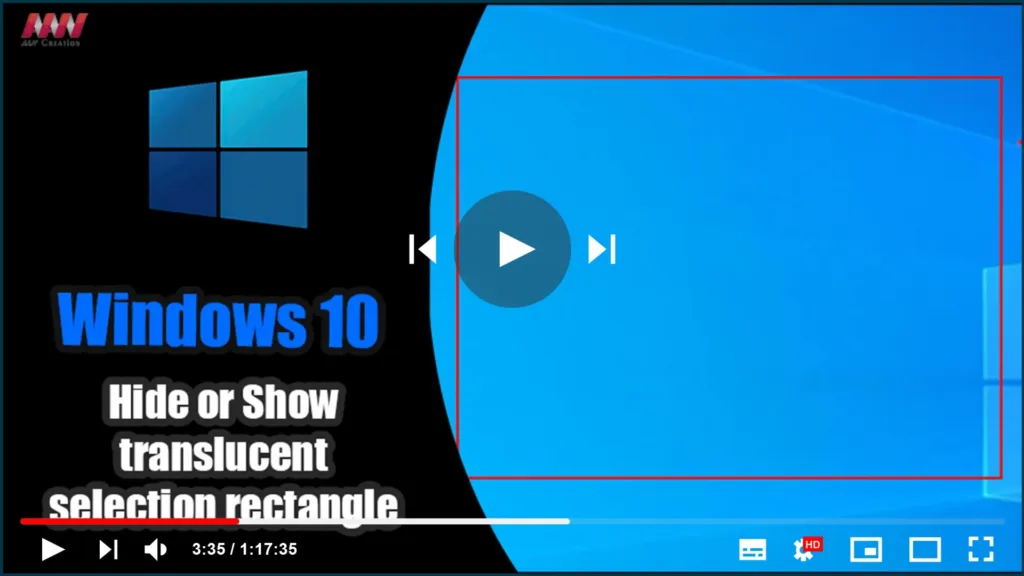
How to Hide or Show Translucent Selection Rectangle in Windows 10

When you select an area on your Windows desktop, it is highlighted in semi-transparent blue. At times, the Desktop is completely transparent, with a dotted outline around its edges. This article will demonstrate how to toggle the translucent selection rectangle in Windows 10. You can show or hide the translucent selection rectangle in Windows 10

How to Hide or Show Translucent Selection Rectangle in Windows 10 Read More »

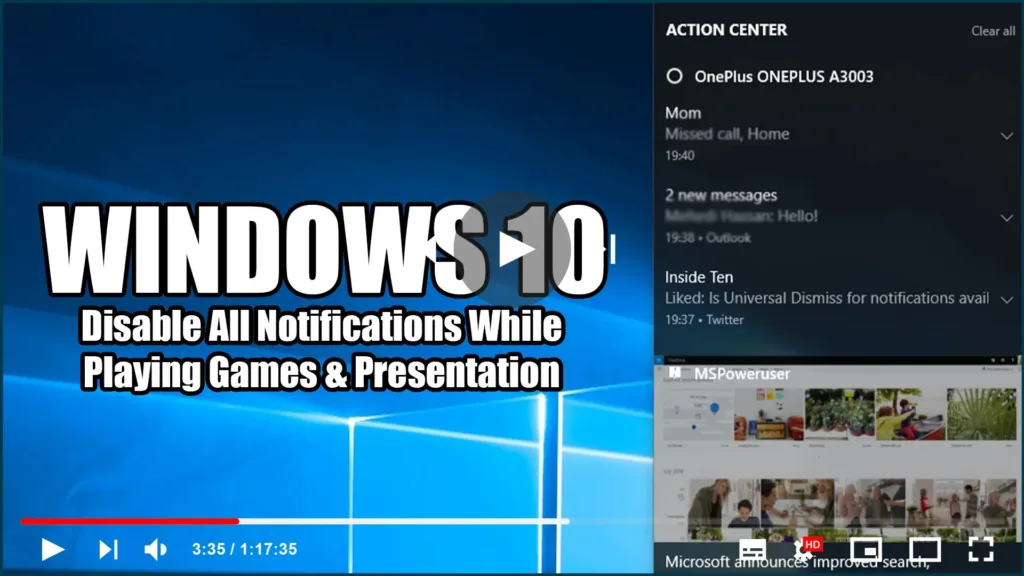
Disable All Notifications While Playing Games & Presentation in Windows 10

Change notification settings in Windows 10, In Windows 10, the action center is where to find your app notifications, as well as quick actions, which give you quick access to commonly used settings and apps. Change your action center settings from the Settings app at any time. 01. Select the Start button, and then select

Disable All Notifications While Playing Games & Presentation in Windows 10 Read More »

How to Check Hard Drive Health, Error, Bad Sectors

Bad sectors on hard drives or other storage devices are not accessible or writeable due to damage to the disk. If you suspect there are bad sectors on your disk, you can use the DiskGenius app to check or repair bad sectors. Terrible parts on hard drives or other stockpiling gadgets are not open or

How to Check Hard Drive Health, Error, Bad Sectors Read More »

How to reinstall all the Windows 10 default apps with PowerShell

Re-install all the default applications from Windows 10, including the Microsoft Store. Although, note that everything we show is tested and confirmed to work only in the latest version of Windows 10 with the April 2018 Update. If you have an older version of Windows 10, you can follow the steps we show forgetting the

How to reinstall all the Windows 10 default apps with PowerShell Read More »

Windows Defender Disableantispyware Missing in Registry Enable/Disable/Create New

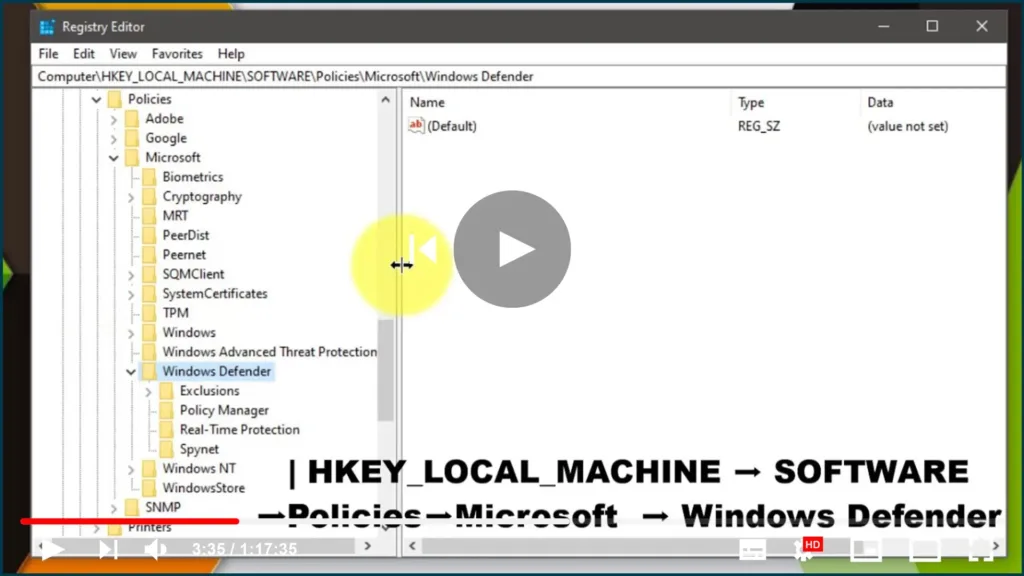
Windows Defender DisableAntiSpyware is missing from the Registry. Enable/disable/Create New, Windows Defender is the default antivirus solution in Windows 10, just as it was in Windows 8. The program is enabled by default and will turn itself off if another antivirus solution is installed, as long as the operating system recognizes it. One significant difference

Windows Defender Disableantispyware Missing in Registry Enable/Disable/Create New Read More »

How to Find WIFI Password of All Network Using CMD

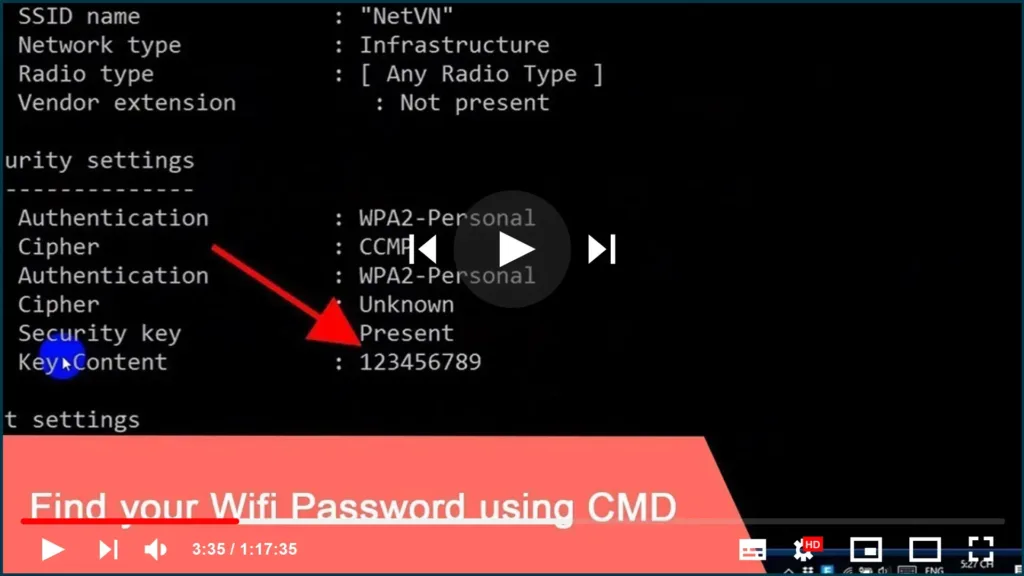
You’ve connected your PC to a wifi network some time ago (maybe a long time ago) and now you want to connect another device, like a laptop, tablet, or smartphone to the same wireless network. but you forgot the password. This also happened to me once and it probably happens to other people also. Fortunately,

How to Find WIFI Password of All Network Using CMD Read More »

How to Change Folder Icons and Colors in Windows 10

If you’re looking to add a splash of color and personalization to your computer’s folders, Folder Colorizer is a simple and effective tool to do just that. With just a few clicks, you can change the color of your folders, making it easier to organize and identify them at a glance. What is Folder Colorizer?

How to Change Folder Icons and Colors in Windows 10 Read More »

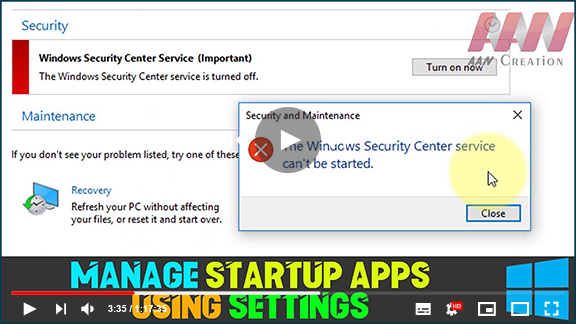
How to Fix “The Security Center Service Can’t Be Started” Error

The Windows Security app relies on the Windows Security Service and the Windows Security Center Service (wscsvc) to provide up-to-date protection status. When you encounter the error message “The Security Center service can’t be started,” it can be frustrating. Here are several methods to resolve this issue. Common Causes of the Error Misconfiguration: The Security

How to Fix “The Security Center Service Can’t Be Started” Error Read More »

Speedtest by Ookla: The Global Broadband Speed Test

Speedtest is the definitive tool for assessing your internet connection’s speed and performance. With over 10 million tests conducted daily, users around the world rely on Speedtest to ensure their connectivity meets expectations. Key Features of Speedtest Quick and Easy Testing: Perform a speed test in under 30 seconds with just one click, making it

Speedtest by Ookla: The Global Broadband Speed Test Read More »