Windows Tips & Tricks

How to Decrease or Increase the Windows 10 Notification Display Time

Windows 10 Action Center keeps a stack of all notifications that arrive from different applications. When an application sends out a notification, it is displayed for 5 seconds, and then it disappears. While five seconds are enough to draw your attention and help you get a glance at the message, sometimes you wish it stayed […]

How to Decrease or Increase the Windows 10 Notification Display Time Read More »
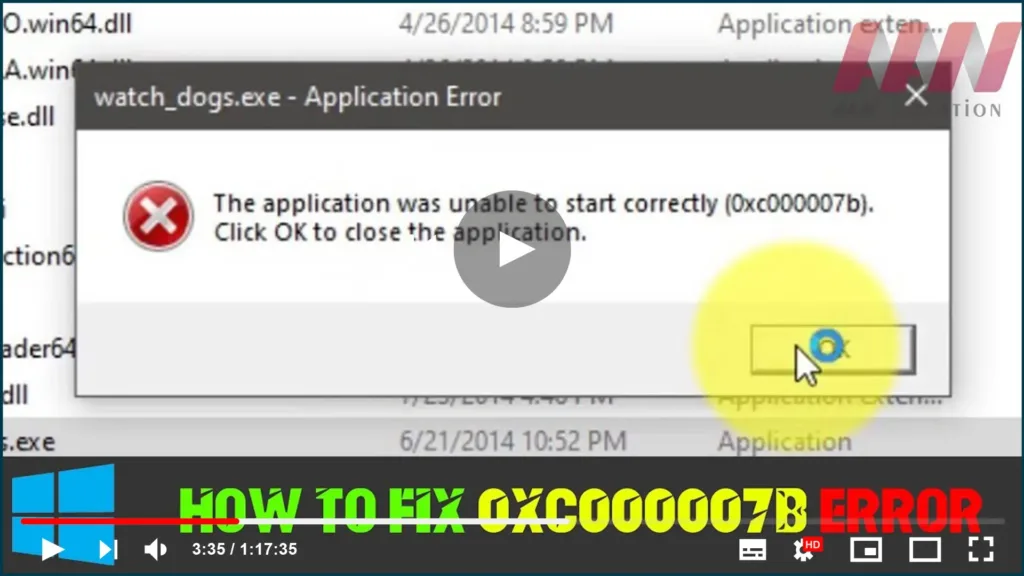
How to Fix The Application was Unable to Start Correctly (Games Not Working)

On Windows 0xc000007b application error is very common and users may encounter it regularly. However, few users know how to fix it. That’s because this error can be caused by various reasons and there is no single fix that can deal with it. Here we’ll talk about different methods for different problems. Upgraded the computer

How to Fix The Application was Unable to Start Correctly (Games Not Working) Read More »

How to View Saved Passwords in Yandex, Google Chrome, Mozilla FireFox, Opera and Microsoft Edge

You must register on the website. How to remember the combinations of usernames and passwords for different sites? You can write it down, or store it in a file on your computer but keep in mind that any person in your absence will be able to see it. Why torture yourself, when you can easily

How to View Saved Passwords in Yandex, Google Chrome, Mozilla FireFox, Opera and Microsoft Edge Read More »

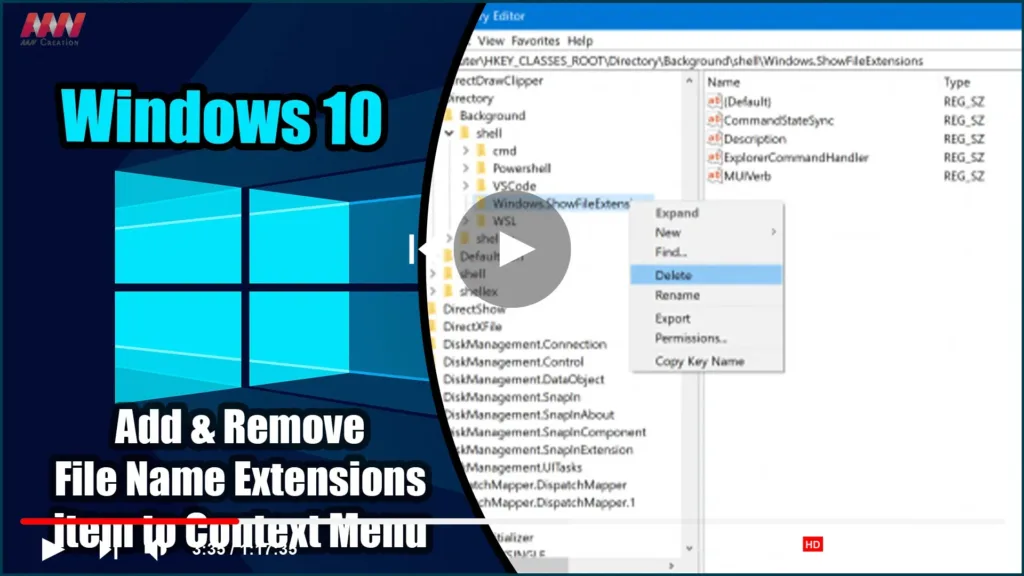
How to Add & Remove File Name Extensions item to Context Menu in Windows 10

On Windows 10, Microsoft has added a feature to the File Explorer Options or Folder Options ribbon and mini window that allows the user to enable or disable the visibility of file extensions in the File Explorer. However, some users enable it for a few minutes and then hide the file extensions. Following the Folder

How to Add & Remove File Name Extensions item to Context Menu in Windows 10 Read More »

How to Hide or Show Translucent Selection Rectangle in Windows 10

When you select an area on your Windows desktop, it is highlighted in semi-transparent blue. At times, the Desktop is completely transparent, with a dotted outline around its edges. This article will demonstrate how to toggle the translucent selection rectangle in Windows 10. You can show or hide the translucent selection rectangle in Windows 10

How to Hide or Show Translucent Selection Rectangle in Windows 10 Read More »

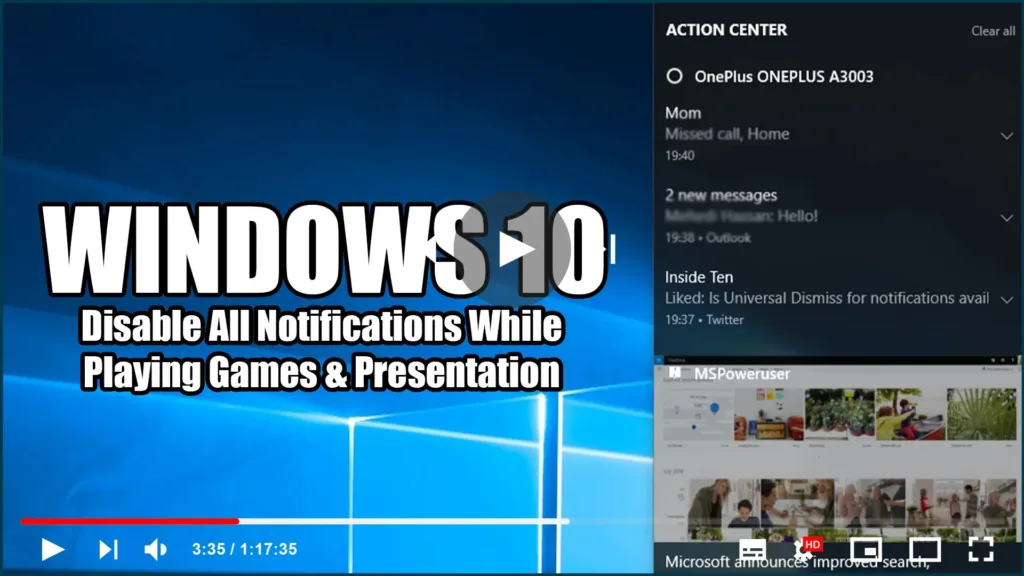
Disable All Notifications While Playing Games & Presentation in Windows 10

Change notification settings in Windows 10, In Windows 10, the action center is where to find your app notifications, as well as quick actions, which give you quick access to commonly used settings and apps. Change your action center settings from the Settings app at any time. 01. Select the Start button, and then select

Disable All Notifications While Playing Games & Presentation in Windows 10 Read More »

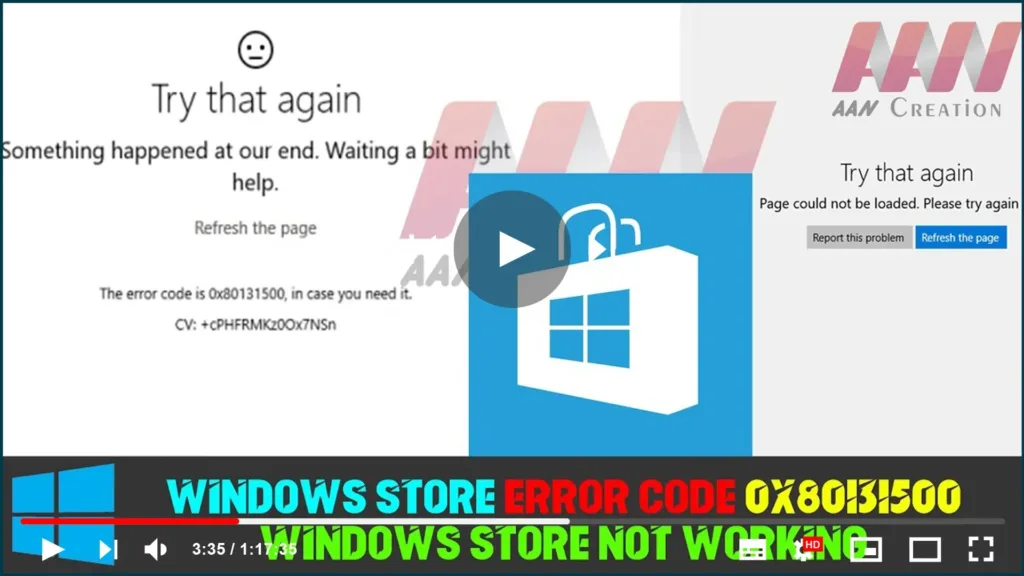
How to Fix Windows Store Error Code 0x80131500/Windows Store Not Working in Windows 10

Windows Store error codes are numerous, and there are numerous ways to affect them and prevent your apps from downloading or updating. The Store is a useful Windows 8, 8.1, and Windows 10 feature that is similar to the concept seen on smartphones. However, users have reported that the errors appear at random and without

How to Fix Windows Store Error Code 0x80131500/Windows Store Not Working in Windows 10 Read More »

How to Check Hard Drive Health, Error, Bad Sectors

Bad sectors on hard drives or other storage devices are not accessible or writeable due to damage to the disk. If you suspect there are bad sectors on your disk, you can use the DiskGenius app to check or repair bad sectors. Terrible parts on hard drives or other stockpiling gadgets are not open or

How to Check Hard Drive Health, Error, Bad Sectors Read More »