Windows Tips & Tricks

How to Play YouTube Videos in VLC Media Player

VLC Media Player is a free and open-source media player that can be used on a variety of devices, including mobile phones and computers. It supports a wide range of audio and video formats, including DVD, Video CD, and AVI. Its most recent updates enable users to stream videos from YouTube. Having said that, you […]

How to Play YouTube Videos in VLC Media Player Read More »
How to Block Adult Content in Device Without Any Software

How to Block Adult Content Without Using Software OpenDNS in Windows/Mac/Linux. To begin, configure one or more of your devices to use OpenDNS’s DNS nameservers. Choose your device type from one of the categories below for instructions on how to do this. Family Shield Icon  NOTE: Use our FamilyShield nameservers instead of the device’s nameservers

How to Block Adult Content in Device Without Any Software Read More »

How to Create Shortcuts to Websites on Your Desktop

If you frequently visit the same websites, creating desktop shortcuts to them can save time and make access quicker. Whether it’s a news site, email, or your favorite blog, having a shortcut on your desktop lets you open the page instantly, without the hassle of opening your browser and typing the address manually. Here’s how

How to Create Shortcuts to Websites on Your Desktop Read More »

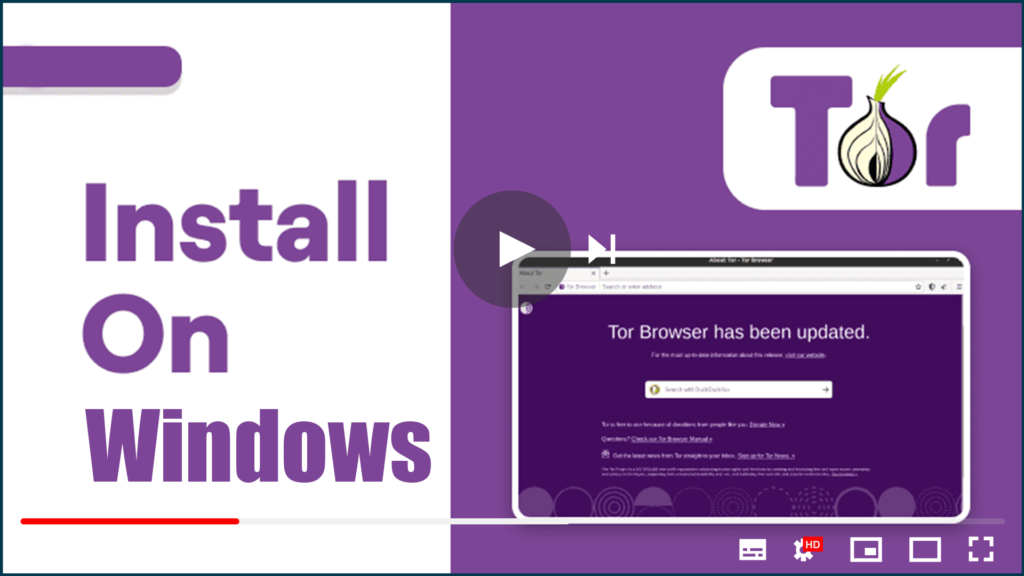
How to Install Tor on Windows, Mac, Linux, and Android

The Tor browser is one of the best privacy solutions for anonymous web browsing. The Onion Router (its full name) routes your traffic through at least three Tor relays (servers) located around the world. This makes tracing your data traffic back to you nearly impossible, greatly increasing your privacy. Of course, it’s also the primary

How to Install Tor on Windows, Mac, Linux, and Android Read More »

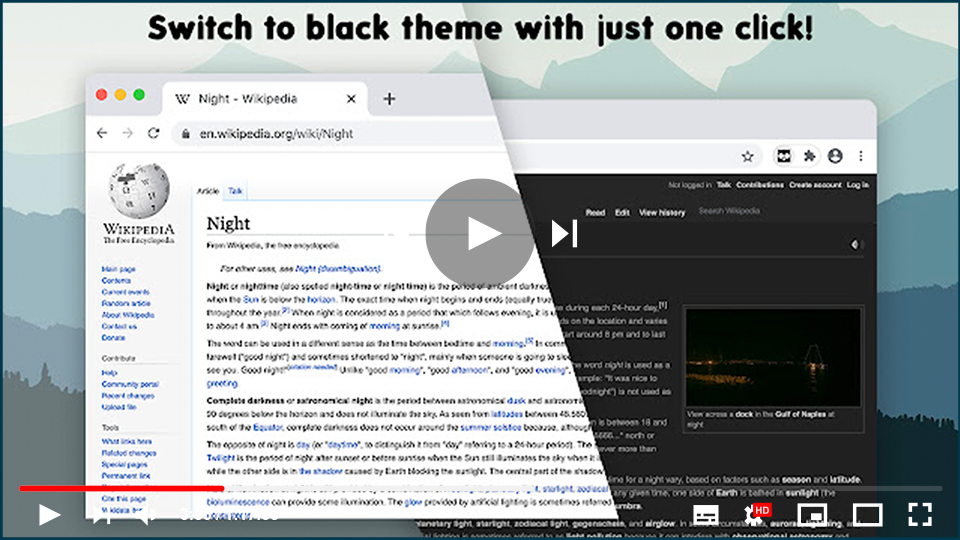
How to Apply a Dark Theme for All Websites in Chrome with Customization Options

Dark Theme for all websites in Chrome browser with the opportunity to exclude any domain or create a custom theme. If you’re someone who prefers a dark theme for websites to reduce eye strain, especially in low-light conditions, Chrome offers a convenient way to enable dark mode across all websites. With a dark theme extension,

How to Apply a Dark Theme for All Websites in Chrome with Customization Options Read More »

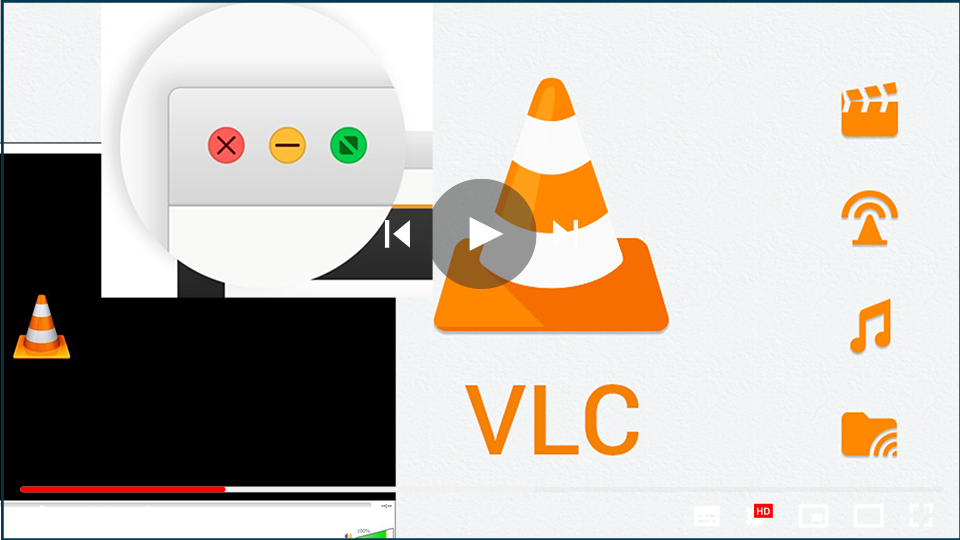
How to Fix Missing Minimize, Maximize, and Close Buttons in VLC Player

If you’re using the VLC Media Player and the usual minimize, maximize, and close buttons are missing from the top bar, this issue can be fixed quickly. It’s usually caused by the player being in fullscreen interface mode. When in this mode, the top bar with the window controls is hidden, causing the minimize, maximize,

How to Fix Missing Minimize, Maximize, and Close Buttons in VLC Player Read More »

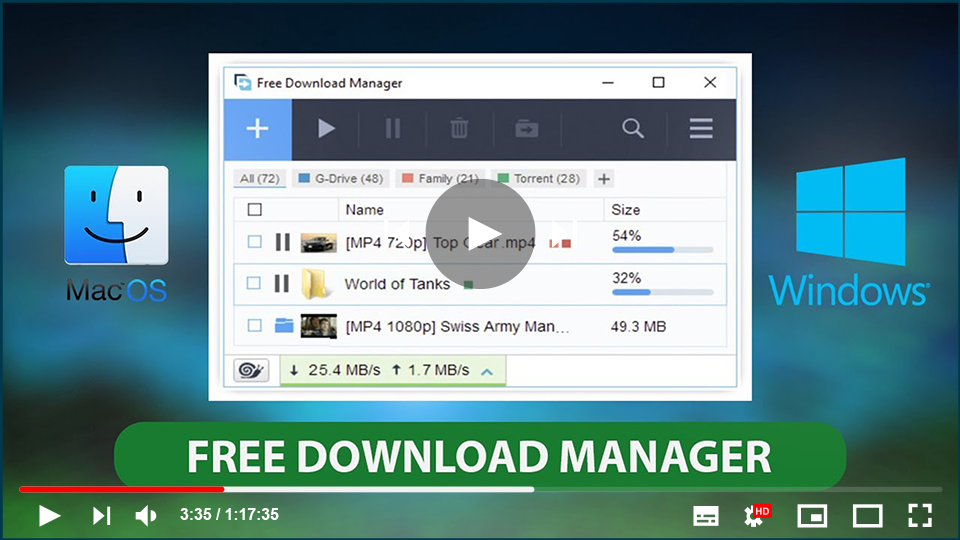
Free Download Manager (FDM) for Windows: A Powerful, Free Tool for Managing Downloads

Free Download Manager (FDM) is an essential application designed to help you organize, manage, and accelerate your download tasks. While most web browsers come with built-in download managers, they often lack advanced functionalities like the ability to pause, resume, or accelerate downloads. FDM addresses these issues by offering robust capabilities to ensure your downloads are

Free Download Manager (FDM) for Windows: A Powerful, Free Tool for Managing Downloads Read More »