windows

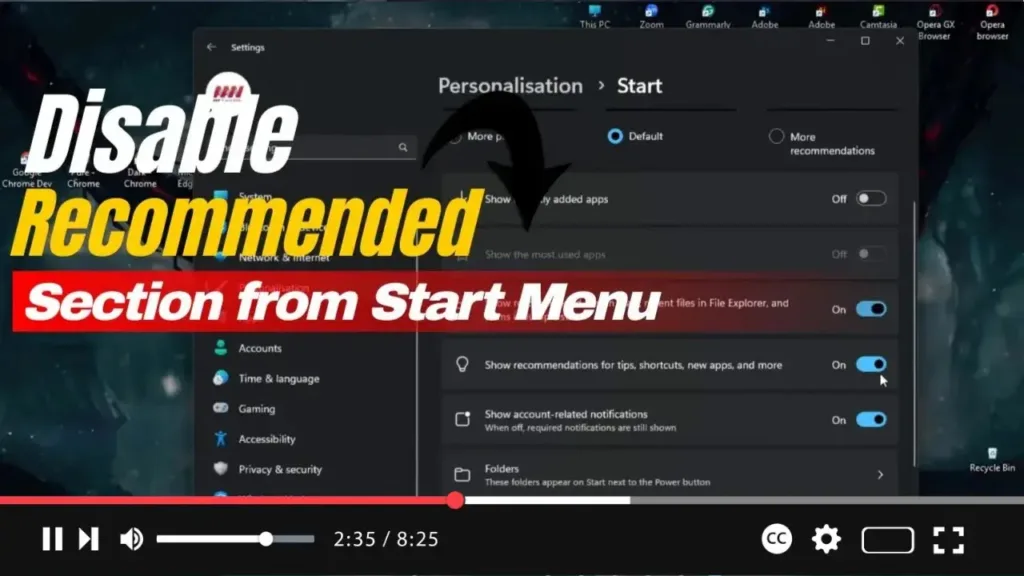
How to Disable ‘Recommended’ Section from Start Menu on Windows 11

 Hello Everyone! In Windows 11, the Start menu features a “Recommended” section that suggests recent files, frequently visited websites, and newly installed applications. While this can be useful for some, not everyone appreciates these suggestions cluttering their Start menu. Unfortunately, the system does not allow you to completely remove this section, but you can easily

How to Disable ‘Recommended’ Section from Start Menu on Windows 11 Read More »

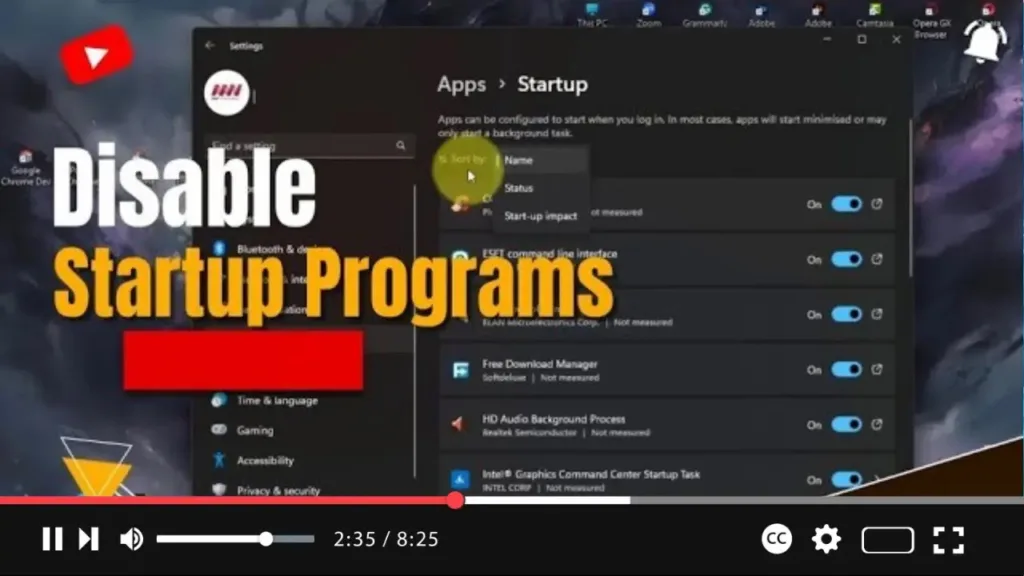
How to Disable Startup Programs on Windows 11

  To disable startup programs on Windows 11 and improve your computer’s performance, follow these steps. Disabling unnecessary startup apps can significantly enhance boot speed, free up system resources, and prevent sluggish performance over time. Windows 11 offers several ways to manage these programs, and I will cover them here. Why Disable Startup Programs? Startup

How to Disable Startup Programs on Windows 11 Read More »

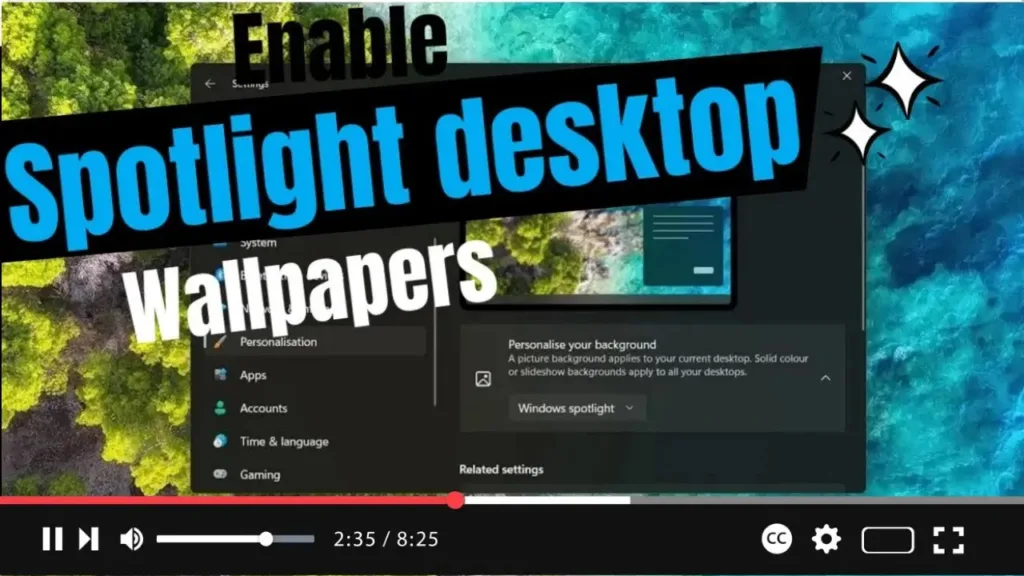
How to Enable Spotlight Desktop Wallpapers on Windows 11, 10

To enable Spotlight desktop wallpapers on Windows 11 or Windows 10, follow these advanced and detailed steps. Spotlight is an innovative feature that refreshes your desktop background daily by showcasing stunning, panoramic images from around the globe, keeping your desktop dynamic and visually appealing. Understanding Spotlight and its Importance Windows Spotlight was initially designed for

How to Enable Spotlight Desktop Wallpapers on Windows 11, 10 Read More »

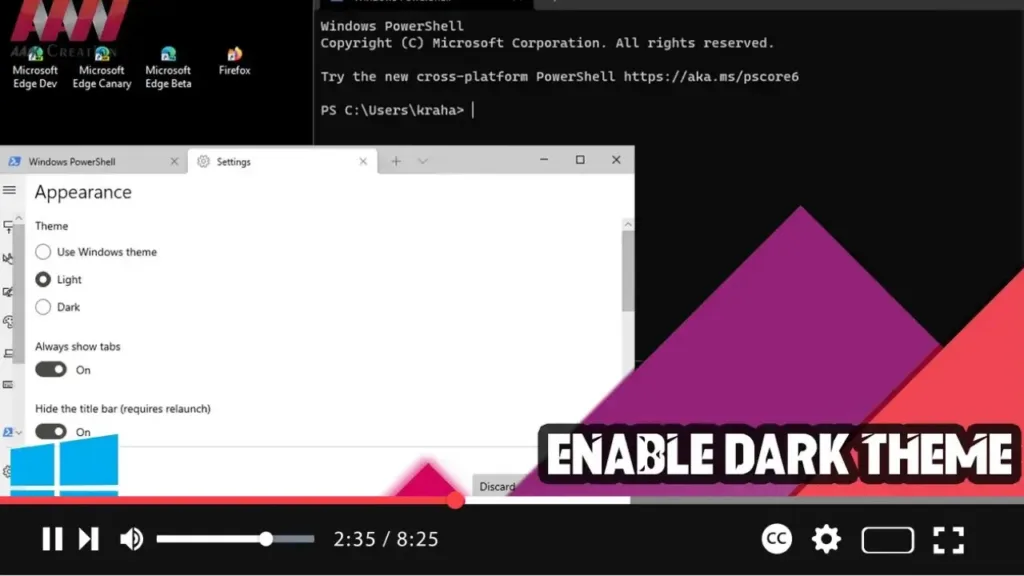
How to Enable Dark Theme on Windows Terminal

 Enabling the dark theme on Windows Terminal can make your working environment more visually appealing and reduce eye strain, especially in low-light conditions. Here’s a step-by-step guide to help you switch to the dark theme in Windows Terminal. Step 01: Open Windows TerminalFirst, open Windows Terminal: Click on the Start button. Search for Windows Terminal

How to Enable Dark Theme on Windows Terminal Read More »

How to Install the Media Player Codec Pack of Windows

Media Player Codec Pack was created to make it simple for players to install major multimedia codecs, filters, plug-ins, and splitters. Package Overview: Almost every compression and file type used by modern video and audio files is supported by the Media Player Codec Pack. The package is simple to install while also providing advanced settings

How to Install the Media Player Codec Pack of Windows Read More »

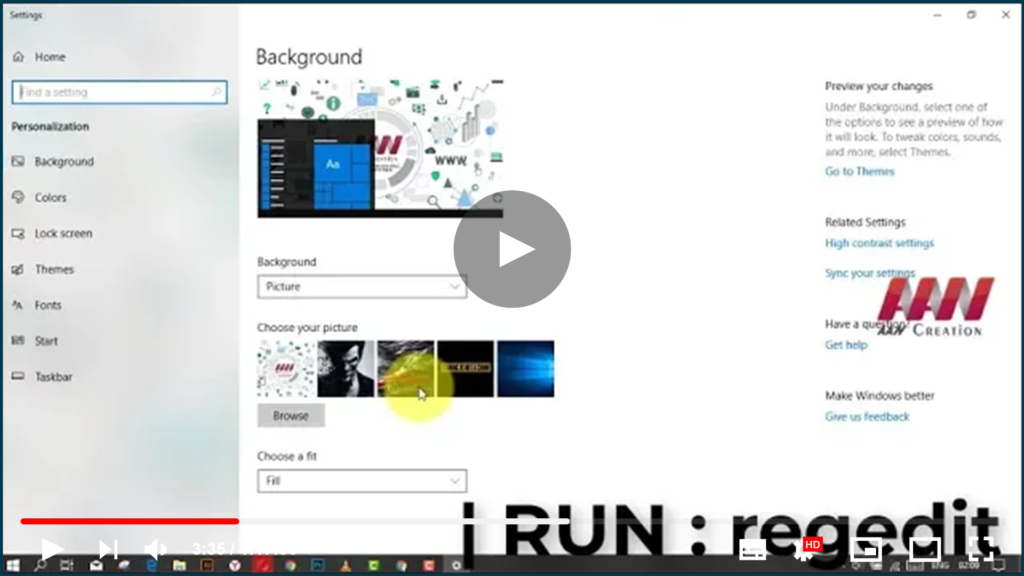
How to Clear Background Wallpaper History in Windows 10

If you changed the background of your Windows 10 desktop several times, the images you used will be displayed in the Choose your picture in the Settings section. If you want to remove previous wallpapers and clear the used desktop background history, Windows 10 does not provide a way to do so! In this article,

How to Clear Background Wallpaper History in Windows 10 Read More »