windows

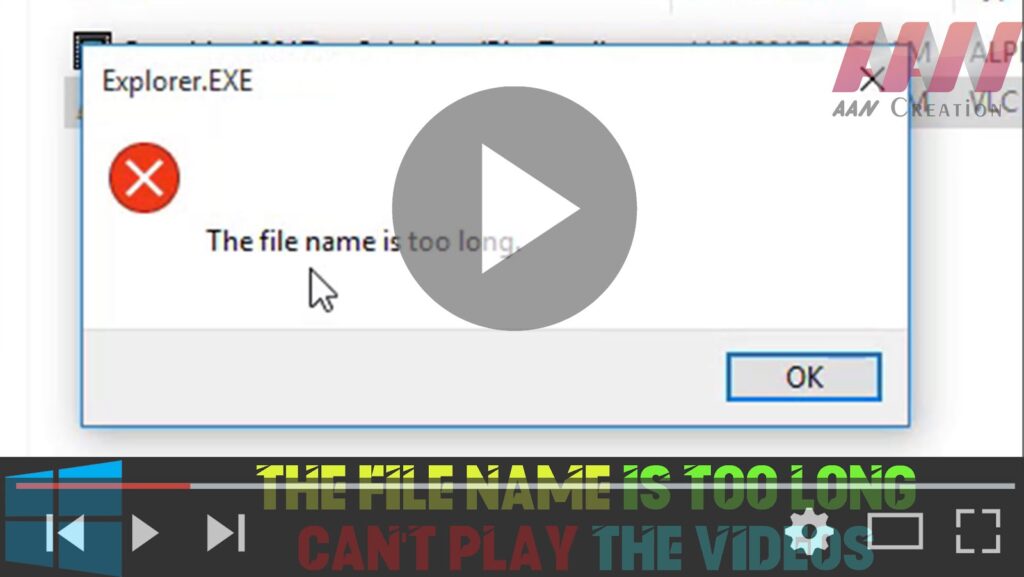
How to The File Name is too Long – Can’t Play the Videos on Windows 10

If you’re encountering issues playing videos on Windows 10 due to long file names, it’s likely that the file path exceeds the maximum limit. Here’s how to resolve the problem by renaming the video file: Step 01: Right-Click the Video Locate the video file that you’re unable to play. Right-click on the video file to […]

How to The File Name is too Long – Can’t Play the Videos on Windows 10 Read More »
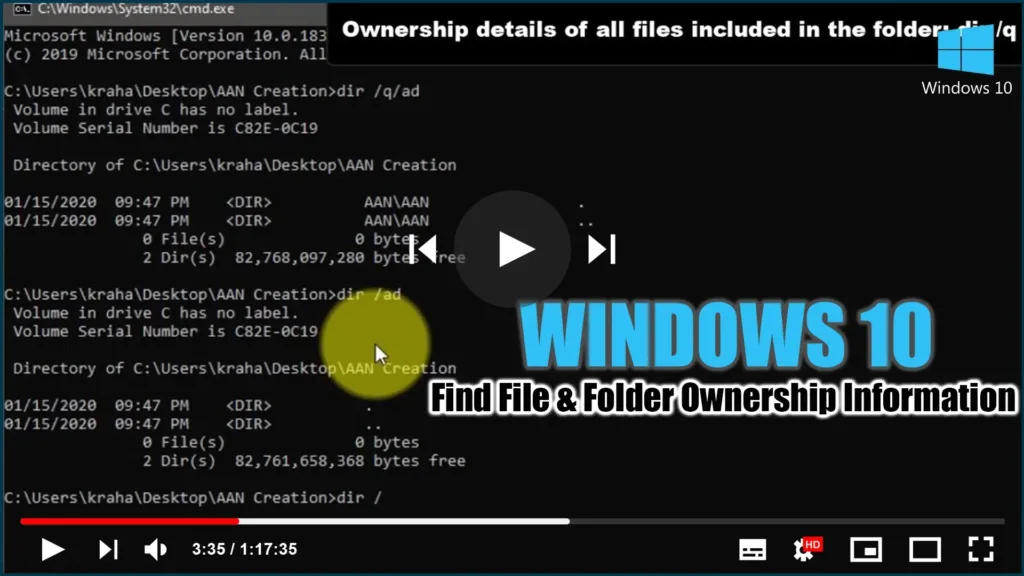
How to Find File & Folder Ownership Information using CMD

This step-by-step guide will show you how to use Command Prompt to find the File & Folder Ownership information. With the help of this guide, you can determine who owns a single directory, all subdirectories, and files. You can use this trick on almost any Windows version, for your information. Follow these steps to find

How to Find File & Folder Ownership Information using CMD Read More »

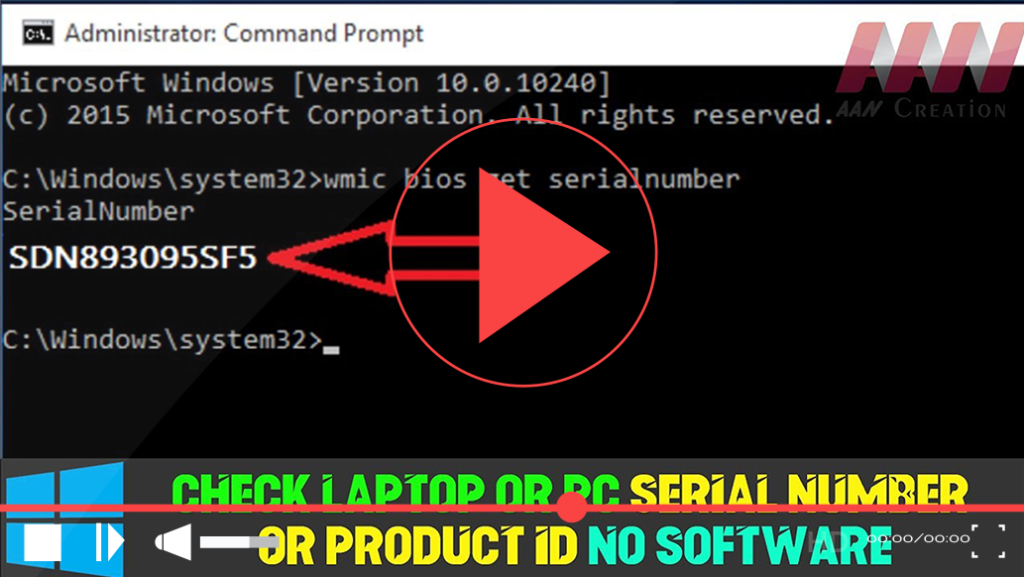
How to Check Laptop or PC Serial Number or Product ID Without Software

Finding your laptop or PC’s serial number or product ID can be essential for warranty claims, technical support, or hardware identification. While Windows does not display this information directly in its interface, you can retrieve it easily using built-in commands, BIOS/UEFI settings, or by inspecting the hardware itself. Here’s a comprehensive guide to help you

How to Check Laptop or PC Serial Number or Product ID Without Software Read More »

How to Add New Folder Locations in Photos app on Windows 10

Windows has always had a dedicated photo browser and viewer. In Windows 10 as well, Microsoft decided to amalgamate browsing, organizing, and viewing all together in one application and the end result is Photos App. While the Photos app is great the only caveat is that it by default shows files only from your Pictures

How to Add New Folder Locations in Photos app on Windows 10 Read More »

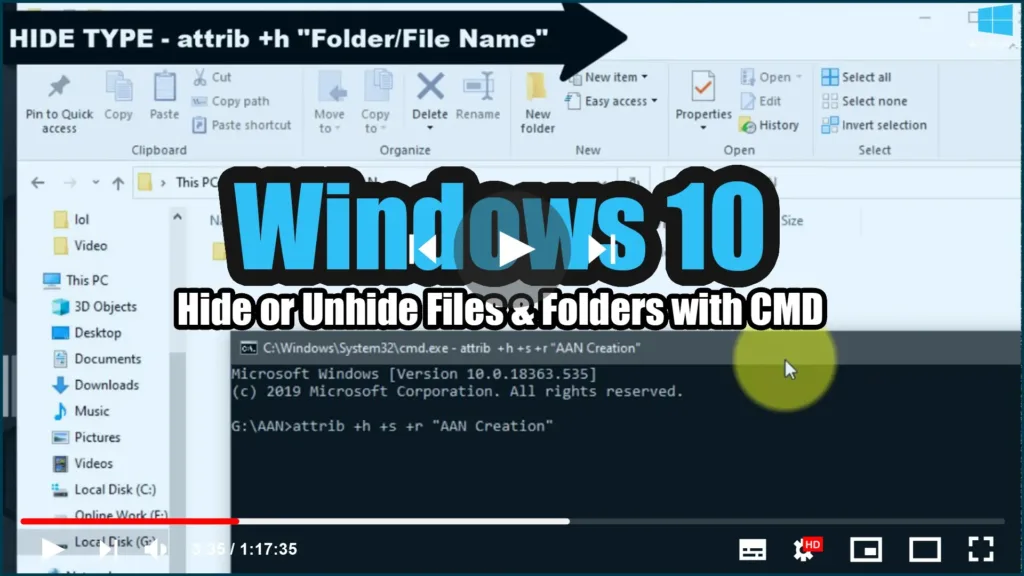
How to Hide or Unhide Files & Folders with Command Prompt

No matter what kind of content you keep on your computer, you’ll always find reasons to hide certain files and folders. Perhaps you have important documents and videos that you want to keep under wraps, or you simply want to prevent users from accidentally deleting certain files if you’re sharing your PC with other people.

How to Hide or Unhide Files & Folders with Command Prompt Read More »

How to remove Bethanyharrell.pro pop up ads (Removal Guide)

I explain how to remove Bethanyharrell.pro popup ads. Ads presented by the Bethanyharrell.pro popup is a social engineer trick to mislead users clicking on dangerous advertisements. I know, because I see these pop-up ads daily through my research. Adware and misleading advertising networks redirect the user’s web browser to Bethanyharrell. pro. The redirects in your

How to remove Bethanyharrell.pro pop up ads (Removal Guide) Read More »

How to Decrease or Increase the Windows 10 Notification Display Time

Windows 10 Action Center keeps a stack of all notifications that arrive from different applications. When an application sends out a notification, it is displayed for 5 seconds, and then it disappears. While five seconds are enough to draw your attention and help you get a glance at the message, sometimes you wish it stayed

How to Decrease or Increase the Windows 10 Notification Display Time Read More »

How to View Saved Passwords in Yandex, Google Chrome, Mozilla FireFox, Opera and Microsoft Edge

You must register on the website. How to remember the combinations of usernames and passwords for different sites? You can write it down, or store it in a file on your computer but keep in mind that any person in your absence will be able to see it. Why torture yourself, when you can easily

How to View Saved Passwords in Yandex, Google Chrome, Mozilla FireFox, Opera and Microsoft Edge Read More »

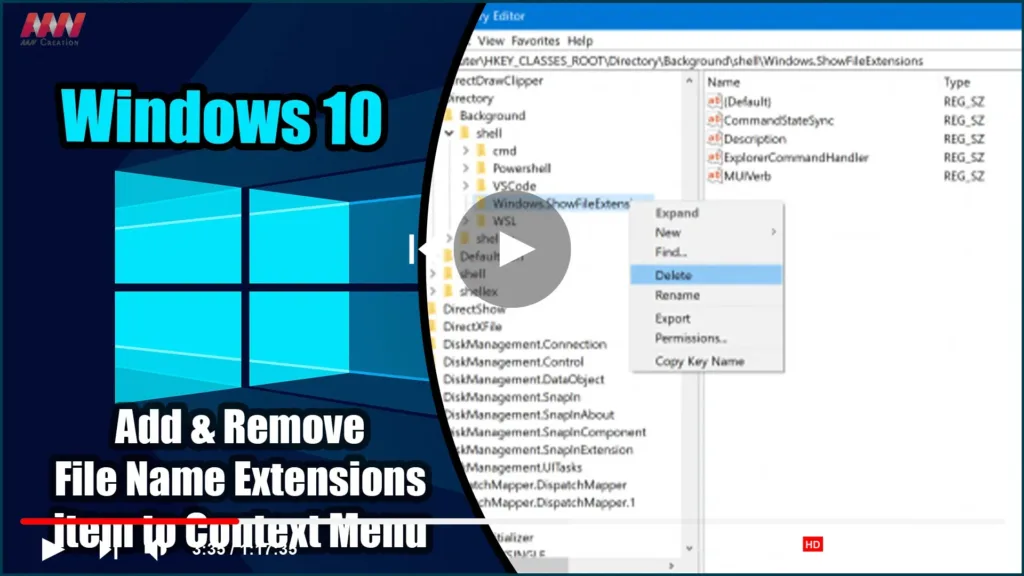
How to Add & Remove File Name Extensions item to Context Menu in Windows 10

On Windows 10, Microsoft has added a feature to the File Explorer Options or Folder Options ribbon and mini window that allows the user to enable or disable the visibility of file extensions in the File Explorer. However, some users enable it for a few minutes and then hide the file extensions. Following the Folder

How to Add & Remove File Name Extensions item to Context Menu in Windows 10 Read More »

How to Hide or Show Translucent Selection Rectangle in Windows 10

When you select an area on your Windows desktop, it is highlighted in semi-transparent blue. At times, the Desktop is completely transparent, with a dotted outline around its edges. This article will demonstrate how to toggle the translucent selection rectangle in Windows 10. You can show or hide the translucent selection rectangle in Windows 10

How to Hide or Show Translucent Selection Rectangle in Windows 10 Read More »