windows

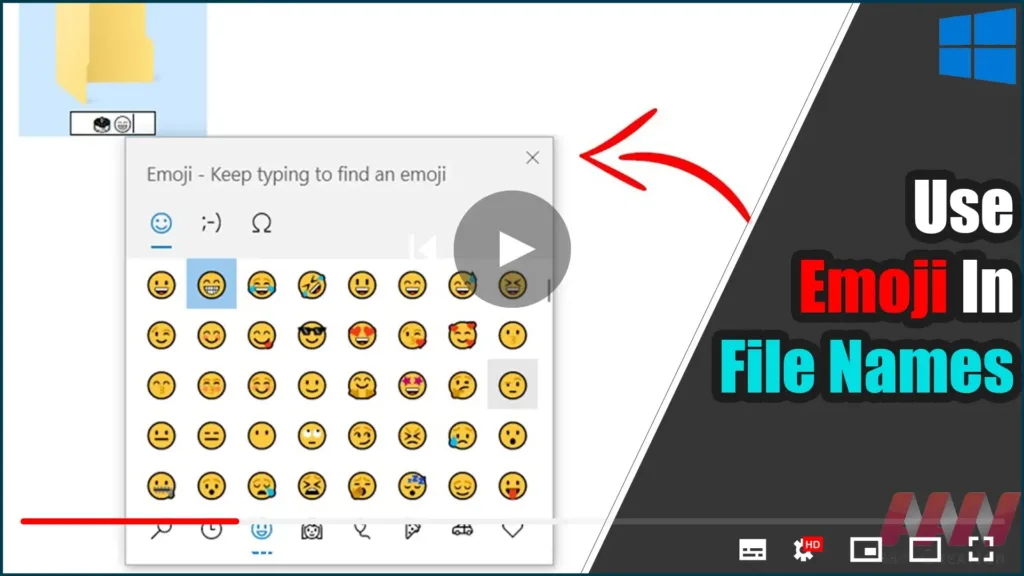
How To Use Emoji In File Names On Windows 10

Emojis can be used in the name of a file or folder in Windows 10. This is possible thanks to the built-in Emoji Panel feature, which allows you to select any emoji you want. This is how. Emojis are smileys and ideograms that are commonly used in apps, particularly chats and instant messengers. Smileys are […]

How To Use Emoji In File Names On Windows 10 Read More »
How to Install .NET Framework 4.8 Runtime in Windows 10

Microsoft has finally announced the release of version 4.8 of the.NET framework. This version will be available in the coming days via optional updates in Windows 10 via automatic updates. However, if you want to install the.NET runtime for this version manually without waiting for the automatic update, you can do so right now by

How to Install .NET Framework 4.8 Runtime in Windows 10 Read More »

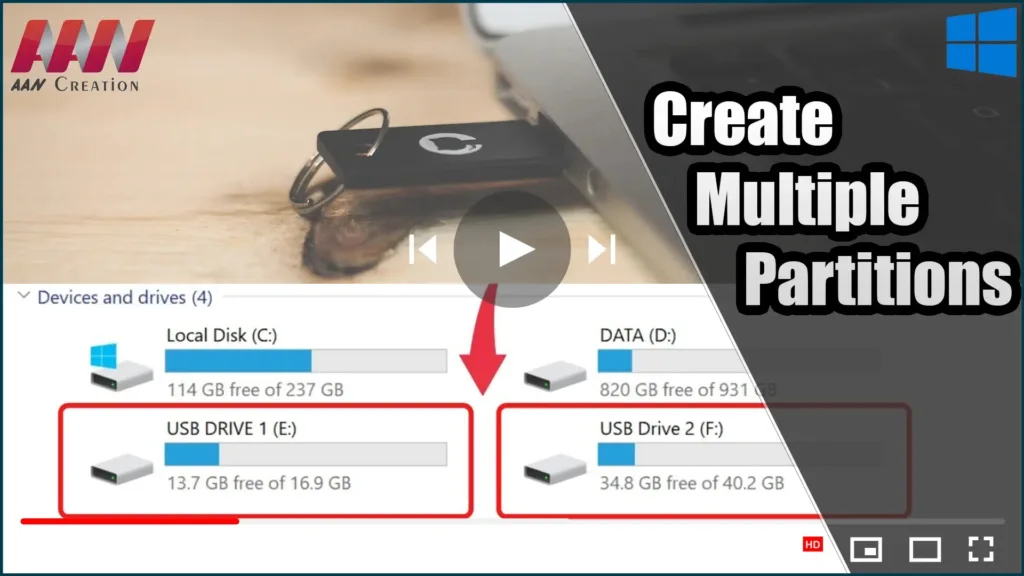
Create Multiple Partitions on a USB Flash Drive in Windows 10

Starting with build 1703, Windows 10 now supports full multiple partitions for any USB storage device (Creators Update). A user of Windows 10 can now access all partitions on a USB flash drive or SD card, as well as create multiple logical partitions on such media using the OS’s built-in tools. Previously, when connecting a

Create Multiple Partitions on a USB Flash Drive in Windows 10 Read More »

How to Set Live Wallpaper as an Animated Desktop Background in Windows 10

Windows 10 does not natively support live wallpapers, but with a third-party tool like DesktopHut, you can easily set a video as your desktop’s animated background. This tool is fantastic for customizing your desktop with a moving, dynamic background. The steps are simple, and the tool is portable, meaning it doesn’t require installation and can

How to Set Live Wallpaper as an Animated Desktop Background in Windows 10 Read More »

How to Convert Video Files For FREE Using VLC Media Player | Convert MKV, MP4, AVI, MP3

VLC Media Player is more than just a great tool for playing videos; it can also convert videos between different formats. The player allows you to convert between a variety of supported video files. It works great for most formats and codecs, but there are a few issues, and the conversion feature isn’t the best, but

How to Convert Video Files For FREE Using VLC Media Player | Convert MKV, MP4, AVI, MP3 Read More »

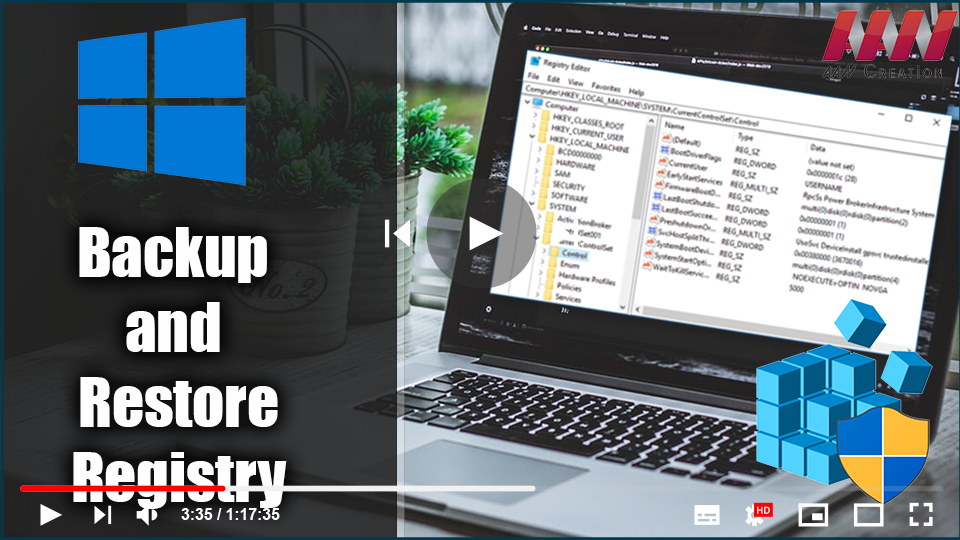
How to Backup and Restore Registry in Windows 10

The Windows Registry is a hierarchical database that stores low-level settings for the Windows OS & apps that use it. The registry can be accessed by the kernel, device drivers, services, Security Accounts Manager, and user interface. The registry also provides access to counters that can be used to profile system performance. In simple terms,

How to Backup and Restore Registry in Windows 10 Read More »

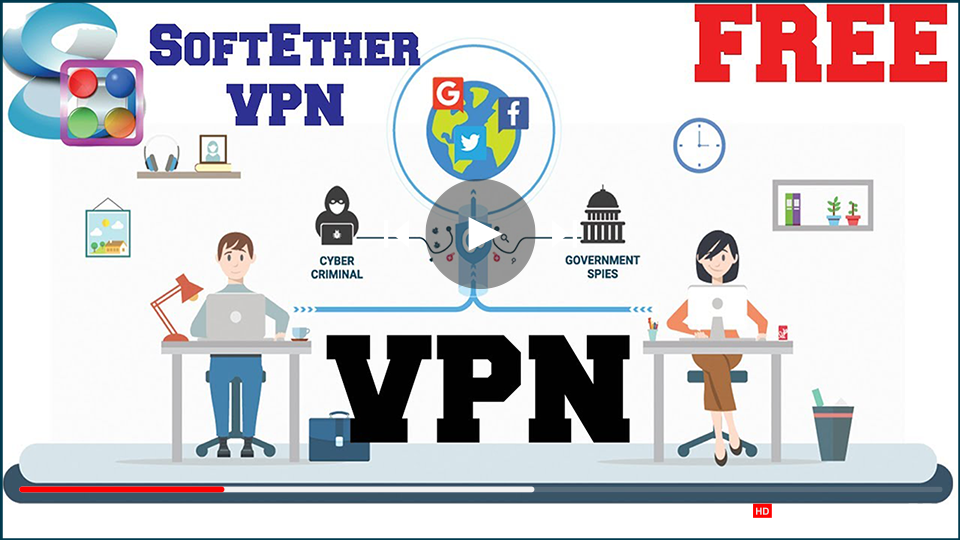
How to Install SoftEther VPN Client on Windows 10

You may have heard the term “security protocol” while using a VPN network. This is essentially what protects you when you use a VPN to browse the web. The protocol you use will determine what sort of security and speeds you get when you’re on the internet, affecting both your download and upload speeds There

How to Install SoftEther VPN Client on Windows 10 Read More »

How to Play YouTube Videos in VLC Media Player

VLC Media Player is a free and open-source media player that can be used on a variety of devices, including mobile phones and computers. It supports a wide range of audio and video formats, including DVD, Video CD, and AVI. Its most recent updates enable users to stream videos from YouTube. Having said that, you

How to Play YouTube Videos in VLC Media Player Read More »