
Accessing Community Posts on YouTube
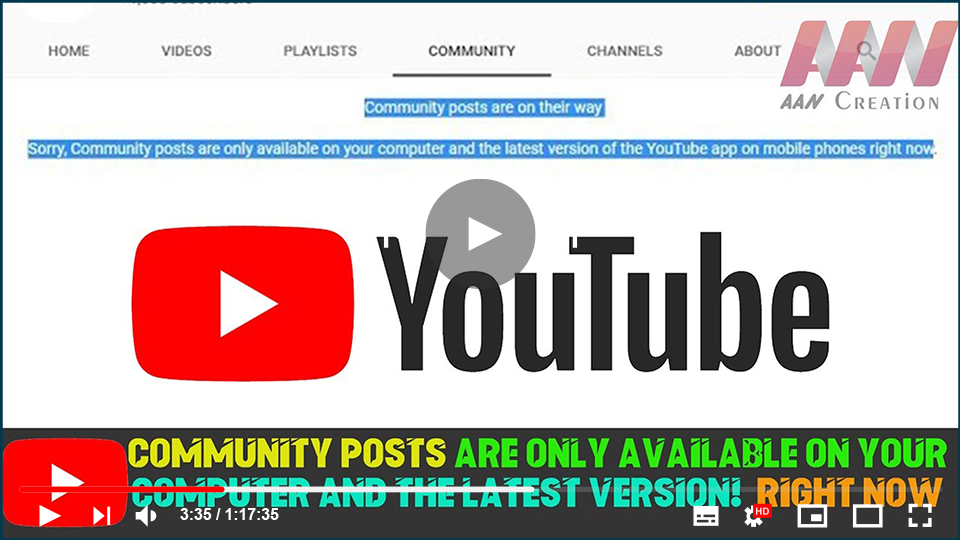
Community posts on YouTube allow creators to engage with their audience through polls, images, updates, and more. However, you may encounter a message indicating that community posts are only available on the latest version of the YouTube app or on computers. If you’re having trouble accessing these posts, follow these steps to ensure you can view them.
Availability
Currently, community posts are accessible only through:
- Computers: Ensure you’re using the latest version of the browser.
- YouTube App on Mobile: Make sure your app is updated to the latest version.
Troubleshooting Steps
If community posts are not showing, try the following:
-
Customize Your Channel:
Navigate to your channel and click on the Customize Channel button. This will allow you to adjust various settings related to your channel’s visibility and engagement features. -
Check Restricted Mode:
If restricted mode is enabled, it may limit the content you can see. To turn it off:- Click on your profile picture in the top right corner of the YouTube page.
- Select Settings.
- Scroll to the General tab and toggle Restricted Mode off.
Conclusion
By ensuring you are using the latest version of the YouTube app or accessing the site from your computer, you can fully utilize the community posts feature. If you’re still having issues, check your channel settings and consider disabling any restrictions that may be in place.