
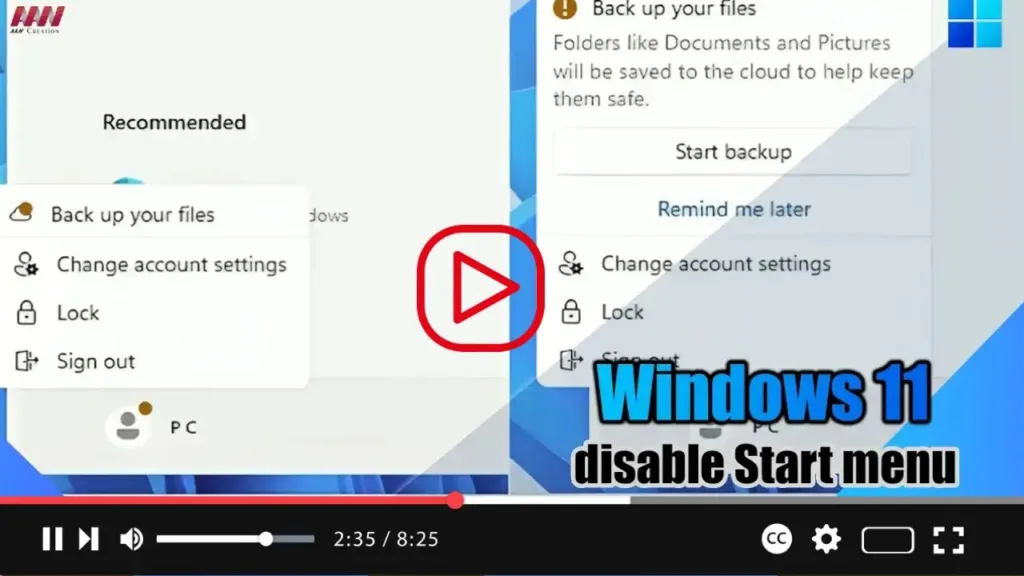

Hey everyone! In Windows 11 23H2, there’s a feature in the Start menu that displays badge notifications. These notifications alert users about information and actions related to their Microsoft account. If you find these notifications bothersome or intrusive, you can easily disable them using the Settings app.
.webp)
To turn off badge notifications in the Start menu for Windows 11 23H2 and later versions, follow these steps:
- Open the Settings app on your Windows 11 device.
- Click on “Personalization.”
- Navigate to the “Start” tab.
- Locate the toggle switch labeled “Show account related notifications” and turn it off.
.webp)
Once you’ve completed these steps, you should no longer see any badge notifications in your Start menu regarding your Microsoft account.
Feel free to reach out if you have any questions or need assistance!

