
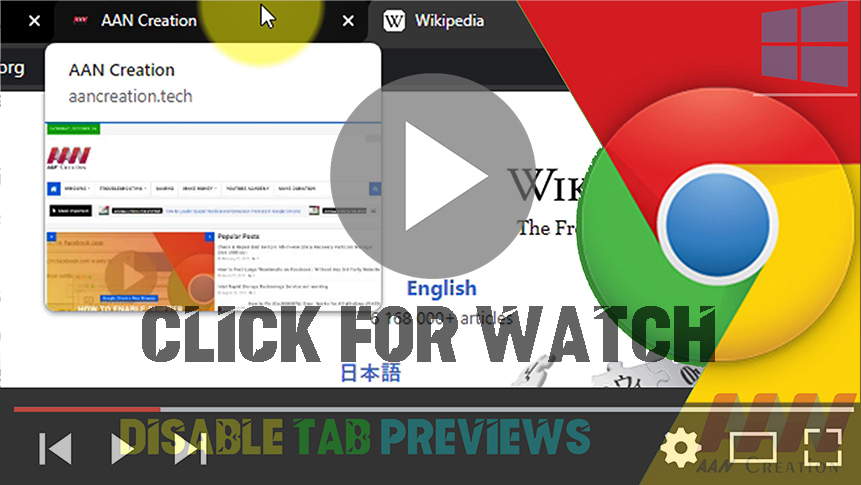

Google Chrome version 78 update introduces “Tab Hover Cards,” a new feature that allows getting a small preview of other open pages, hovering over the tab without having to leave the current page.
Although it can be a useful feature, it’s not something that everybody wants to use. If you’re in the type that would like not to use Tab Hover Cards, it’s easy to disable the feature on Windows 10, macOS, ChromeOS, or Linux.
In this article, you’ll learn the steps to disable the Tab Hover Cards in the Chrome web browser. use these steps:
01. Open Chrome.
02. Open chrome flags settings.
chrome://flags
(adsbygoogle = window.adsbygoogle || []).push({});
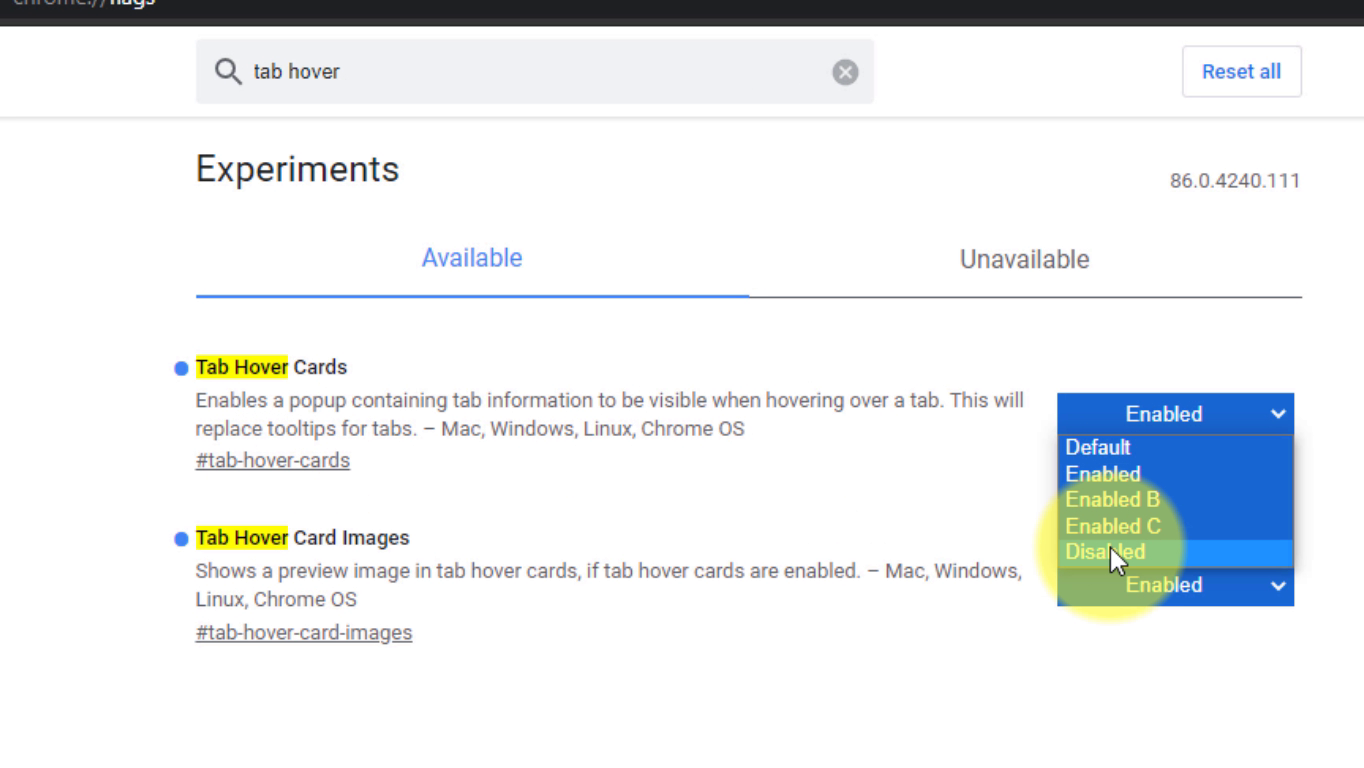
03. Search Tab Hover card and Use the drop-down menu on the right and select the Disabled option.
chrome://flags/#tab-hover-cards
chrome://flags/#tab-hover-card-images
04. Click the Relaunch now button.
Once you finished the steps when the hover over the other tabs should no longer display a card preview.
(adsbygoogle = window.adsbygoogle || []).push({});

