
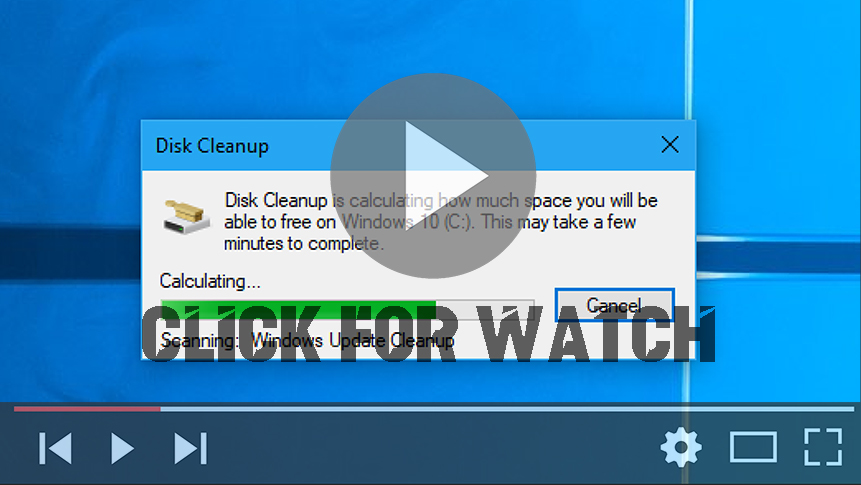

On windows, To delete temporary files: Disk Clean-up (cleanmgr.exe) is a computer maintenance utility included in Microsoft Windows designed to free up disk space on a computer’s hard drive. The utility first searches and analyzes the hard drive for files that are no longer of any use, and then removes the unnecessary files. There are a number of different file categories that Disk Clean-up targets when performing the initial disk analysis:
To delete temporary files:
01. In the search box on the taskbar, type disk cleanup, and select Disk Cleanup from the list of results.
02. Select the drive you want to clean up, and then select OK.
03. Under Files to delete, select the file types to get rid of. To get a description of the file type, select it.
04. Select OK.
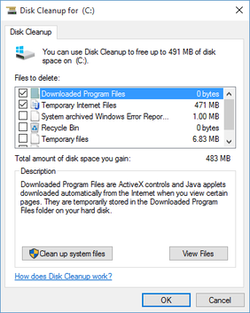
If you need to free up more space, you can also delete system files:
01. In Disk Cleanup, select Clean up system files.
02. Select the file types to get rid of. To get a description of the file type, select it.
03. Select OK.
Note: If you notice that the Temp folder fills up quickly after running Disk Cleanup, see the Low Disk Space error due to a full Temp folder.

