

(adsbygoogle = window.adsbygoogle || []).push({});
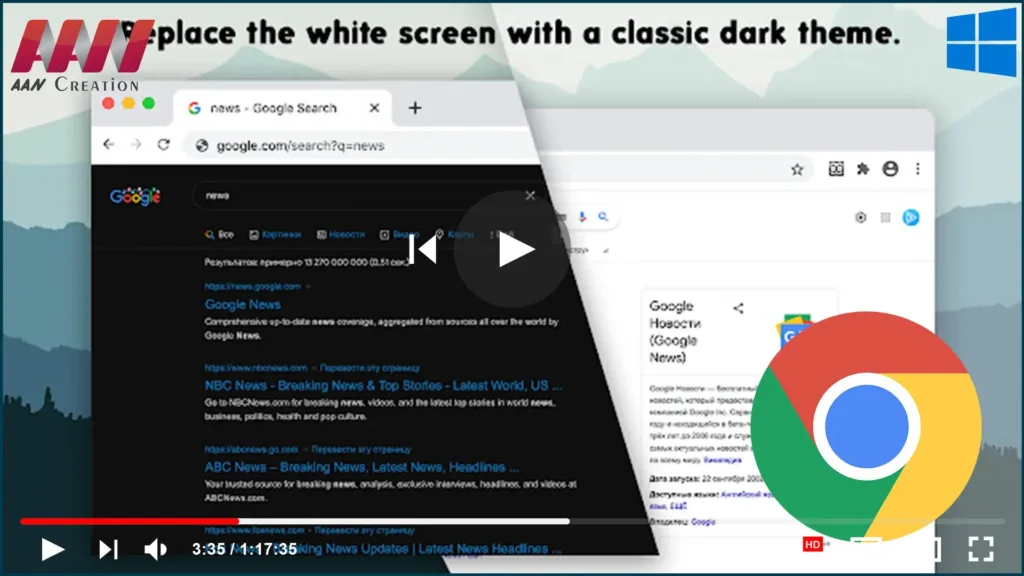
If you’re a fan of dark mode but using an operating system like Windows 7, Linux, or Chrome OS where Chrome’s native dark mode isn’t available, you can still enjoy a dark interface by installing a custom dark theme from the Chrome Web Store. These themes alter the appearance of Chrome, giving you a sleek, dark interface across the browser.
One of the simplest ways to switch Chrome to dark mode is by installing a user-created theme, with Google even offering a curated selection of dark themes.
Here’s how to apply a dark theme to Chrome:
Step 01:
Open your Chrome browser and navigate to the Chrome Web Store.
Step 02:
Search for dark themes or visit this curated collection of dark themes hand-picked by Google: Dark Themes for Chrome.
Step 03:
If you’re looking for a specific recommendation, we suggest trying Morpheon Dark, one of the most popular dark themes in the Web Store. It strikes a good balance by making the active tab slightly lighter for visibility while keeping other elements dark for a seamless look.
Step 04:
To apply a theme, click the Add to Chrome button on the theme’s page. The new theme will be instantly applied across your browser.
“Just Black” dark
mode theme. You might want to give it a shot.

most popular dark theme in the Store, is our recommendation. Unlike some
other dark themes, it provides sufficient contrast between your active
tab, which is slightly lighter, and your inactive tabs, which are
darker.
this theme. That’s all you can do with Chrome themes. Chrome’s context
menus and Settings page cannot be made dark.
Why Use a Dark Theme?
- Eye Comfort: A dark theme can reduce eye strain, particularly in low-light conditions.
- Battery Saving: On OLED screens, dark colors use less power, potentially saving battery life.
- Stylish Look: Dark themes give your browser a modern and sleek appearance.
Additional Theme Features:
Once you’ve installed the dark theme, the following areas of Chrome will be darkened:
- The tab bar
- The title bar
- The toolbar
- The New Tab page
Unfortunately, Chrome themes don’t apply to the browser’s settings page, context menus, or other internal Chrome pages, which will remain in the default light mode.
If you’re using Windows 10 or macOS, both of these operating systems natively support Chrome’s dark mode, which automatically applies a dark theme to the entire Chrome interface. However, for users on older operating systems, this theme option provides a simple solution for a consistent dark look in Chrome.

