
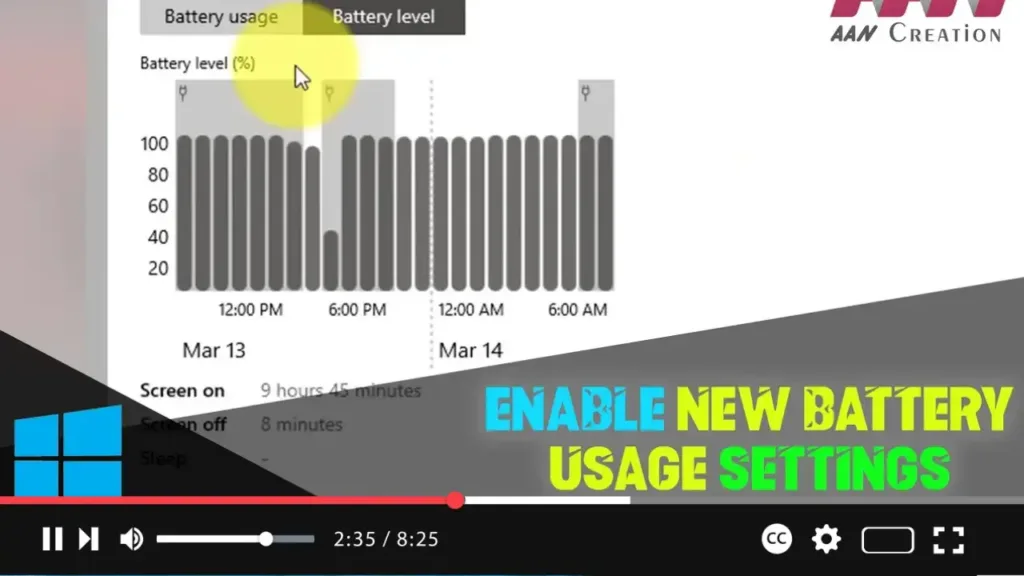

Windows 10 has a range of built-in tools for managing battery usage, but enabling new battery usage settings can offer more detailed insights and control. Here’s how to enable these new settings using ViveTool.
Introduction
Enabling new battery usage settings on Windows 10 provides enhanced features for monitoring and managing your device’s battery performance. This guide will show you how to use ViveTool to activate these settings.
Steps to Enable New Battery Usage Settings on Windows 10
Step 01: Download ViveTool
First, download the ViveTool utility, which is needed to enable hidden features in Windows 10.
.webp)
- Download ViveTool from this link: Download Vivetool
- Extract the downloaded ZIP file to a folder of your choice.
Step 02: Open Command Prompt as Administrator
Press Windows key + X and select “Command Prompt (Admin)” or “Windows PowerShell (Admin)” to open the command line interface with administrative privileges.
Step 03: Navigate to the ViveTool Folder
Type the following command to navigate to the folder where you extracted ViveTool, and press Enter. Replace FOLDERPATH with the actual path to the ViveTool folder.
cd FOLDERPATHViveTool-v0.2.1
Step 04: Enable New Battery Settings
.webp)
Type the following command to enable the new battery settings on Windows 10 and press Enter:
vivetool addconfig 27296756 2
Step 05: Restart Your Computer
After executing the command, restart your computer to apply the changes.
Additional Information
Verify the Settings: After restarting, go to Settings > System > Battery to check if the new battery usage settings are enabled.
.webp)
Using ViveTool: ViveTool is a powerful utility that can enable or disable various hidden features in Windows 10. Use it with caution, as improper use can affect system stability.
Reverting Changes: If you encounter issues or want to disable the new settings, you can revert the changes by using ViveTool with the appropriate command.
By following these steps, you can enable new battery usage settings on Windows 10, providing you with better tools to manage and monitor your device’s battery performance.

