
.webp)
Hello everyone! On Windows 11, there’s an option to enable downloading and installation of non-security updates before the monthly Patch Tuesday. Microsoft releases quality updates, also known as “B releases,” on the Tuesday of every month. These updates include security fixes, new features, and improvements.
This guide will show you how to receive update previews with fixes, features, and changes before they’re available to everyone on Windows 11. Follow these steps:
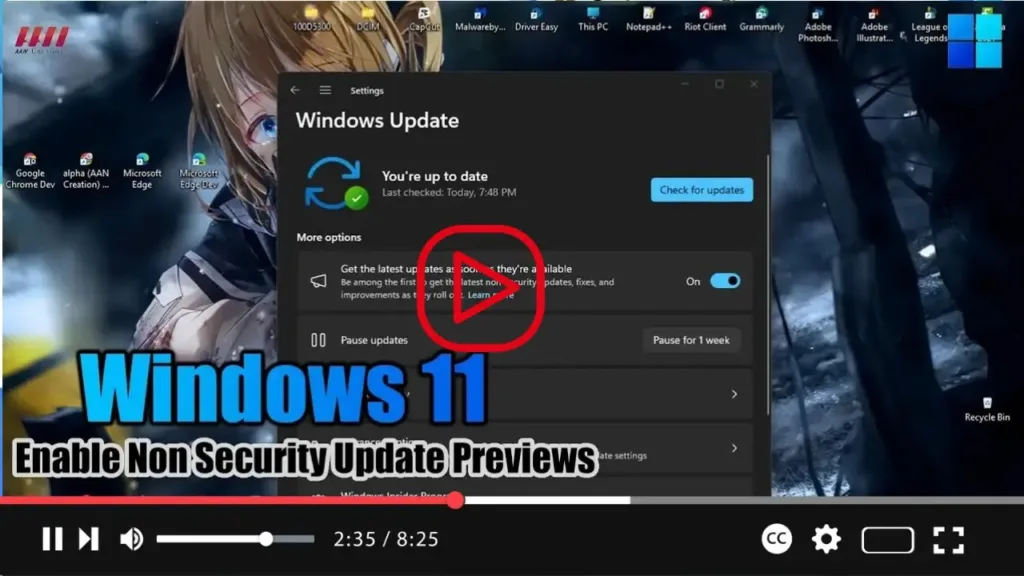
- Open Settings on Windows 11 and go to Windows Update.
- Turn on the toggle switch for “Get updates as soon as they’re available” and enable latest feature updates.

Once you’ve completed these steps, your system will start receiving updates from the “D” release containing security fixes, new features, and improvements planned by Microsoft for their monthly maintenance update on Windows 11.

