
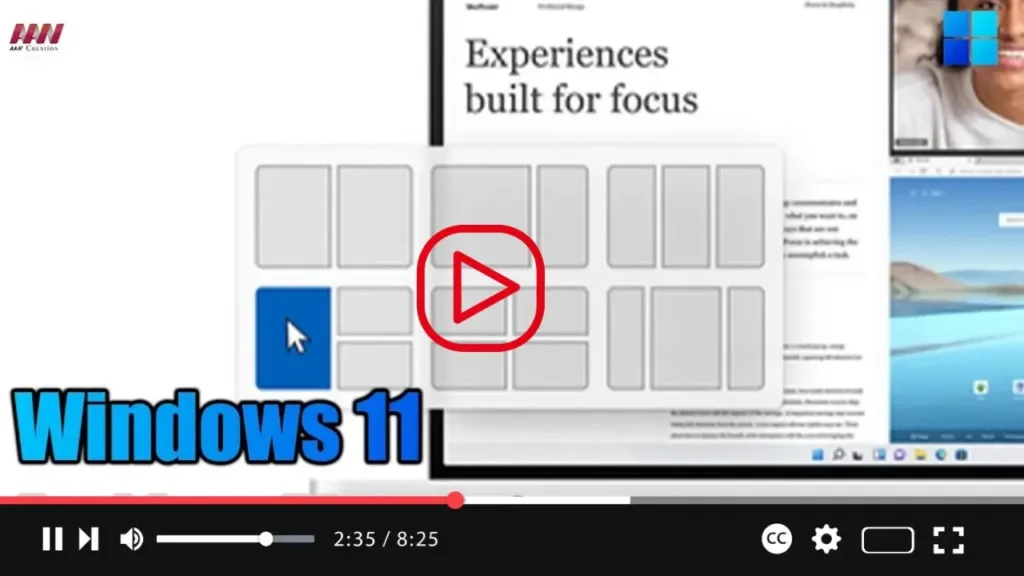

Windows 11 comes with Snap Assist, a feature designed to enhance multitasking by efficiently organizing windows on the screen. Whether you’re working with two or more applications, Snap Assist offers various functions to easily snap windows to the sides or corners of the screen using your mouse, keyboard, or touch input.
While Snap Assist isn’t a new addition to Windows 11, having been available since Windows 7, it has evolved over the years to offer more functions and capabilities. These include Snap Layouts, Snap Groups, additional keyboard shortcuts, and more, making window management even more convenient and intuitive.
.webp)
This guide will walk you through the steps to enable or disable Snap features on Windows 11:
- Open Settings and navigate to the System section.
- Click on the Multitasking tab.
- Here, you’ll find the Snap Windows toggle switch. Toggle it on to enable the feature or off to disable it. You can also customize specific Snap features by checking or unchecking the options listed.
.webp)
Once you’ve completed these steps, you’ll be able to use your keyboard and mouse to efficiently organize windows on your screen, streamlining your multitasking experience on Windows 11.

