
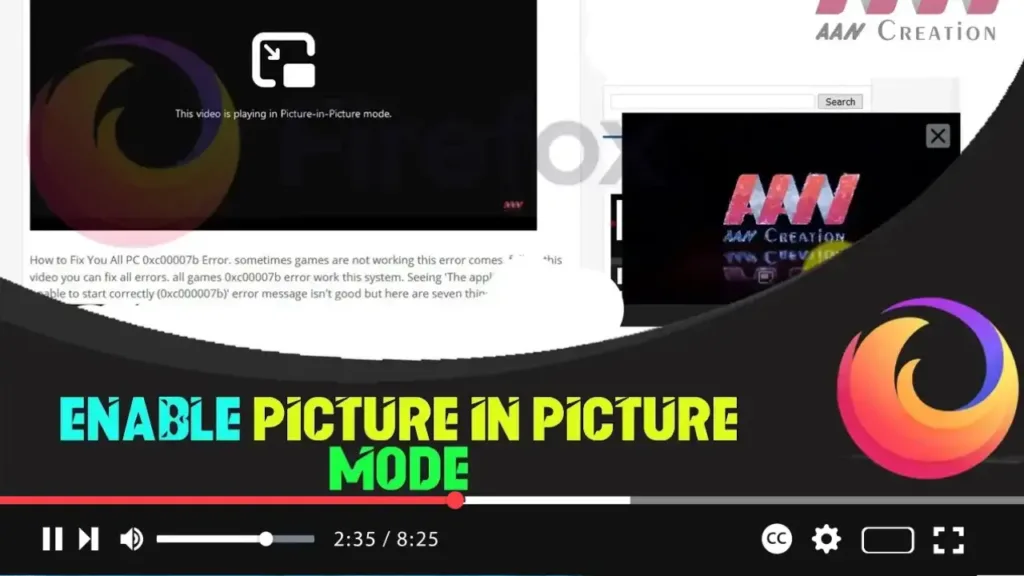

Modern browsers, including Firefox, now come with a Picture-in-Picture (PiP) mode. This feature allows videos playing in the browser to open in a small, resizable overlay window that can be managed independently from the browser’s main window. This guide will show you how to enable Picture-in-Picture mode in Firefox and how to use it for an enhanced viewing experience.
Benefits of Picture-in-Picture Mode
- Multitasking: Watch videos while working on other tasks in the browser.
- Convenience: Keep videos playing in a small window on top of other applications.
- Flexibility: Resize and reposition the video window as needed.
Steps to Enable Picture-in-Picture Mode in Firefox
Step 01 Open Firefox
Step 02 Access Configuration Settings:
- Type
about:configin the address bar and press Enter.
Step 03 Accept the Risk Warning:
- Click on “I accept the risk!” to proceed.
.webp)
Step 04 Search for the PiP Setting:
- In the search box, type or copy-paste
media.videocontrols.picture-in-picture.enabled.
Step 05 Enable Picture-in-Picture Mode:
- Double-click on the
media.videocontrols.picture-in-picture.enabledvalue to set it totrue.
How to Use Picture-in-Picture Mode
-
Open a Supported Web Page:
- Visit a website with embedded video content. For example, YouTube.
-
Play a Video:
- Start playing the video you want to watch.
-
Activate Picture-in-Picture Mode:
- Right-click twice on the video player box.
- Select the “Picture in Picture” option from the context menu.
-
Manage the PiP Window:
- A separate video window will open. You can resize and move this window as needed.
.webp)
Additional Tips
- Resizing: Drag the corners of the PiP window to resize it.
- Repositioning: Click and drag the PiP window to move it around your screen.
- Controls: The PiP window includes basic controls for play, pause, and close.
Conclusion
Enabling and using Picture-in-Picture mode in Firefox is a straightforward process that enhances your browsing and viewing experience. Whether you’re multitasking or just prefer to watch videos in a separate window, PiP mode offers the flexibility and convenience you need.
By following the steps outlined above, you can easily enable this feature and start enjoying videos in a more versatile and user-friendly way.

