
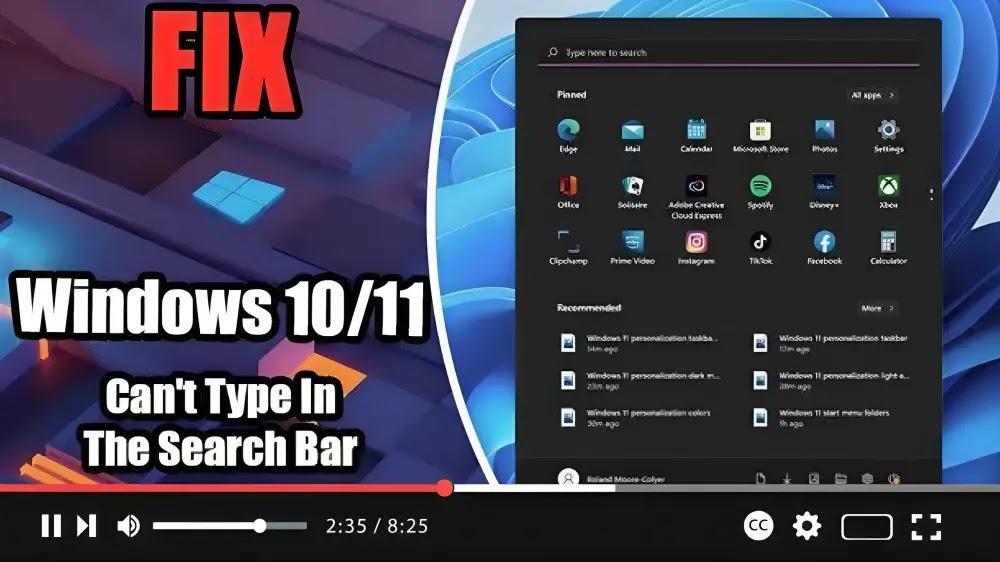

If you’re experiencing issues with typing in your Windows 10 Search Box, you’re not alone. Many users have encountered this problem, but fret not, as there’s a simple fix you can try. Before attempting any solutions, it’s advisable to check if your Firewall is enabled, as disabling it may sometimes cause this issue for some users.
Here’s a step-by-step guide to fix the “Can’t Type in the Search Bar in Windows” problem:
Step 01: Open the Run Dialog Box: Press the Windows key + R key simultaneously to open the Run dialog box.

Step 02: Enter the Path: In the Run dialog box, type the following path:
ctfmon.exe
Then, press Enter to execute the command.
If this fix resolves the issue and you’re able to type in the search box again, it indicates that the “ctfmon.exe” process was not running on your PC. In such cases, follow these additional steps:

[Additional Steps]
Unfortunately, it seems the guide abruptly ends here. If you encounter any further issues or need assistance with additional steps, feel free to ask for help. We’re here to assist you!

