

The windows 10 Nvidia Geforce Experience icon missing from System Tray. and
the computer getting overload. because the Nvidia Geforce Experience
application not working and you can’t run high-performance applications or
games.
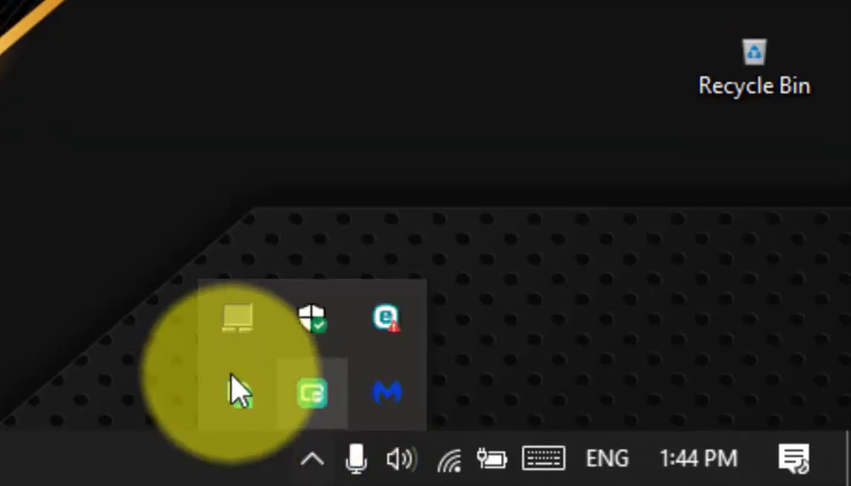
In this video, you’ll learn the steps to fix the Nvidia Geforce Experience
icon missing from the system tray or the Nvidia Geforce Experience not
working. use these steps.
(adsbygoogle = window.adsbygoogle || []).push({});
01. Open the Run.
02. Type services.msc.
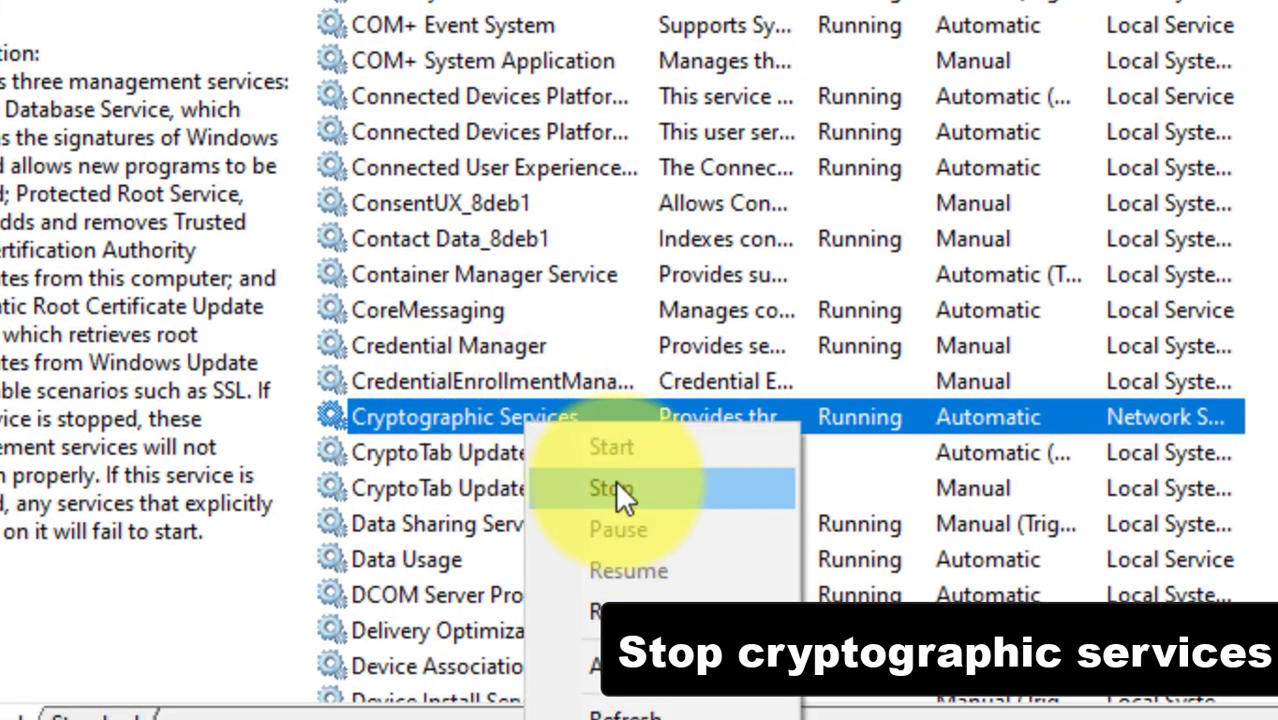
03. Stop cryptographic services.
04. Restart the Nvidia-related Services.
Once you complete the step, you can see the Nvidia Geforce Experience icon.
(adsbygoogle = window.adsbygoogle || []).push({});

