


Microsoft has finally announced the release of version 4.8 of the.NET
framework. This version will be available in the coming days via optional
updates in Windows 10 via automatic updates. However, if you want to install
the.NET runtime for this version manually without waiting for the automatic
update, you can do so right now by downloading the runtime installer and
installing it on your Windows 10 PC.
framework. This version will be available in the coming days via optional
updates in Windows 10 via automatic updates. However, if you want to install
the.NET runtime for this version manually without waiting for the automatic
update, you can do so right now by downloading the runtime installer and
installing it on your Windows 10 PC.
Here is how you can install .NET Framework 4.8 runtimes in Windows 10:
01.
Visit Webpage. you can download both .NET Core and .NET framework.
Visit Webpage. you can download both .NET Core and .NET framework.

(adsbygoogle = window.adsbygoogle || []).push({});
02. The webpage will auto-detect your operating system (Windows) and show
you the appropriate link, but this link downloads the web installer.
Scroll down and find “Other Windows Downloads” and click on the Offline
installer runtime link to download the full offline installer for .NET
framework version 4.8.
you the appropriate link, but this link downloads the web installer.
Scroll down and find “Other Windows Downloads” and click on the Offline
installer runtime link to download the full offline installer for .NET
framework version 4.8.
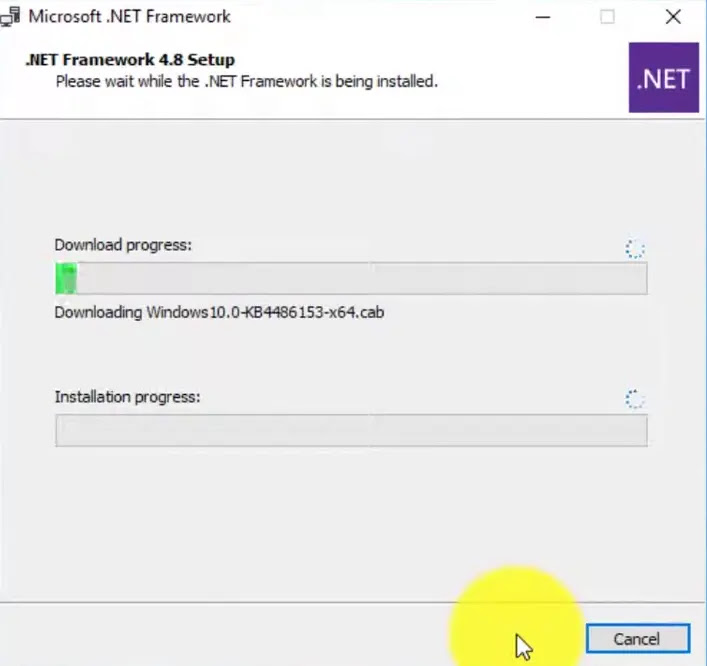
03. Launch the downloaded offline installer ndp48-x86-x64-allos-enu.exe
and follow on-screen directions to begin the installation. You may have to
reboot your Windows PC to complete the installation.
and follow on-screen directions to begin the installation. You may have to
reboot your Windows PC to complete the installation.
Once you have rebooted your Windows computer, you can check the version of
the .NET framework installed using a number of ways. A good old method is
through the use of ASoft .NET version detector app that can display all
the versions of the .NET Framework runtime installed on your PC.
the .NET framework installed using a number of ways. A good old method is
through the use of ASoft .NET version detector app that can display all
the versions of the .NET Framework runtime installed on your PC.

