
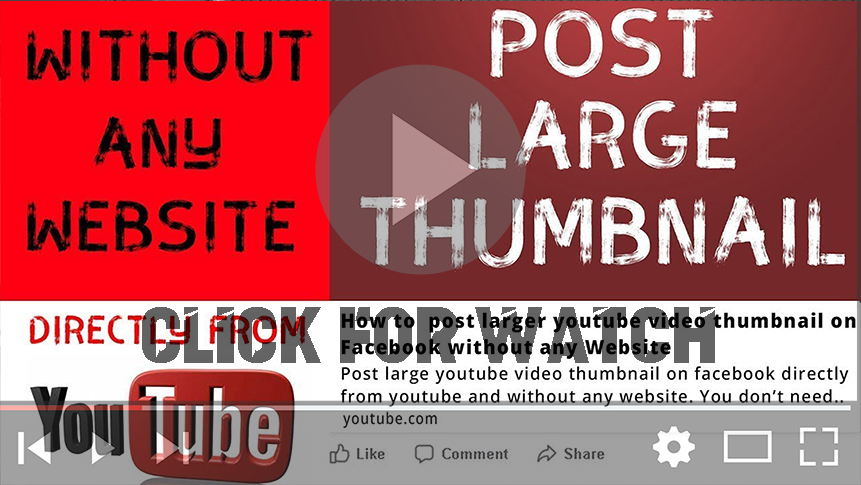

Posting large thumbnails on Facebook can significantly enhance your content’s visibility and engagement. While many people turn to third-party websites to achieve this, Facebook offers built-in tools to ensure your thumbnails appear prominently. This guide will walk you through the process of posting large thumbnails effectively.
Understanding Facebook’s Thumbnail System
When you share content on Facebook, the platform retrieves thumbnail images based on Open Graph tags embedded in the website. Properly setting these tags allows you to control how your content appears on Facebook. Here’s how you can utilize Facebook’s tools to ensure large thumbnails are displayed without the need for external sites.
Steps to Post Large Thumbnails on Facebook
Step 1: Adjust YouTube Video Settings
If you are sharing a YouTube video, make sure to adjust your video settings:
- Open YouTube: Go to your YouTube account.
- Video Editing Settings: Select the video you want to share and go to the editing settings.
- Click on Advanced Settings: Look for the advanced settings option.
- Untick the “Allow Embedding” Box: This is crucial for controlling how the thumbnail is shared on Facebook.
- Save Changes: Make sure to save your changes to ensure they take effect.
(adsbygoogle = window.adsbygoogle || []).push({});
Step 2: Use Facebook Sharing Debugger
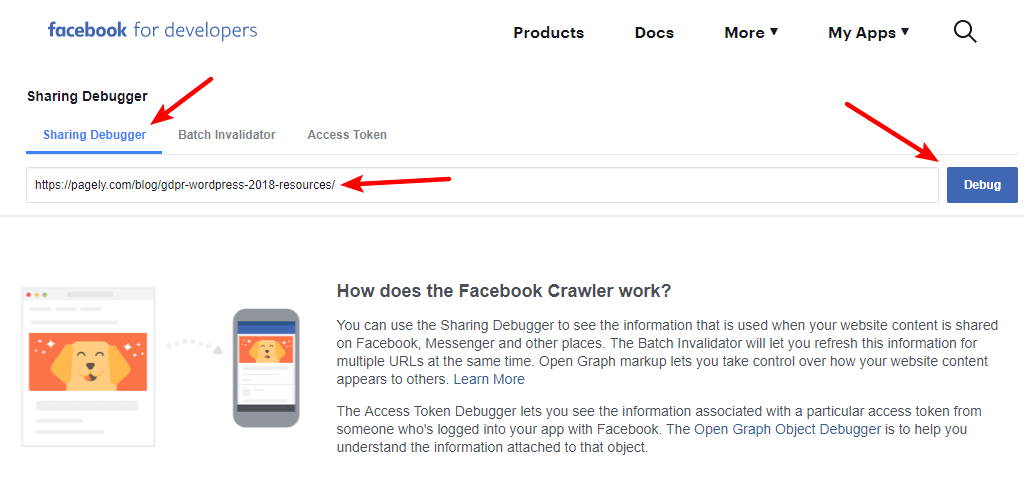
Now, you can use Facebook’s Sharing Debugger to refresh the thumbnail information for your shared content:
- Copy the Video URL: For example, “https://youtu.be/z60j6h2uCNU.”
- Open Facebook Sharing Debugger: Navigate to the Facebook Sharing Debugger.
- Paste the Video URL: Enter the copied URL into the debugger.
- Click on Debug: This will retrieve the current Open Graph information for your URL.
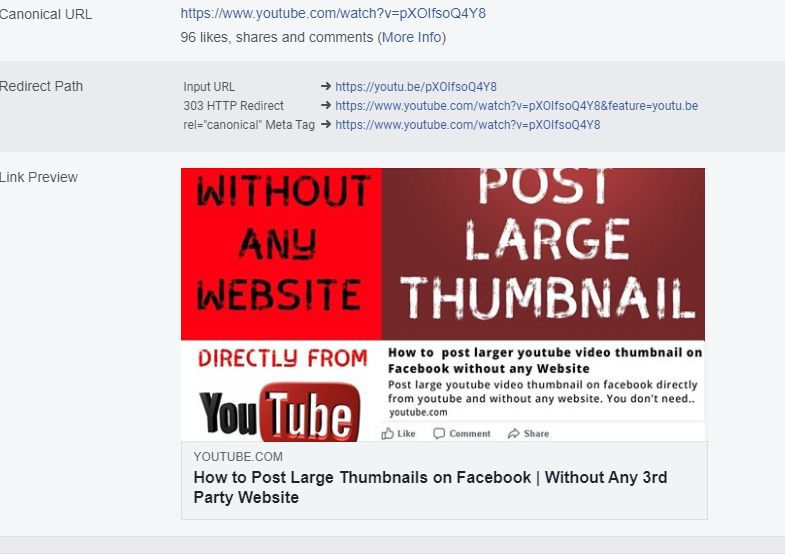
- Click on Scrape Again: If you don’t see the desired thumbnail, click “Scrape Again” to refresh the data.
This action forces Facebook to fetch the latest thumbnail associated with the URL, ensuring that your large thumbnail appears when shared.
Benefits of Using Facebook’s Tools
- Control Over Appearance: By managing Open Graph tags, you can dictate how your content is displayed, ensuring the right image is shown every time.
- No Third-Party Dependencies: Using Facebook’s built-in tools keeps your process streamlined and avoids potential issues with third-party sites that might violate Facebook’s terms.
- Automatic Updates: Once you complete this process, Facebook will remember your settings, making it easier to share content with large thumbnails in the future.
Conclusion
Posting large thumbnails on Facebook without using third-party websites is straightforward when you utilize the platform’s own tools. By adjusting your video settings and using the Facebook Sharing Debugger, you can ensure your content stands out with prominent thumbnails. Following these steps not only enhances your content’s visibility but also allows you to maintain control over how your media is presented on social media platforms.
(adsbygoogle = window.adsbygoogle || []).push({});

