

(adsbygoogle = window.adsbygoogle || []).push({});
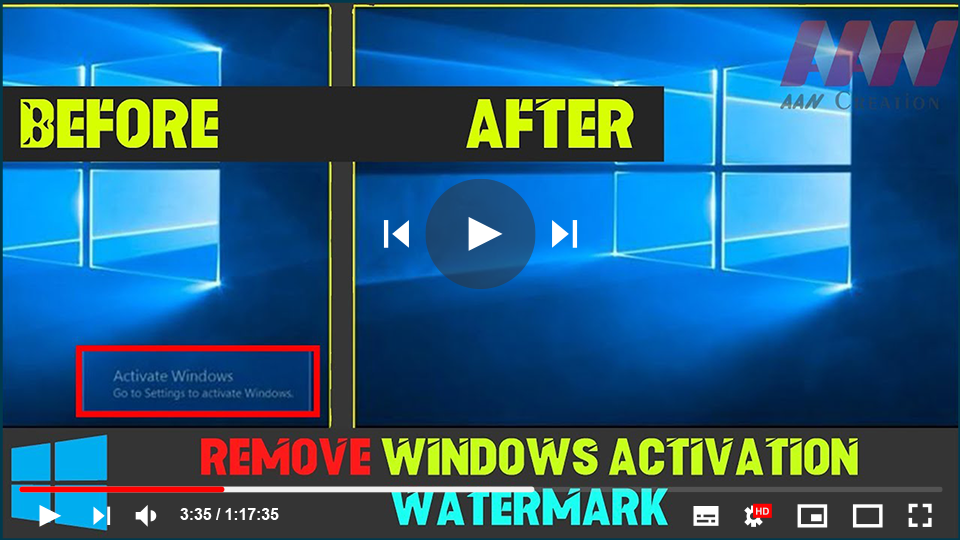
We’ve all been there, whether you obtained Windows legally, or applied some
tricks to install it on your computer without paying a penny. Many people’s
computer experiences have been ruined by the notorious “Activate Windows”
watermark. It may block your view, embarrass you when trying to record your
screen, or distract you when watching movies or playing video games.
tricks to install it on your computer without paying a penny. Many people’s
computer experiences have been ruined by the notorious “Activate Windows”
watermark. It may block your view, embarrass you when trying to record your
screen, or distract you when watching movies or playing video games.
Windows 10, we’ll show you how to remove the “Activate Windows” watermark.

What is the “Activate Windows” watermark?
Microsoft, just like any other company, does not like it when their hard
work gets pirated, exploited, & re-distributed for free. In an attempt
to stop the piracy of their newest OS, Windows 10, they came up with the
idea of placing a watermark in the corner until the user legally activates
Windows.
work gets pirated, exploited, & re-distributed for free. In an attempt
to stop the piracy of their newest OS, Windows 10, they came up with the
idea of placing a watermark in the corner until the user legally activates
Windows.
This might not seem like a huge issue, as the watermark does not really get
in your way. Instead, it sits on top of every window, app, & even your
cursor.
in your way. Instead, it sits on top of every window, app, & even your
cursor.
While it isn’t a revolutionary method of preventing piracy, it is a start,
it was enough to drive you here and look up how you can get rid of it. Don’t
worry other than telling you the obvious solution, We’ve compiled a list of
watermark removal methods for those who don’t want to spend money.
it was enough to drive you here and look up how you can get rid of it. Don’t
worry other than telling you the obvious solution, We’ve compiled a list of
watermark removal methods for those who don’t want to spend money.
It’s worth noting that the majority of these methods simply remove the
watermark “Activate Windows.”, and don’t actually activate your system. You
will still be unable to remove restrictions such as not being able to
customize your PC at all.
watermark “Activate Windows.”, and don’t actually activate your system. You
will still be unable to remove restrictions such as not being able to
customize your PC at all.
With that out of the way, let’s get started on removing the “Activate
Windows” watermark from your Windows 10 system.
Windows” watermark from your Windows 10 system.
How to Permanently Remove the “Activate Windows” Watermark
Do the Notepad trick
One of the simple & most recognized ways of removing the pesky
small watermark in the corner of your screen is doing a simple trick
with the pre-installed Notepad application. Yes, the Notepad app that
you use every day.
small watermark in the corner of your screen is doing a simple trick
with the pre-installed Notepad application. Yes, the Notepad app that
you use every day.
By pasting some text and logging in as an administrator, you can easily
remove the “Activate Windows” watermark from appearing on your screen.
Here’s how to do it.
remove the “Activate Windows” watermark from appearing on your screen.
Here’s how to do it.
01. Launch the Notepad application and create a new, blank note.
02. Copy and paste the following block of text into your Notepad
@echo off
taskkill /F /IM explorer.exe
explorer.exe
exit

03. Go to File, then click on Save as. Name the file Activation.bat
& change the file format to All files.
& change the file format to All files.

04. Choose the location where the file becomes easily reachable, and
click the Save button. To maximize accessibility, we recommend saving
files like this to your Desktop.
click the Save button. To maximize accessibility, we recommend saving
files like this to your Desktop.
05. Right-click the file and select Run as administrator. If you do
not have this option, you are not signed into an account with admin
permissions.
not have this option, you are not signed into an account with admin
permissions.

(adsbygoogle = window.adsbygoogle || []).push({});
06. Restart your device and enjoy life without watermarks!

