
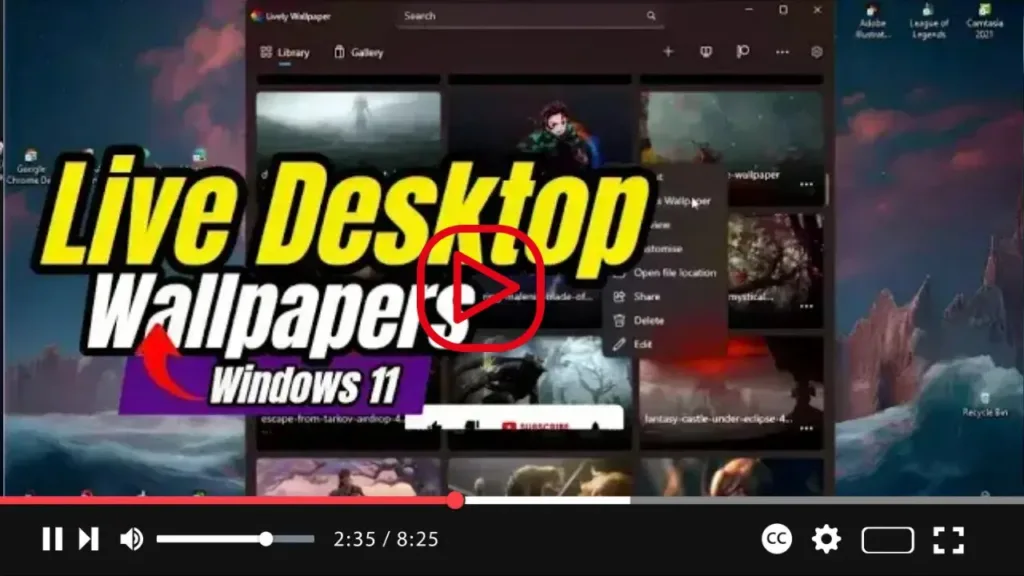

Unlock Dynamic Desktops with Lively Wallpaper on Windows 11
Ready to breathe life into your desktop experience on Windows 11? While official support for live wallpapers may be absent, fear not! You can still enjoy dynamic backgrounds akin to animated wallpapers found on Android devices, thanks to the “Lively Wallpaper” app available on the Microsoft Store.
Lively Wallpaper is a versatile open-source application that empowers users to set videos, webpages, and GIF images as desktop wallpapers and screensavers. With an extensive library of live wallpapers to choose from within the app, users can easily customize their desktops to suit their mood and style. But the fun doesn’t stop there! Lively Wallpaper also enables users to add custom wallpapers, providing endless possibilities for personalization.
.webp)
Here’s how you can get started with Lively Wallpaper:
- Open the Microsoft Store and search for the “Lively Wallpaper” app.
- Click the “Get” button to download and install the app.
- Once installed, launch the Lively Wallpaper app from your Start menu.
With Lively Wallpaper at your fingertips, you can transform your desktop into a dynamic canvas that reflects your personality and preferences. Whether you prefer serene landscapes, mesmerizing animations, or captivating video backgrounds, Lively Wallpaper offers a plethora of options to elevate your desktop experience on Windows 11.
.webp)
Embrace the power of customization and bring your desktop to life with Lively Wallpaper today!

