
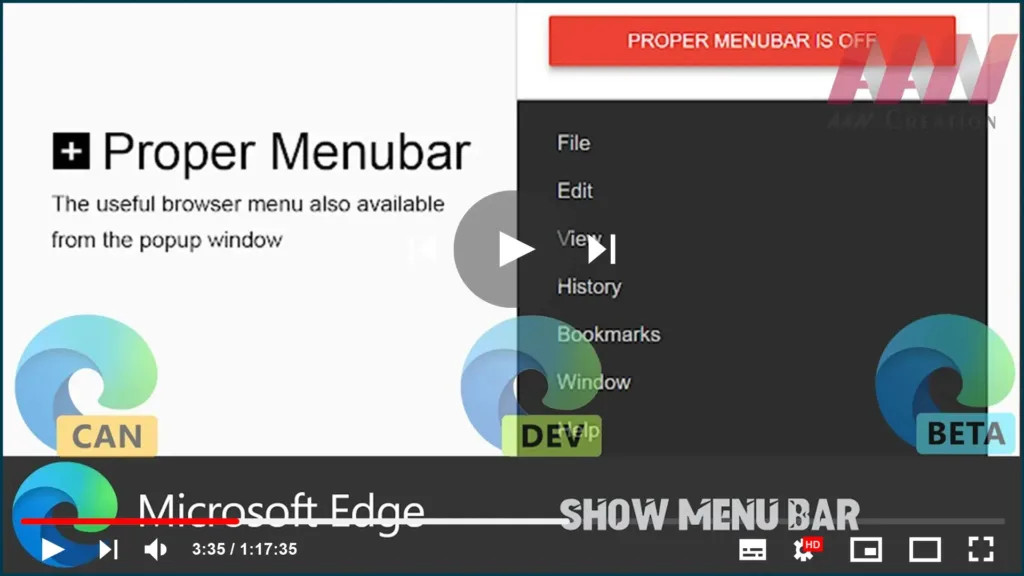

One of the features missing from the classic menu bar in Microsoft Edge. Many users find it useful and would be happy to have it in this modern browser. Finally, the proper menu bar is now possible in Microsoft Edge Chromium.
Proper Menubar is such an extension created especially for Microsoft Edge. It enables the use of a traditional menu bar beneath the browser’s tab bar, the extension is compatible with most Chromium-based browsers, including Opera and Vivaldi.
The default menu includes traditional menu items like saving a file, copying text, selecting text, settings, and help. Also, including window-related options like minimize, maximize, quick access to dev tools, and many other options you may find useful.
In this guide, you’ll learn the steps to To Show Menu Bar in Microsoft Edge Chromium.
01. Open Microsoft Edge Chromium.
02. Go to the Microsoft Edge Extensions store.
03. Search Proper Menubar or you can get the direct link on the video description.

Proper Menubar for Microsoft Edge
Stefan vd
30,000+ UsersAccessibility
Compatible with your browser
04. Click on the Get button next to the extension’s name.
05. Confirm the extension installation.

Congrats, you are having the classic menu bar in Microsoft Edge. check out the available extension options and customize it according to your preferences.

