
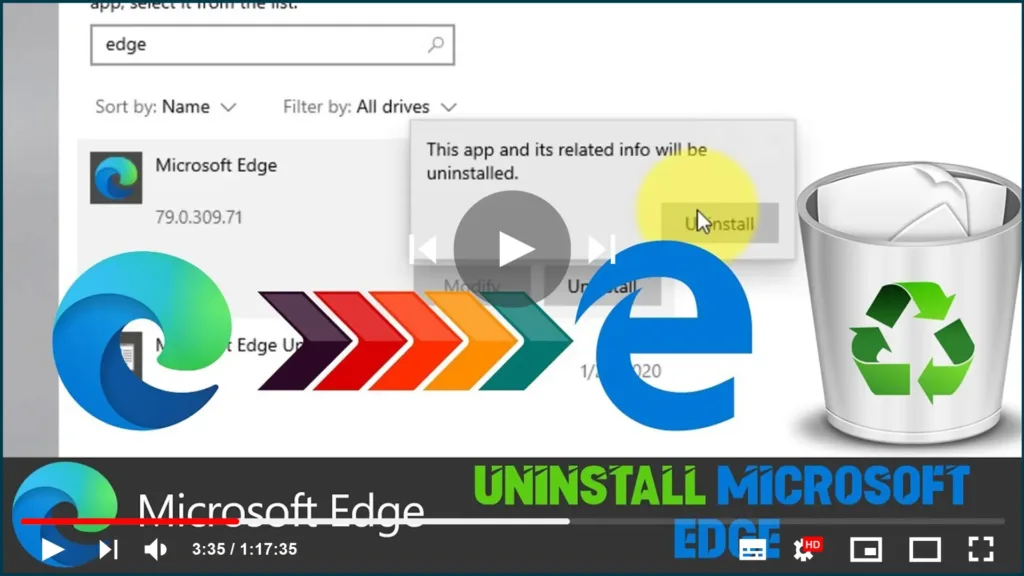

Although the Chromium version of Microsoft Edge is a better web browser
than the legacy version, it’s still not an app for everyone.
than the legacy version, it’s still not an app for everyone.
If you’ve been running the new Edge for a while, and you’re not happy
with its performance and features. Or you’ve been using the beta, dev, or
canary builds, and now, you only want to use the stable release. It’s
possible to uninstall Chromium Edge like any other app because the browser
installation is independent of Windows 10.
with its performance and features. Or you’ve been using the beta, dev, or
canary builds, and now, you only want to use the stable release. It’s
possible to uninstall Chromium Edge like any other app because the browser
installation is independent of Windows 10.
This guide will walk you through the simple steps of removing the
Chromium version of Microsoft Edge from a Windows 10 device.
Chromium version of Microsoft Edge from a Windows 10 device.
Follow these steps to uninstall Microsoft Edge Chromium:
(adsbygoogle = window.adsbygoogle || []).push({});
01. Open Settings.
02. Click on Apps.
03. Click on Apps & features.
04. Select the Microsoft Edge item.
05. Click the Uninstall button.

06. Click the Uninstall button again.
07. Check the Also clear your browsing data option.

08. Click the Uninstall button.
Once you complete the steps, the browser will remove from your device, and
the legacy version of Microsoft Edge will be enabled again.

