
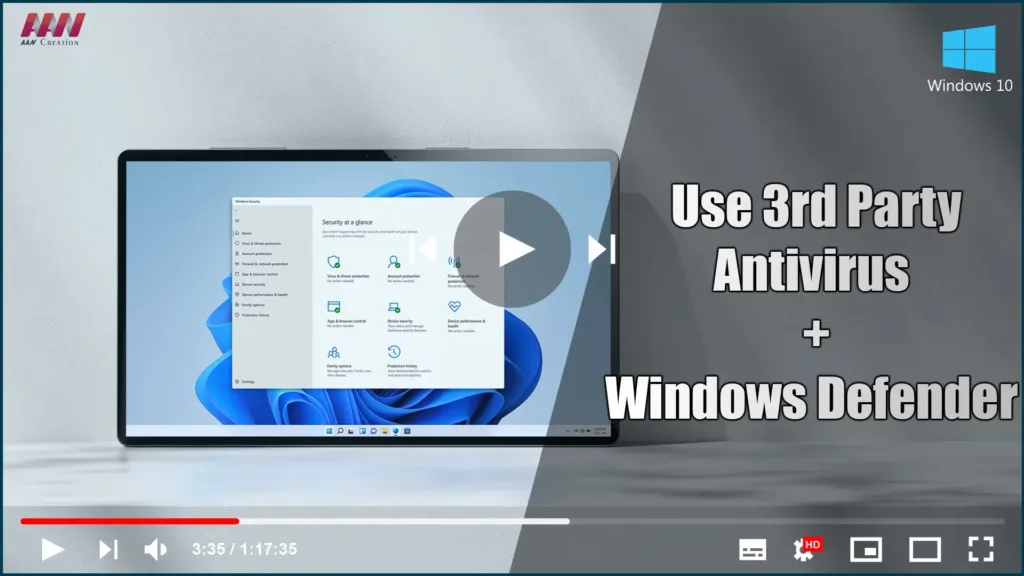

Windows Defender Security Center delivers a robust suite of security features that keep you safe for the supported lifetime of your Windows 10 device.
When you protect your PC with Windows Defender Antivirus, you get comprehensive protection against viruses, malware, spyware, and other threats to your system, files, and online activities. Finding peace of mind has never been easier.
.webp)
(adsbygoogle = window.adsbygoogle || []).push({});
Windows Defender Antivirus
Keep your PC safe with Windows 10’s built-in antivirus protection. Windows Defender Antivirus protects against software threats such as viruses, malware, and spyware in email, apps, the cloud, and the web in a comprehensive, ongoing, and real-time manner.
How to use 3rd Party Antivirus Software (ESET, McAfree, Malware bytes, etc.. ) With Windows Defender Antivirus, at the Sametime.
01. Open Windows Security.
02. Click the Virus & threat protection.
03. Select the Windows Defender Antivirus option.

04. Click the Button (Off ➡ on)

