

If you want to find out the password saved on the website, just follow these instructions:
01. Open the browser.
02. Click on the Menu button in the upper left corner. Then, from the menu select “Settings”.
03. In a newly opened tab of your browser, go to the “Privacy & Security” section and look for the “Passwords” section. or Search Passwords
04. Next, click on the button “Manage saved passwords”.
(adsbygoogle = window.adsbygoogle || []).push({});
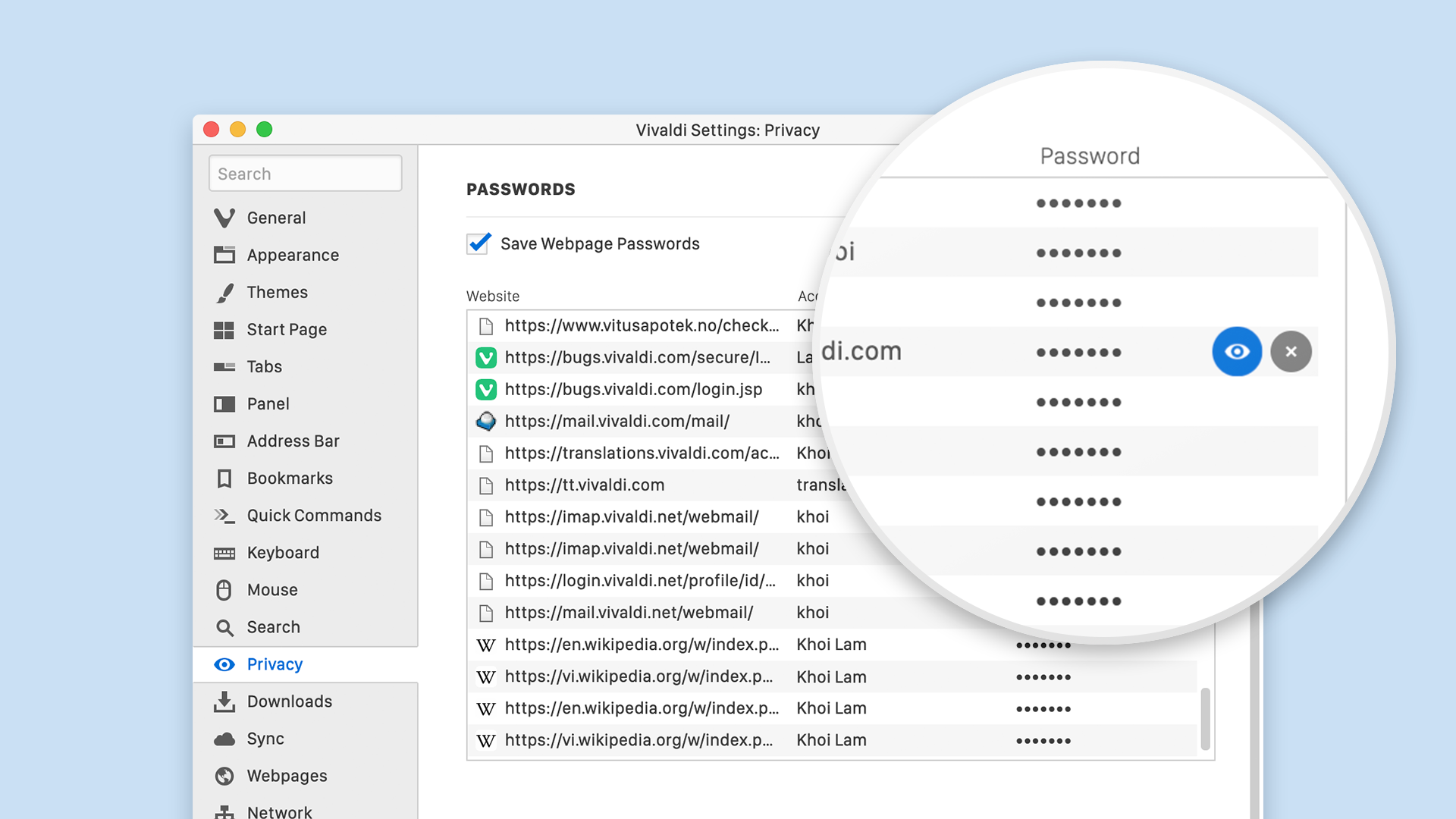
05. In the opened window you will see the logins and the passwords (in the form of the asterisk) for all the websites you’ve visited. To display letters and numbers, instead of the black asterisk, you must select the field with the site that requires a password, and click on the button “Show/Eye Icon”.
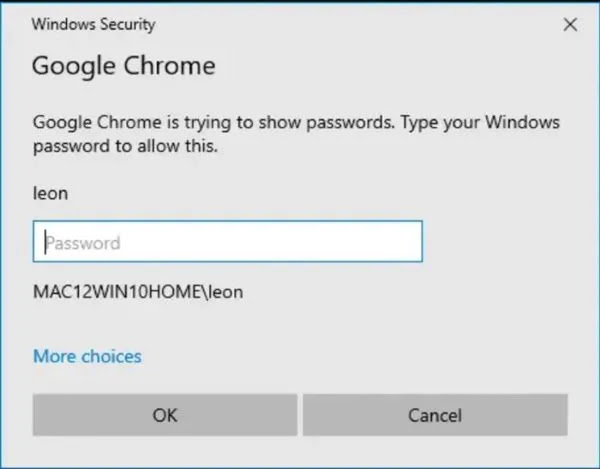
05. After that, you will see the new administrator window, where you need to enter your computer password. After that, the passwords for all websites will be shown.

