
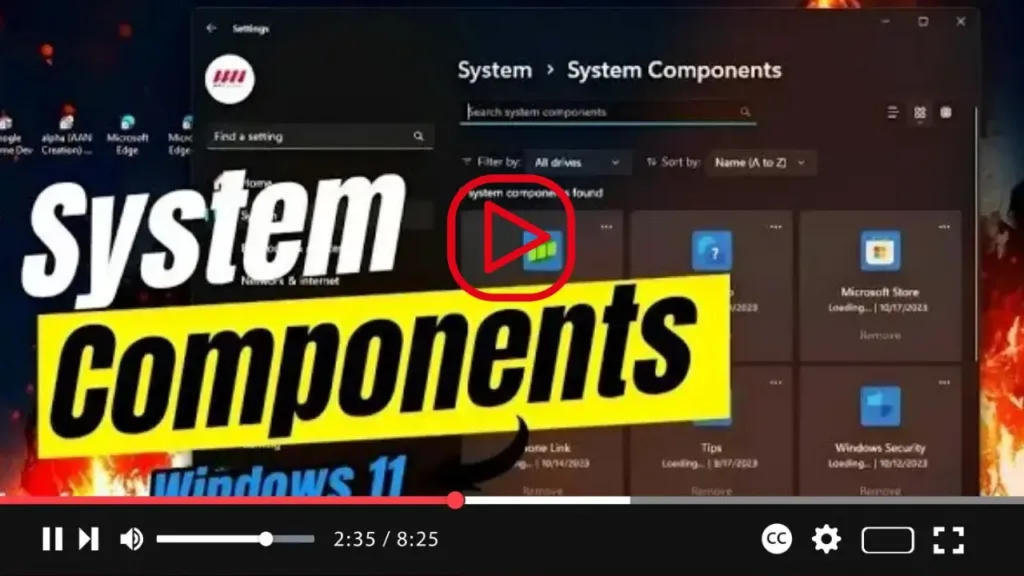

Introducing Windows 11 build 25926! This latest update brings a notable addition to the Settings app: the “System Components” page. Microsoft is enhancing user experience by introducing a dedicated space within the Settings app to manage essential system components, including default apps, extensions, and codecs.
With the new System Components page, users gain a comprehensive view of default apps like Calculator, Camera, and Feedback Hub, among others. Additionally, extensions and codecs vital for system operation are neatly organized for easier management. Similar to the “Installed apps” settings, users can customize their view, filter, and sort the components, as well as manage or remove them as needed. It’s worth noting that certain components integral to the operating system cannot be removed.

While the functionality mirrors that of the Installed apps page, the dedicated System Components page offers distinct advantages. By segregating system components from other apps sourced from platforms like the Microsoft Store, users benefit from streamlined management and removal processes. This ensures a smoother experience when handling essential system elements, enhancing overall usability within the Windows 11 environment.

