
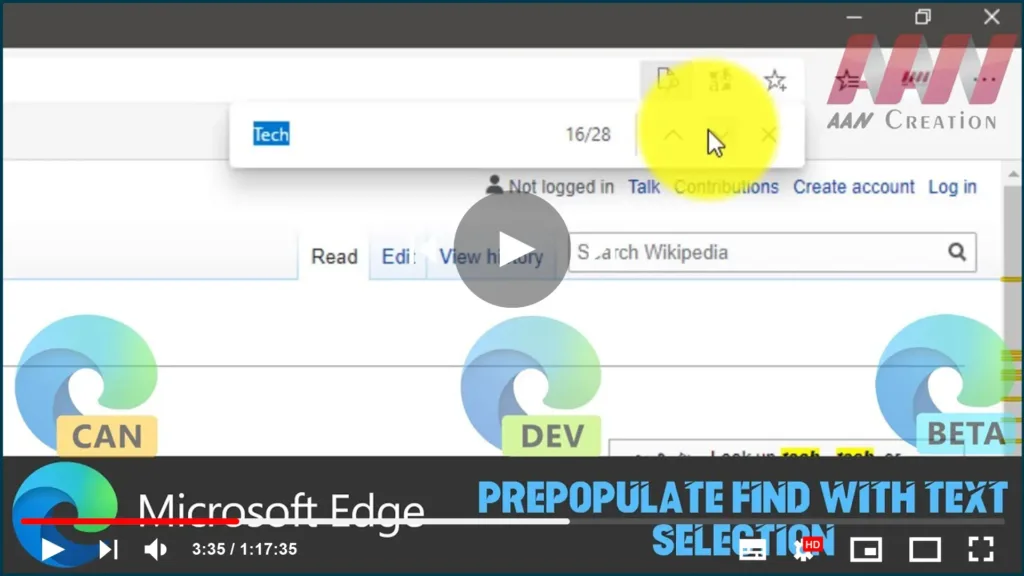

Another interesting feature is available on Microsoft Edge chromium. If you select a text on a page, it will be automatically inserted into the Find text box once you press Control + F.
In this guide, you’ll learn the steps to How to Prepopulate Find with Text Selection in Chromium Version of Microsoft Edge.
01. Go to the web page you like to find the text.
02. Select some text on the page.

03. Press Control + F. The result will be as follows.
When you select a term on the page and want to search for additional instances of that text block, the change will be useful. You can save time by skipping the copy-paste step. This is handy when you are browsing some source code.

