
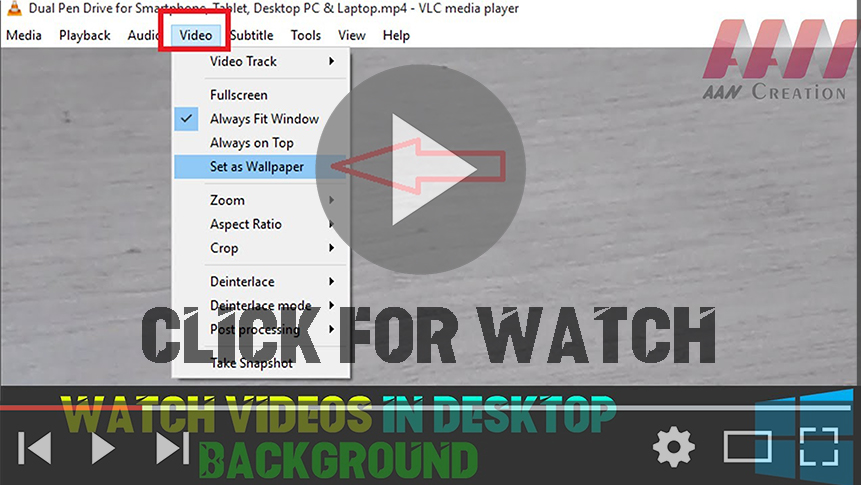

Since the expiry of DreamScene with Vista Version, users have been denied
the feature of having movable pictures as their desktop background, but the
most useful VLC Media Player provides something of a workaround. Open up a
movie then select Video & Set as Wallpaper to place it behind your
program windows, audio, & all.
There are a couple of points to make: first, you will have to keep VLC media
running to keep the effect going, & as soon as you shut down the
application your original wallpaper will reappear. Second, all of your
desktop icons & shortcuts will be hidden, which may or may not be much
of a blow to you. If you already have desktop icons hidden then the trick
will not work.
(adsbygoogle = window.adsbygoogle || []).push({});
And whoever would you want to do such a thing? Well, you might want to keep
half an eye on a certain tv show or movie while you get on with something
else in the foreground. Or you might have come across an especially soothing
clip of a sunset that you want to use as the background while you work, you
can even use live streams from the Website. If you need the option, VLC
offers it.
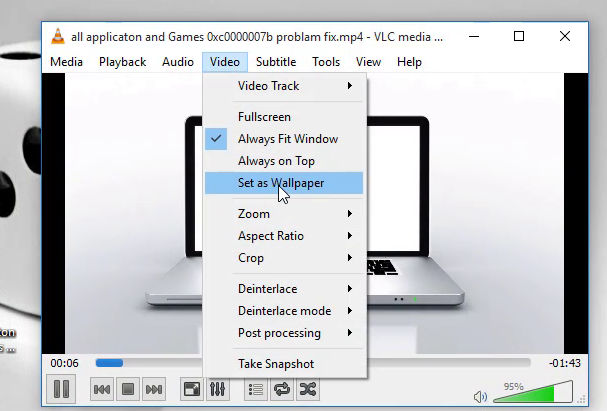
When I did my earlier pieces on VLC media, one of the most common emails I
got asked how to delete viewing history in VLC Players. Now I do not judge
& I know that privacy is a growing concern for all of us so I have put
together this quick guide showing you how to do just that.
01. Open VLC and navigate to Media.
02. Select Open recent media.
03. Select Clear to clear the current list.
04. Select Tools and Preferences.
05. Find ‘Save recently played items’ & unchecked the box.
06. Select Save.
(adsbygoogle = window.adsbygoogle || []).push({});

