
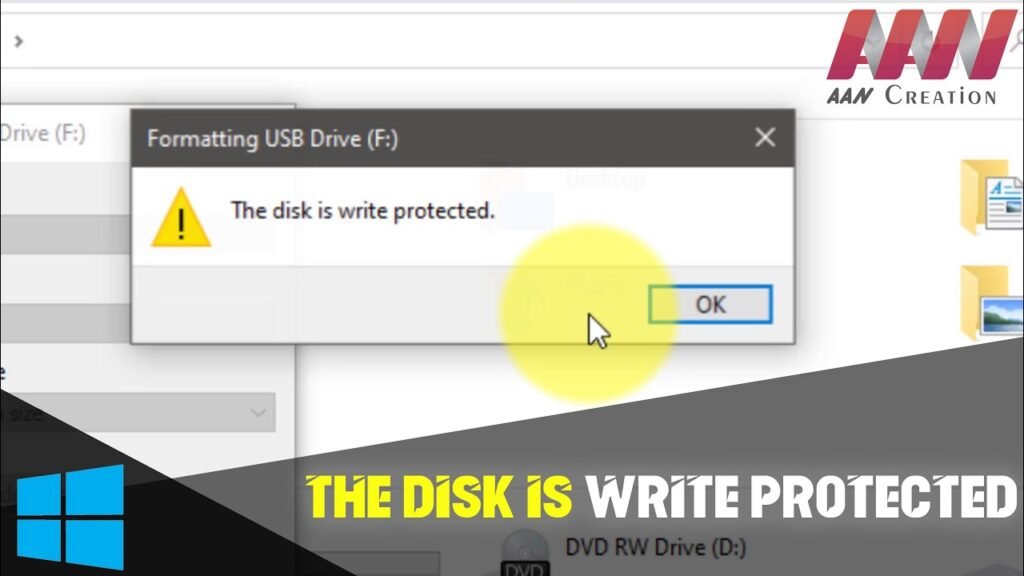

When you try to copy a file to a USB drive or SD card, Windows says “The disk is write-protected. Remove the write-protection or use another disk.” You can still open files, but you can’t save, delete or format anything. Here are the fixes, from the simplest to the most advanced.
Fix 1: Check the physical lock switch
Many SD cards and some USB drives have a small lock switch on the side. If it’s pushed to Lock, slide it the other way, then remove and reinsert the card. If you use a microSD adapter, check the switch on the adapter.
Fix 2: Clear the read-only attribute with DiskPart
Warning: DiskPart can erase drives if you pick the wrong one. Back up important data first and read each step carefully.
- Open the Start menu, type cmd, right-click Command Prompt and choose Run as administrator.
- Type
diskpartand press Enter. - Type
list diskand press Enter. Find your USB drive by its size. - Type
select disk 2, replacing 2 with your USB drive’s number. Double-check it. - Type
attributes disk clear readonlyand press Enter. - Type
exit, then remove and reinsert the drive.
You can check the current state first with attributes disk after selecting the disk.
Fix 3: Turn off write protection in the registry
A registry setting can block writing to all USB drives. Create a restore point before editing the registry.
- Press Windows + R, type
regeditand press Enter. - Go to HKEY_LOCAL_MACHINE\SYSTEM\CurrentControlSet\Control\StorageDevicePolicies.
- If the key exists and contains a value named WriteProtect, double-click it and set it to 0.
- If the key doesn’t exist, this setting isn’t the cause. Leave the registry as it is.
- Restart the PC and reconnect the drive.
Fix 4: Scan the drive for errors
In File Explorer, right-click the drive, choose Properties > Tools and click Check under Error checking. A damaged file system can make Windows treat a drive as read-only.
Fix 5: Format the drive
If the attribute is cleared and you’ve copied your files off, format it: right-click the drive in File Explorer and choose Format. This erases everything on it.
Frequently asked questions
What if nothing removes write protection?
Flash drives and SD cards often lock themselves into read-only mode when the memory is failing. This protects your data. Copy your files off and replace the drive.
Could my work PC be blocking it?
Yes. Organisations can block writing to USB drives with policy. If the drive works on another PC, ask your IT team.
