
Many people want to remove Microsoft Edge after installing another browser. On most PCs, Edge is part of Windows, and the Uninstall button is greyed out. Here’s what is possible today, and the safe way to stop using Edge if you can’t remove it.
Why Edge can’t usually be uninstalled
Windows uses Edge’s engine (WebView2) for parts of the system and for many apps, such as widgets, help pages and some Office features. For this reason Microsoft treats Edge as a system component on most PCs. Forcing it off with scripts or old command-line tricks is unsupported. It can break apps, and Windows Update often reinstalls Edge anyway.
When you can uninstall Edge
On Windows 11 PCs in the European Economic Area (EEA), Microsoft allows Edge to be removed like a normal app:
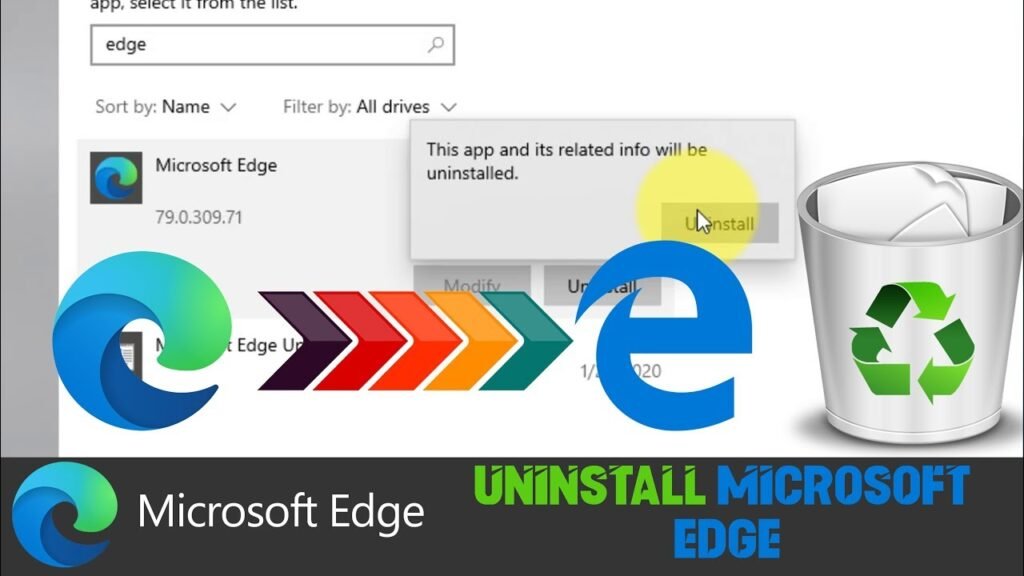
- Go to Settings > Apps > Installed apps.
- Search for Microsoft Edge.
- Click the three dots next to it. If Uninstall is available, click it and confirm.
Removing Edge does not remove Microsoft Edge WebView2 Runtime. Leave WebView2 installed, because other apps need it.
The safe alternative: make another browser the default
- Install your preferred browser, such as Chrome or Firefox, from its official website.
- Go to Settings > Apps > Default apps.
- Click your new browser in the list.
- Click Set default at the top. If there’s no such button, set .htm, .html, HTTP and HTTPS to your browser one by one.
On Windows 10, go to Settings > Apps > Default apps and change Web browser.
Stop Edge from starting by itself
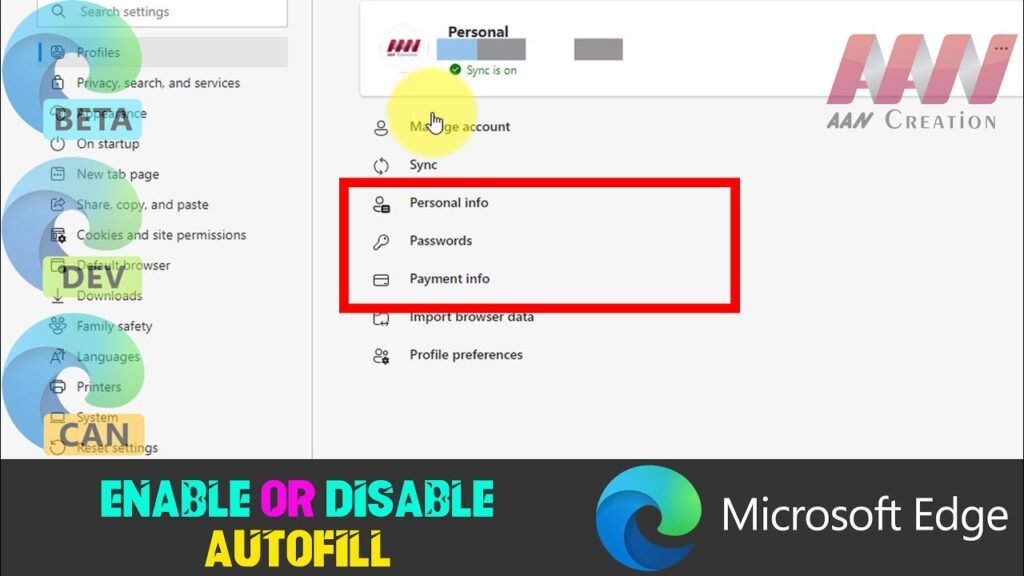
- Open Edge and go to Settings > System and performance.
- Turn off Startup boost.
- Turn off Continue running background extensions and apps when Microsoft Edge is closed.
- Go to Settings > Apps > Startup in Windows and turn off Microsoft Edge if it’s listed.
- Unpin Edge from the taskbar: right-click its icon and choose Unpin from taskbar.
Useful tips
- Some links in Windows, such as those from widgets or search, may still open in Edge. Check the default app settings for each link type.
- Don’t use third-party “Edge remover” tools. They can damage Windows and are hard to undo.
Frequently asked questions
Does Edge use resources if I don’t open it?
Very little once Startup boost and background running are turned off. It simply stays installed.
Will removing Edge break Windows?
Using the official Uninstall button where it’s offered is safe. Forcing removal elsewhere can cause problems with apps that depend on Edge components.