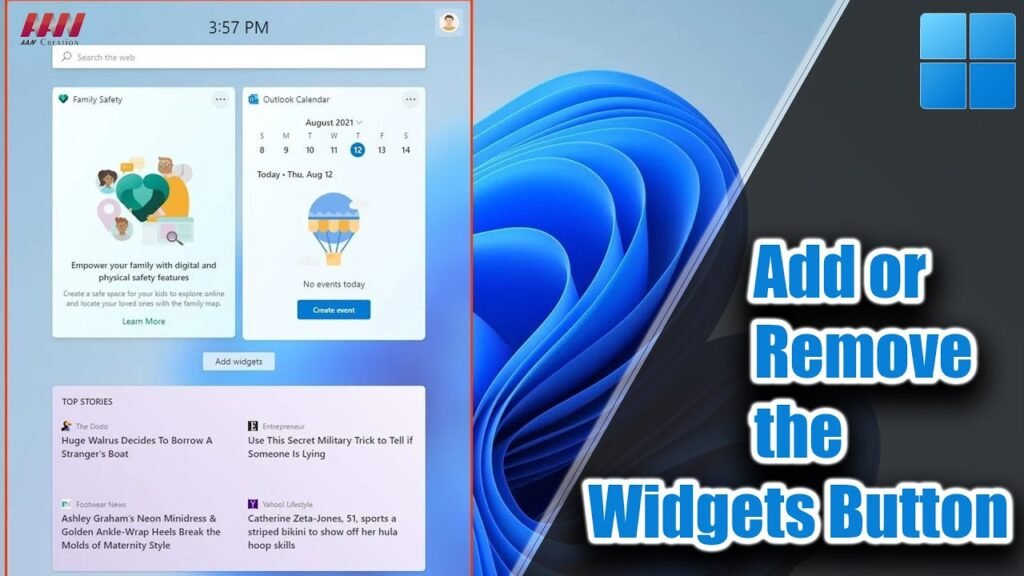

The Widgets button on the Windows 11 taskbar usually shows the weather on the left side. Clicking it opens a board with widgets and news. Some people love it, others want a cleaner taskbar. You can hide or show it with one switch.
Hide or show the Widgets button
- Right-click an empty area of the taskbar and choose Taskbar settings. You can also go to Settings > Personalization > Taskbar.
- Under Taskbar items, find Widgets.
- Turn the toggle off to hide the button, or on to show it again.
The change is instant. No restart is needed.
Open Widgets without the button
Even with the button hidden, Widgets still works:
- Press Windows + W to open the Widgets board.
- On a touch screen, swipe in from the left edge of the screen.
Move the weather icon
When the taskbar icons are centred, the weather appears at the far left. If you set Taskbar behaviors > Taskbar alignment to Left on the same Settings page, the Widgets button moves next to the other icons instead.
Stop Widgets opening when you hover
If you like the button but it opens by accident when your mouse passes over it, open the Widgets board, click the gear icon at the top and turn off the option to open the board on hover.
If the Widgets toggle is missing or greyed out
- Install the latest updates from Settings > Windows Update.
- On work or school PCs, your organisation may control Widgets with a policy.
- Make sure the Windows Web Experience Pack is installed and up to date in the Microsoft Store, since Widgets depends on it.
Other taskbar items you can hide
In the same Taskbar items section you can also hide or change Search (icon only, search box or hidden), Task view and, on some versions, Copilot or Chat. Hiding items you don’t use leaves more room for your pinned apps.
Frequently asked questions
Does hiding the Widgets button turn off Widgets completely?
No. It only removes the button. The board still opens with Windows + W, but it won’t run in the background as much when you don’t use it.
Can I show weather without the news?
Yes. Keep the button on, then open the Widgets board, click the gear icon and turn off the feed under Show or hide feeds.