Microsoft Edge comes with Windows 11 and Windows 10. The old Edge Legacy has been replaced by the current Chromium-based Edge, which updates automatically. If Edge is missing, won’t open or acts strangely, you can repair it or download a fresh copy from Microsoft.
Step 1: Check if Edge is already installed
Open the Start menu and type Edge. If Microsoft Edge appears, it’s installed. To check the version, open Edge, click the three-dot menu and go to Settings > About Microsoft Edge. Edge checks for updates on this page.
Step 2: Repair Edge if it’s broken
- Go to Settings > Apps > Installed apps (on Windows 10, Settings > Apps > Apps & features).
- Find Microsoft Edge and click the three dots (or click the entry) and choose Modify.
- Click Repair. Edge downloads and reinstalls itself while keeping your favourites and settings.
Step 3: Download and install Edge
- In any browser, go to Microsoft’s official Edge download page at microsoft.com/edge.
- Click Download and choose your platform if asked.
- Run the downloaded file. It downloads the rest of Edge and installs it.
- When Edge opens, choose whether to import data from another browser and whether to sign in with your Microsoft account for sync.
Avoid download sites other than Microsoft’s. Unofficial installers can contain unwanted software.
Step 4: Choose a channel (optional)
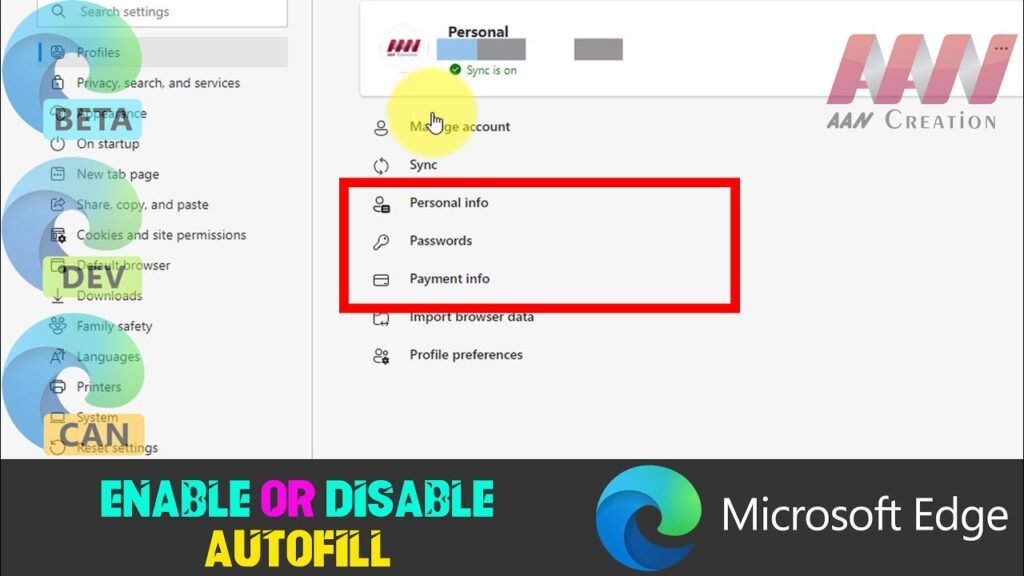
Besides the normal Stable version, Microsoft offers test versions called Beta, Dev and Canary through the Microsoft Edge Insider program. They install side by side with Stable and get new features earlier, but they can be less reliable. Most people should use Stable.
Useful tips
- Turn on sync in Settings > Profiles > Sync so your favourites and passwords come back after a reinstall.
- If Edge is slow after installing, check Settings > System and performance for efficiency options.
- Windows 10 no longer gets regular security updates, but Microsoft continues to update Edge on Windows 10 for now. Keep it updated.
Frequently asked questions
Is Microsoft Edge free?
Yes. Edge is free to download and use on Windows, macOS, Linux, Android and iPhone.
Will reinstalling Edge delete my favourites?
Repair keeps your data. A full reinstall usually keeps your profile too, and sync restores favourites and passwords if you were signed in.