nakvy88@gmail.com

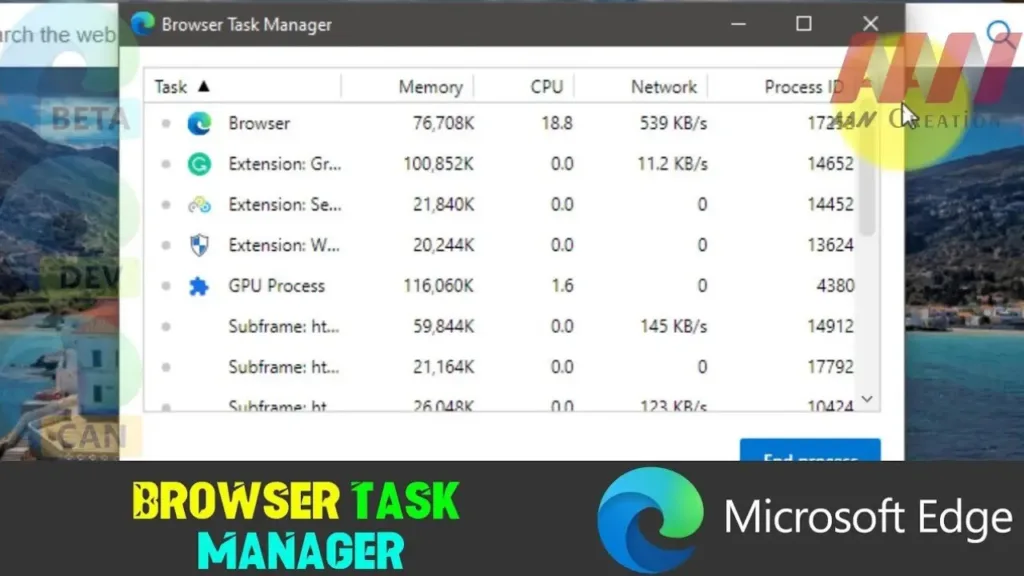
How to Open Browser Task Manager in Microsoft Edge

 Microsoft Edge, the sleek and powerful web browser from Microsoft, offers users a built-in Task Manager akin to the one found in Windows. This feature allows users to monitor and manage system resources consumed by individual tabs and extensions, making it easier to identify and resolve performance bottlenecks. Below, we’ll guide you through the steps […]

How to Open Browser Task Manager in Microsoft Edge Read More »
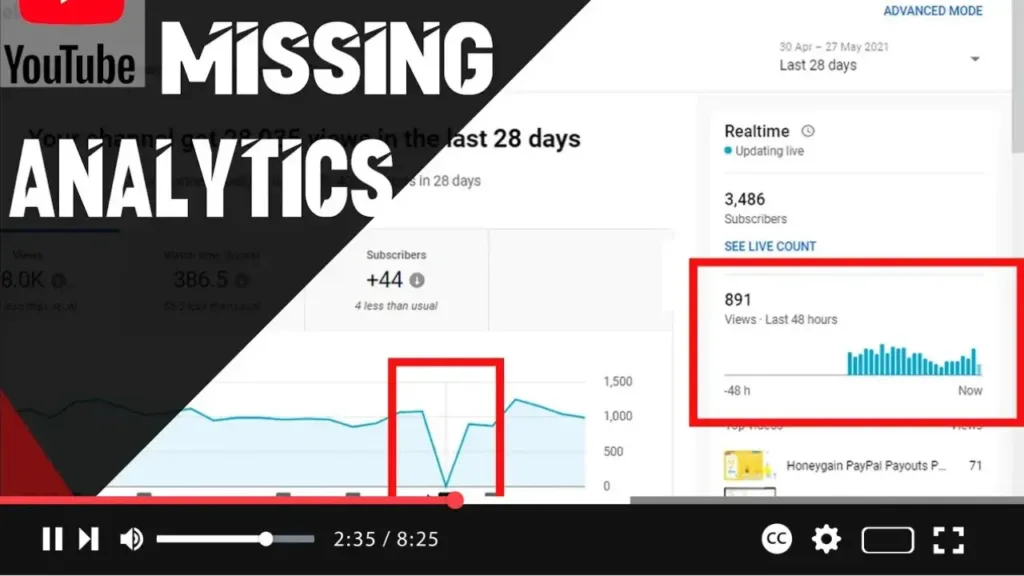
Real-Time Views, Views, Watch & Subscribers are Missing From YouTube Analytics

 Recently, many YouTube channels have experienced issues with their analytics data, where real-time views, total views, watch time, and subscriber counts appear to be missing or not updating. This problem seems to have started around May 21, 2021, and may still be affecting users today. Here’s what you need to know and what you can

Real-Time Views, Views, Watch & Subscribers are Missing From YouTube Analytics Read More »

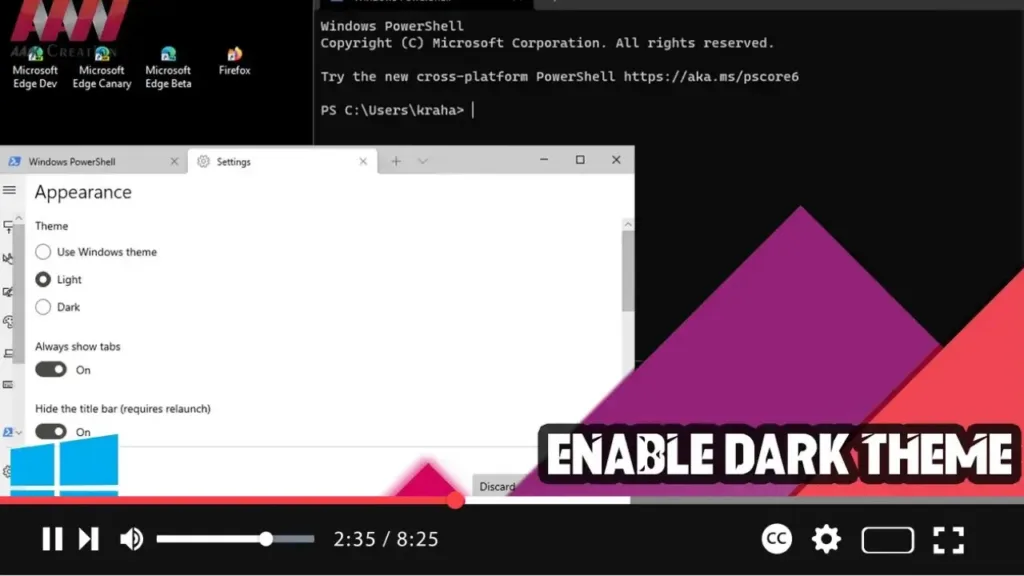
How to Enable Dark Theme on Windows Terminal

 Enabling the dark theme on Windows Terminal can make your working environment more visually appealing and reduce eye strain, especially in low-light conditions. Here’s a step-by-step guide to help you switch to the dark theme in Windows Terminal. Step 01: Open Windows TerminalFirst, open Windows Terminal: Click on the Start button. Search for Windows Terminal

How to Enable Dark Theme on Windows Terminal Read More »

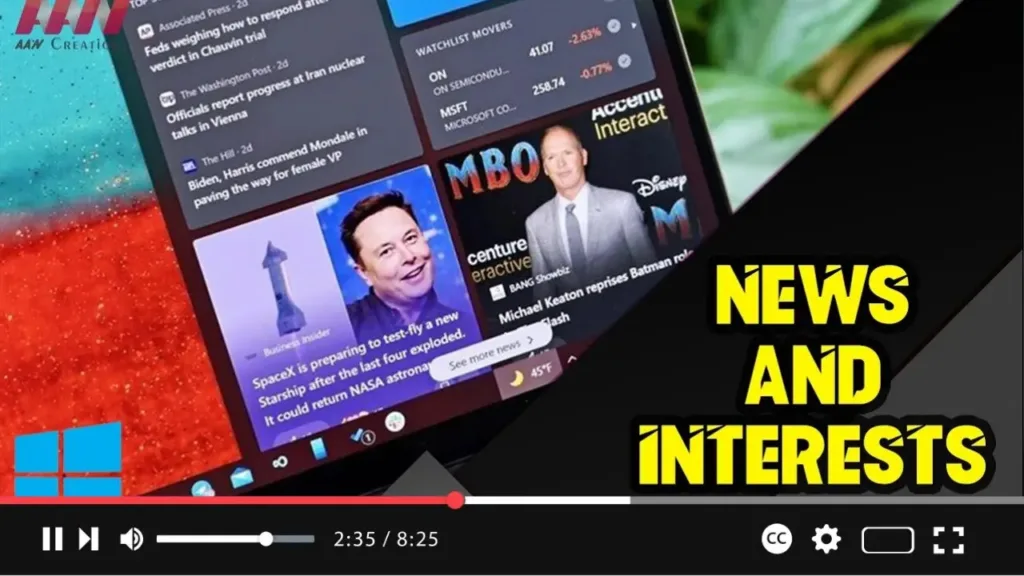
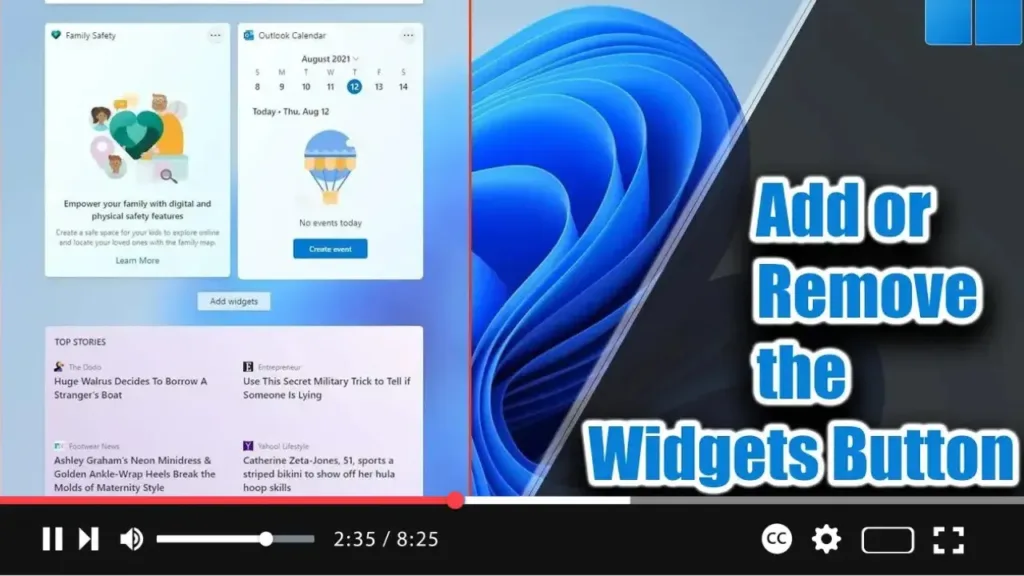
How to Add or Remove the Widgets Button from the Taskbar on Windows 11

. Windows 11 introduces Widgets, a feature similar to News and Interests in Windows 10. It appears from the left side of the screen, displaying time and cards with information about weather, news, sports, and more. If you find the Widgets button unnecessary, you can remove it from the taskbar. Alternatively, if the button is missing,

How to Add or Remove the Widgets Button from the Taskbar on Windows 11 Read More »

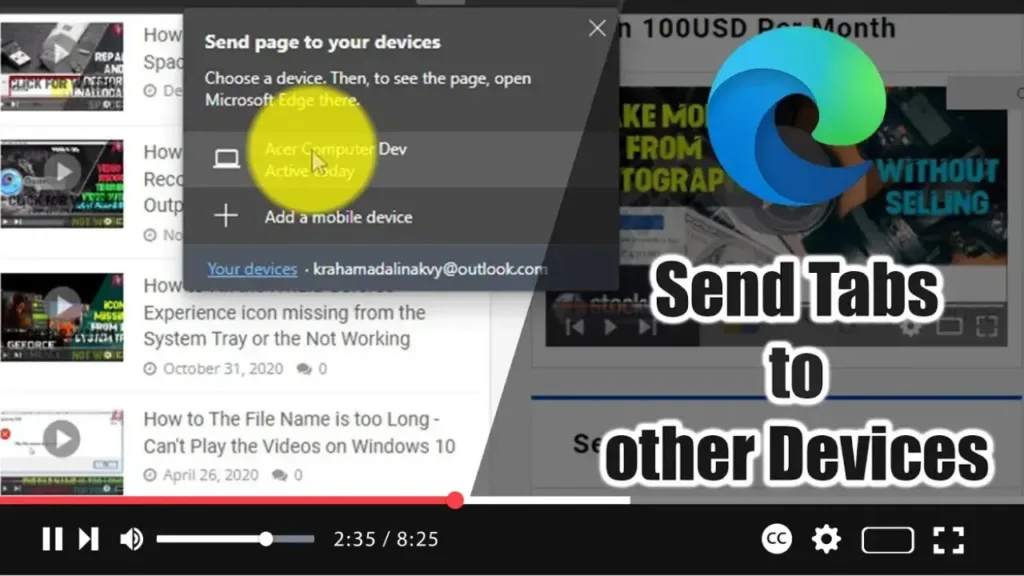
How to Send Tabs to other Devices with Microsoft Edge

Microsoft Edge now includes a feature that allows you to send open tabs to another computer running Windows 10 or macOS, or to mobile devices, including Android and iOS. This eliminates the need to email or text links to yourself, making it more convenient to continue your browsing experience across multiple devices. Here’s how to

How to Send Tabs to other Devices with Microsoft Edge Read More »

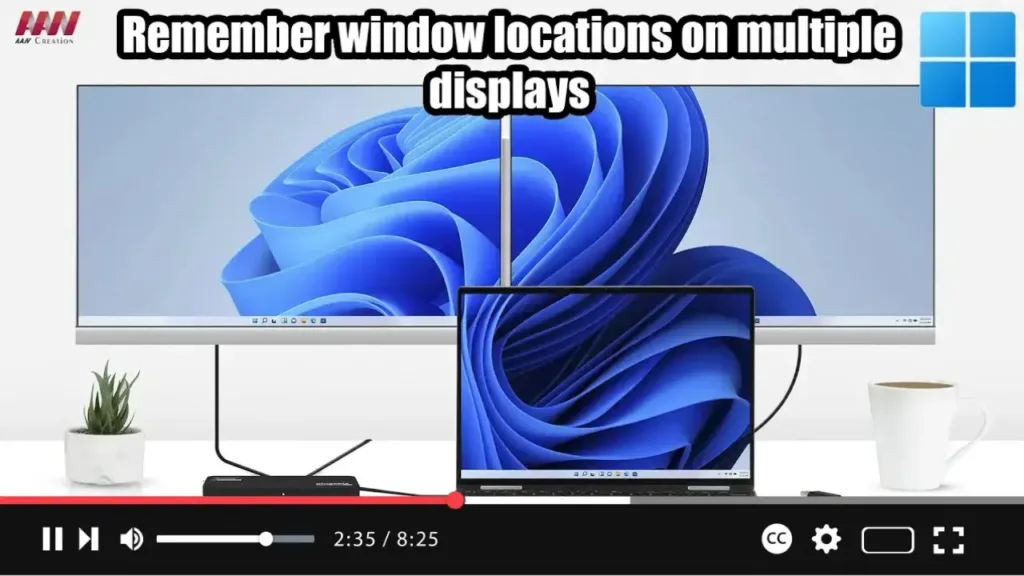
How to Enable or Disable Remember Window Locations on Windows 11

  Windows 11 offers convenient settings to enhance your experience when working with multiple displays. By enabling options to remember window locations based on monitor connections and minimize windows when a monitor is disconnected, you can streamline your workflow and maintain organization across displays. Here’s how to configure these settings: Steps to Allow Windows 11

How to Enable or Disable Remember Window Locations on Windows 11 Read More »

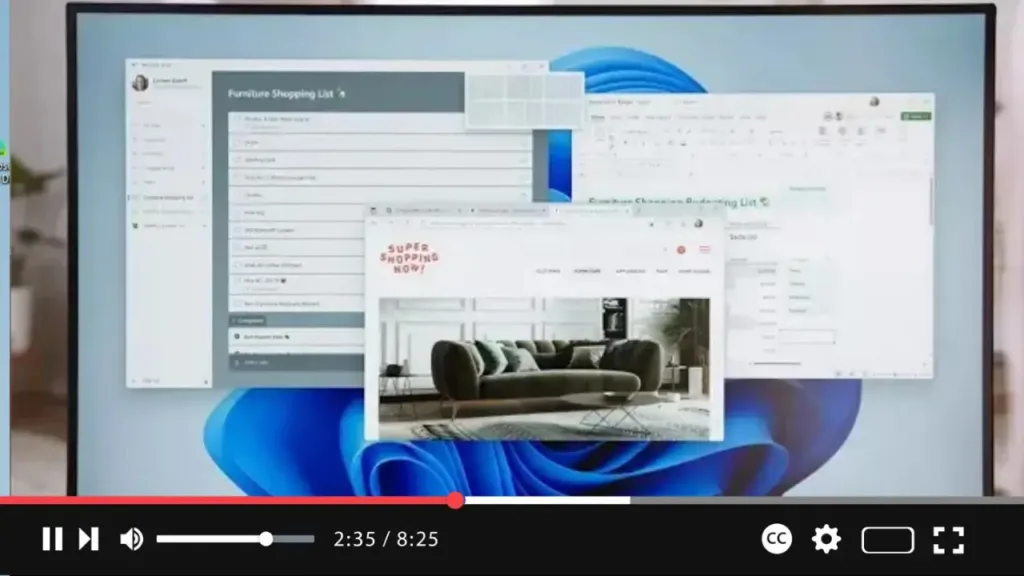
How to Enable or Disable Snap Layouts in Maximize Button on Windows 11

  Windows 11 introduces Snap Layouts, a feature that enhances multitasking by allowing you to easily organize open windows on your screen. When you hover over the maximize button, a grid of possible layouts appears, letting you snap your windows into different configurations. If you find this feature useful or distracting, you can enable or

How to Enable or Disable Snap Layouts in Maximize Button on Windows 11 Read More »