nakvy88@gmail.com

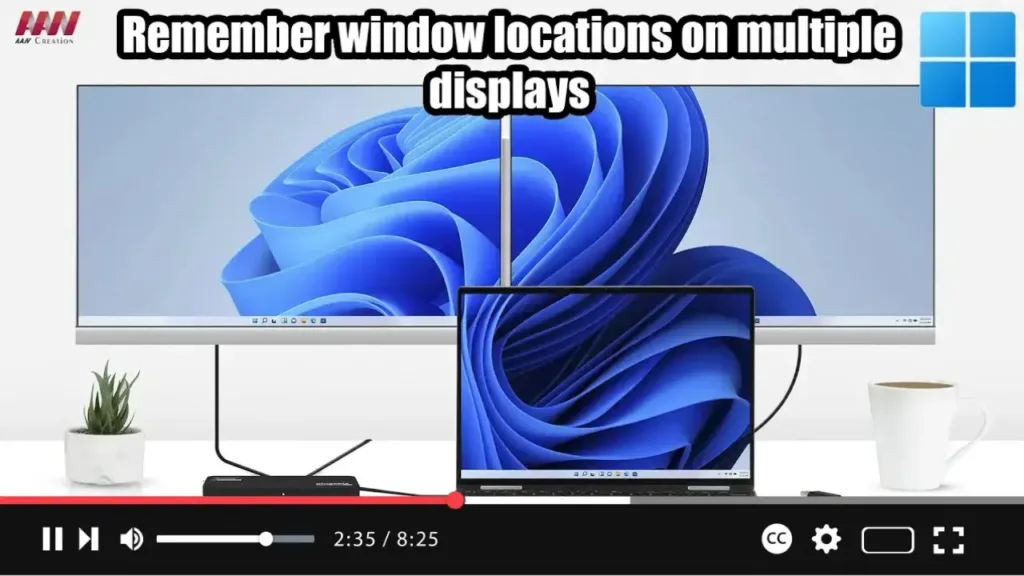
How to Enable or Disable Remember Window Locations on Windows 11

  Windows 11 offers convenient settings to enhance your experience when working with multiple displays. By enabling options to remember window locations based on monitor connections and minimize windows when a monitor is disconnected, you can streamline your workflow and maintain organization across displays. Here’s how to configure these settings: Steps to Allow Windows 11 […]

How to Enable or Disable Remember Window Locations on Windows 11 Read More »

How to Enable or Disable Snap Layouts in Maximize Button on Windows 11

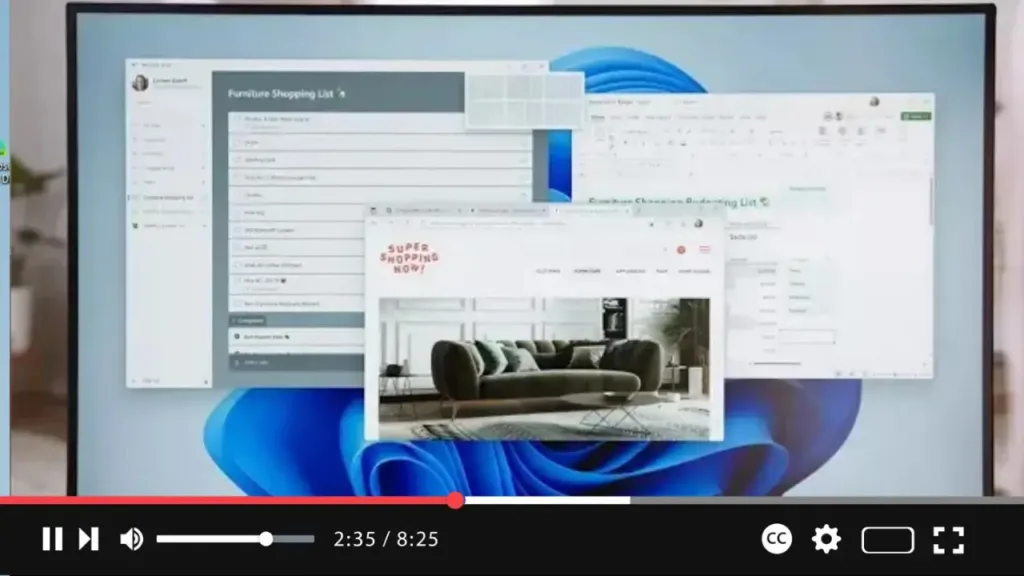
  Windows 11 introduces Snap Layouts, a feature that enhances multitasking by allowing you to easily organize open windows on your screen. When you hover over the maximize button, a grid of possible layouts appears, letting you snap your windows into different configurations. If you find this feature useful or distracting, you can enable or

How to Enable or Disable Snap Layouts in Maximize Button on Windows 11 Read More »

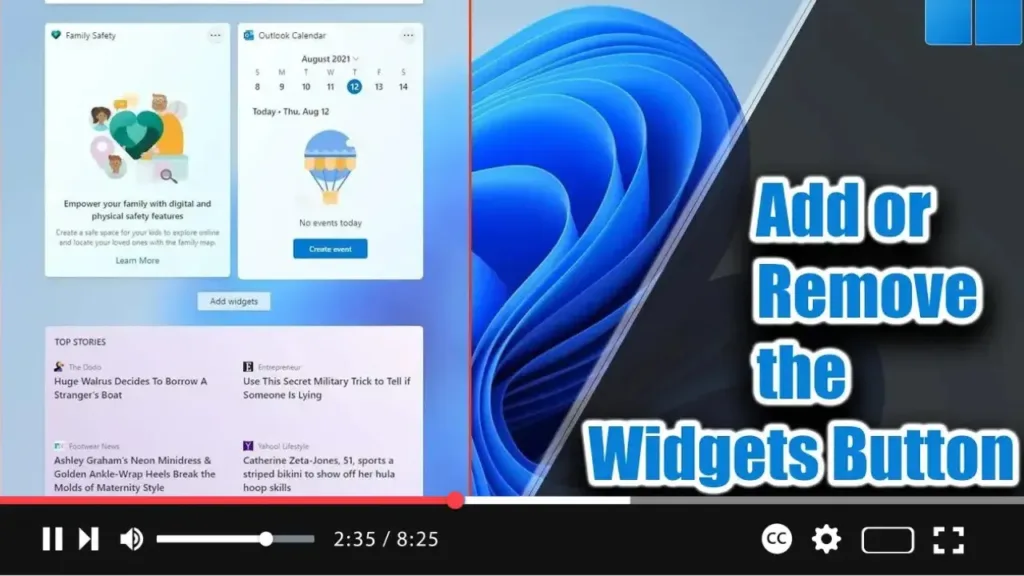
How to Remove Search, Task View, Widgets, and Chat from the taskbar on Windows 11

 On Windows 11, you will find a new taskbar that includes a center alignment with a bunch of new buttons for faster access to Search, Task View, Widgets, and Chat. However, since you can access all of these features with shortcuts (Windows key + S, Tab, W, and C), the buttons are just wasting space

How to Remove Search, Task View, Widgets, and Chat from the taskbar on Windows 11 Read More »