nakvy88@gmail.com

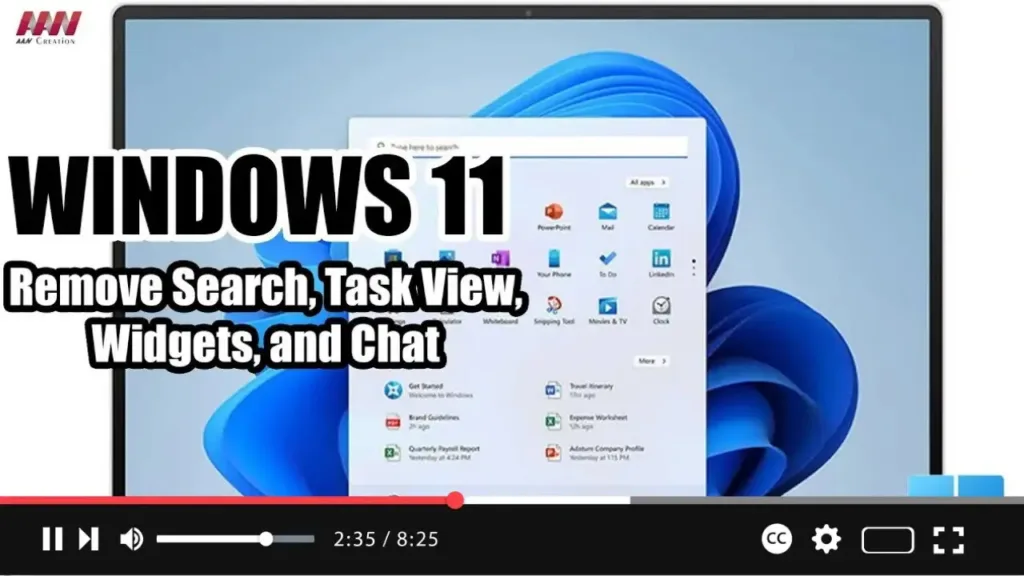
How to Remove Search, Task View, Widgets, and Chat from the taskbar on Windows 11

 On Windows 11, you will find a new taskbar that includes a center alignment with a bunch of new buttons for faster access to Search, Task View, Widgets, and Chat. However, since you can access all of these features with shortcuts (Windows key + S, Tab, W, and C), the buttons are just wasting space

How to Remove Search, Task View, Widgets, and Chat from the taskbar on Windows 11 Read More »

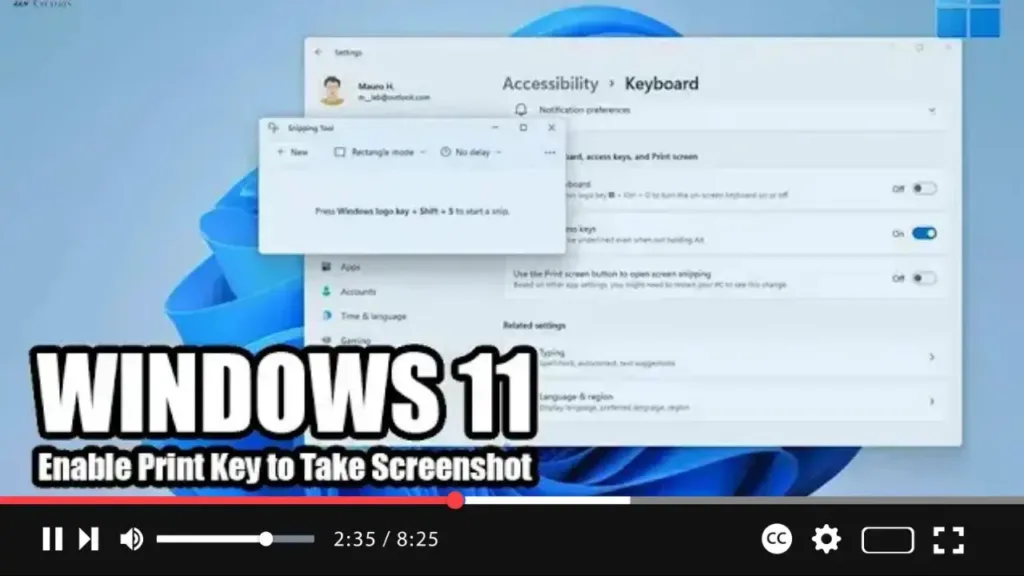
How to Enable Print Key to Take Screenshot with Snipping Tool on Windows 11

 Windows 11 introduces a revamped Snipping Tool app that combines the features of the classic Snipping Tool with Snip & Sketch to capture screenshots. While the default method for accessing the snipping menu is via the Windows key + Shift + S keyboard shortcut, you can customize this behavior to use the traditional Print key

How to Enable Print Key to Take Screenshot with Snipping Tool on Windows 11 Read More »

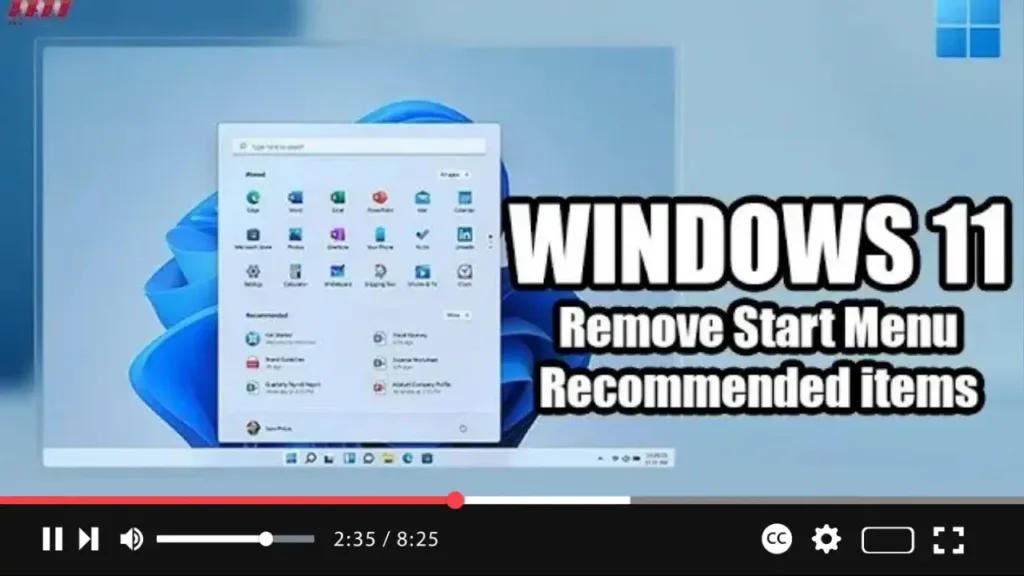
How to Remove Start Menu Recommended items on Windows 11

 Windows 11 introduces a redesigned Start menu that sits at the center of the screen, featuring a sleek, minimalistic design with familiar icons. One prominent feature of the Windows 11 Start menu is the “Recommended” section, which suggests apps and files similar to the Timeline feature in previous versions. If you find the Recommended section

How to Remove Start Menu Recommended items on Windows 11 Read More »

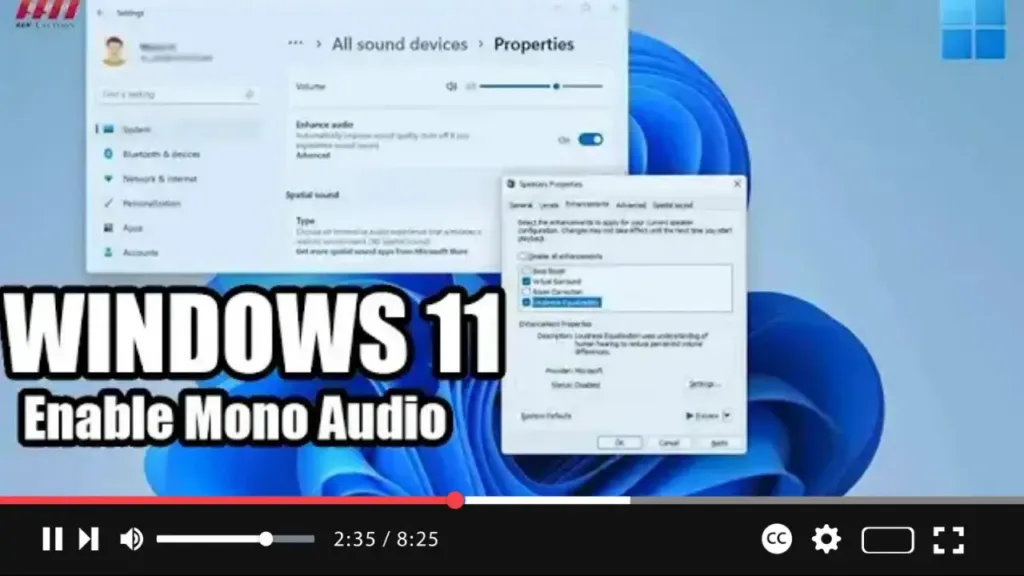
How to Enable Mono Audio on Windows 11

 If you’re experiencing difficulty hearing sounds from your Windows 11 computer, you can enable mono audio to enhance your listening experience. Mono audio converts stereo sound into a single channel, making it easier for individuals with hearing impairments to perceive audio content. While this feature was available on Windows 10, it’s now accessible through the

How to Enable Mono Audio on Windows 11 Read More »