
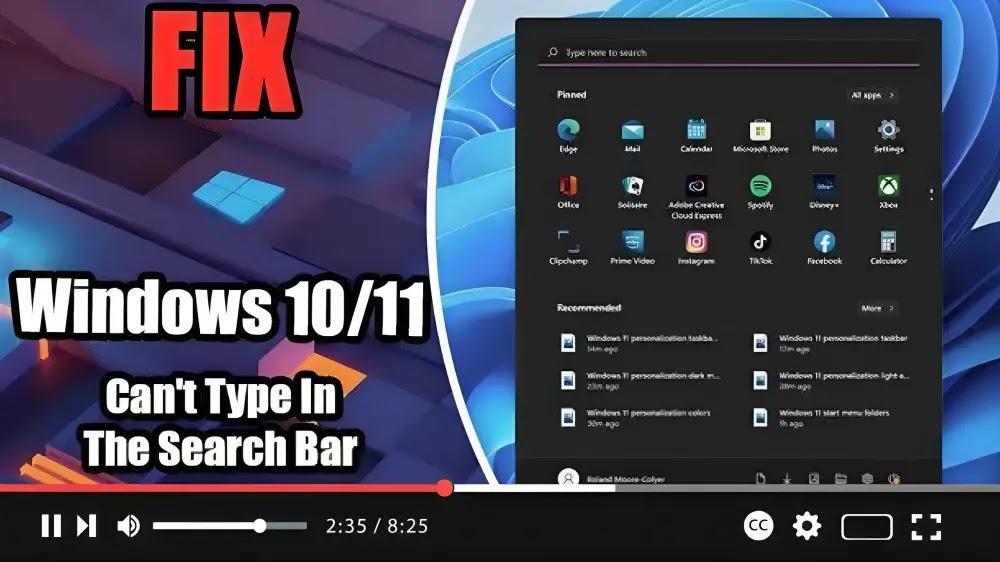
How to Fix Can’t Type In The Search Bar In Windows 10/11
How to Fix Can’t Type In The Search Bar In Windows 10/11 Read More »

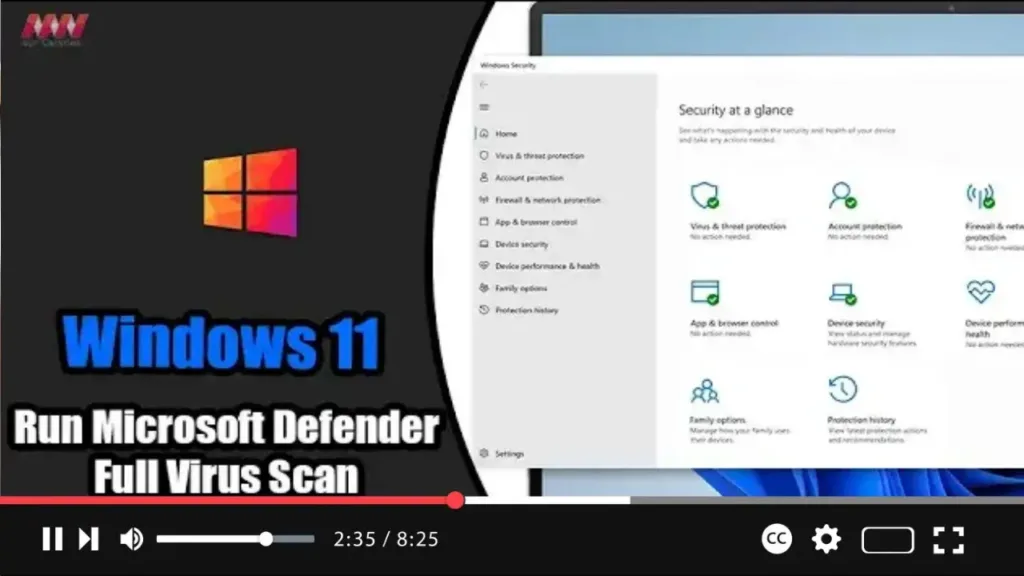
On Windows 11, Microsoft Defender Antivirus stands guard in the background, diligently scanning for various forms of malware, including viruses, ransomware, spyware, rootkits, and more. This built-in security feature provides proactive protection against cyber threats, ensuring the safety and integrity of your device. However, there are times when performing a manual virus scan becomes
How to Run Microsoft Defender Full Virus Scan on Windows 11 Read More »
As advertisers flock to YouTube to promote their products and services through video ads, you may find yourself encountering more ads while watching your favorite content. Fortunately, there’s a way to bypass these interruptions and enjoy uninterrupted viewing. Here’s a simple trick to stop seeing ads on YouTube videos: Step 01: Play the Video: Start
How to Watch Youtube Ad Free | No Tools Read More »
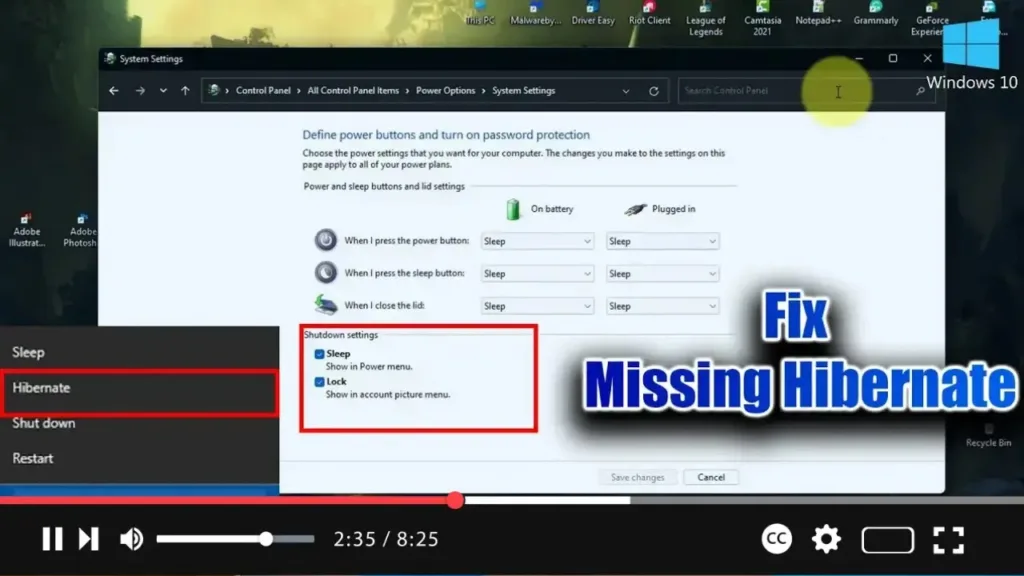
In Windows, you have the flexibility to choose between putting your system to sleep or hibernating it. These options have been available in older versions of Windows as well. However, if you find that the Hibernate option is missing from the Power Plan settings, it might be because Hibernate is disabled. When disabled, the
How To Fix Missing Hibernate Option On Windows 10/11 Read More »
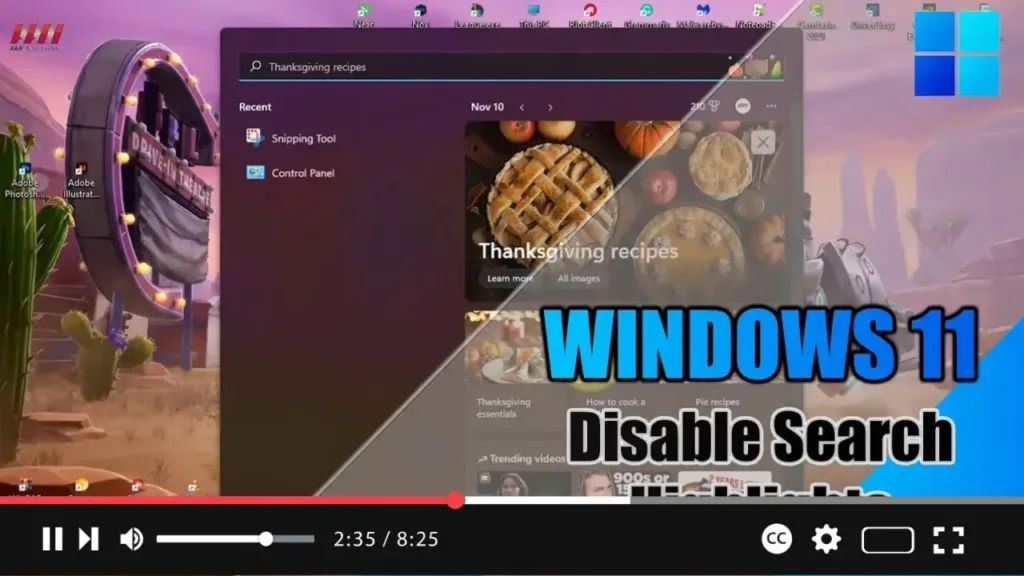
Exciting news for Windows 11 users! The latest update introduces the “Search highlights” feature within the Windows Search experience, providing periodic updates to help you stay connected, discover more, and boost productivity. Here’s a breakdown of what you can expect from this feature: On the Right Side: You’ll find the “Search highlights” feature, showcasing notable
How to Disable Search Highlights on Windows 11 Read More »

OpenAI is gearing up to unveil its latest artificial intelligence-powered search product, as reported by Reuters. The announcement, slated for Monday, marks a significant development in OpenAI’s quest to compete with search giant Google. While the exact announcement date had not been previously disclosed, sources familiar with the matter revealed this information to Reuters. Both
OpenAI plans to announce Google search competitor on Monday, sources say Read More »
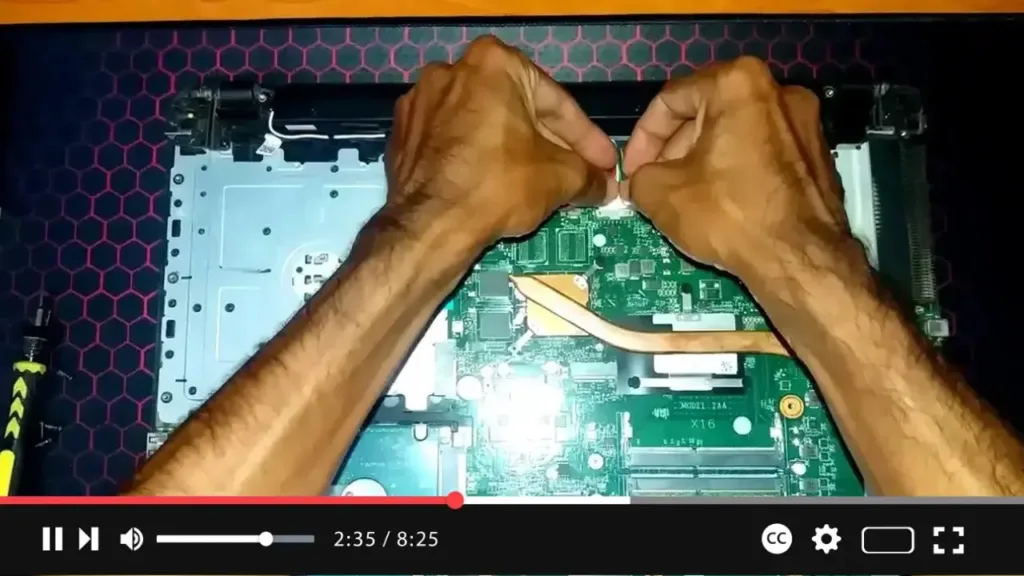
Sure, here’s a step-by-step guide on how to replace the battery in an Acer Aspire F5-573G laptop: Prepare the Laptop: Shut down your Acer Aspire F5-573G laptop and unplug it from any power source. Make sure to disconnect any peripherals and turn the laptop upside down on a flat surface. Locate the Battery: Look
How replace Battery Laptop Acer Aspire F5 573G Read More »
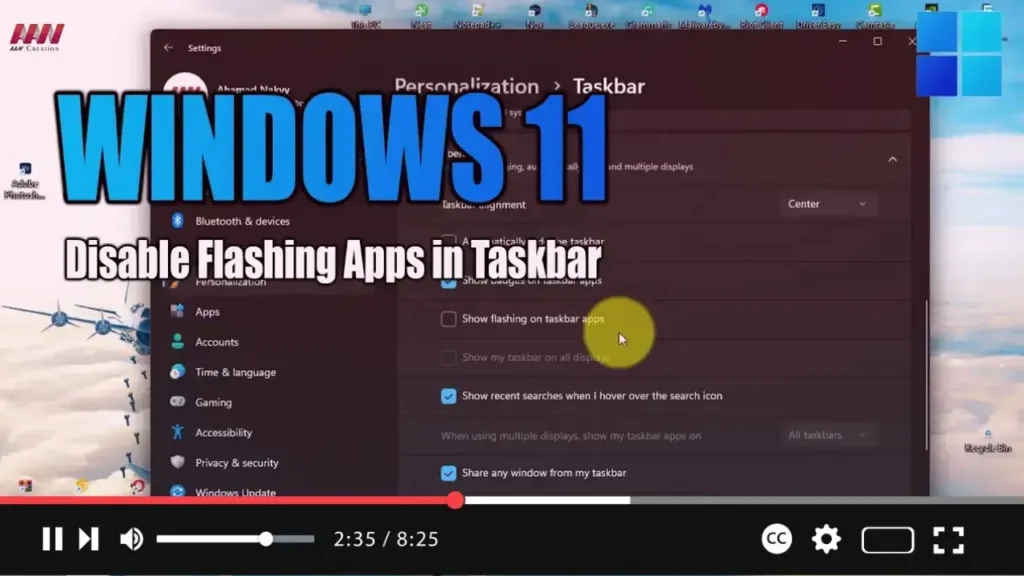
In Windows 11, notifications come in two types: those from apps and services, and system notifications. While they’re handy for keeping you informed about new messages or important events, they can sometimes become overwhelming and distract you from your tasks, especially when apps demand your attention with flashing icons in the Taskbar. Previously, disabling this
How to Disable Flashing Apps in Taskbar on Windows 11 Read More »
Exciting news for Windows 11 users! You can now enable Remote Desktop, allowing you to access your computer from anywhere using the Remote Desktop Protocol. Whether you need to offer assistance or control another device remotely, this feature enables seamless connectivity without requiring physical presence. Here’s a step-by-step guide to enable Remote Desktop on Windows
How to Enable Remote Desktop on Windows 11 Read More »
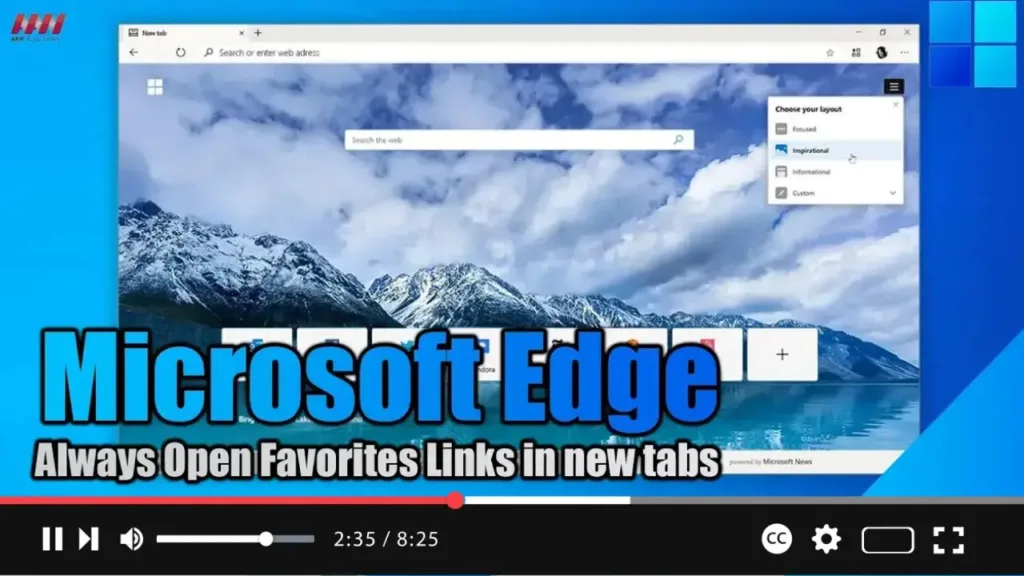
Exciting news for Microsoft Edge users! With the latest version 110 update, you can now tweak your browser settings to ensure that links saved in your Favorites list open in new tabs. This seemingly minor tweak can actually make a big difference in your browsing experience, especially if you tend to save important pages to
How to Always Open Favorites Links in new tabs on Microsoft Edge Read More »