nakvy88@gmail.com

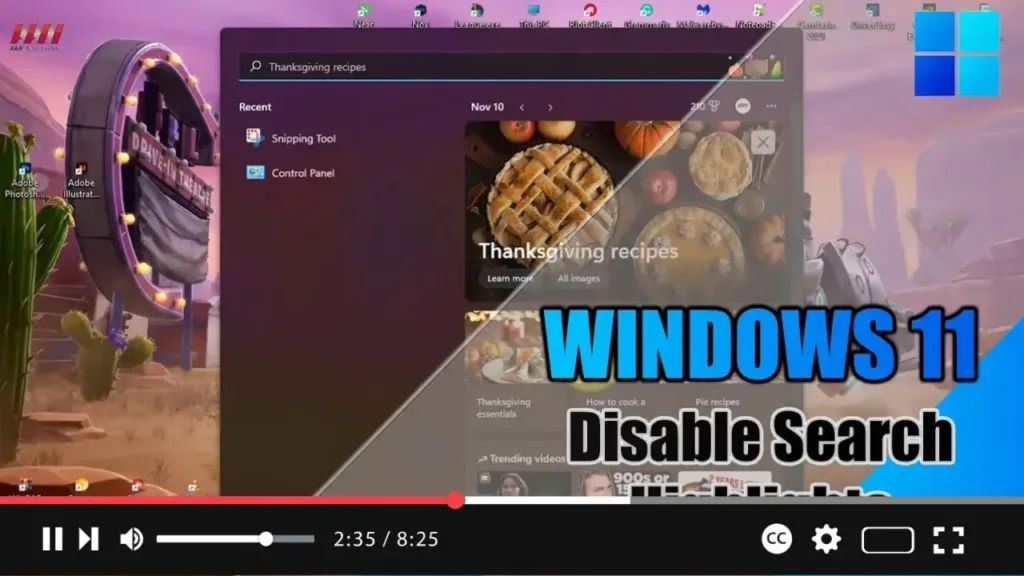
How to Disable Search Highlights on Windows 11

 Exciting news for Windows 11 users! The latest update introduces the “Search highlights” feature within the Windows Search experience, providing periodic updates to help you stay connected, discover more, and boost productivity. Here’s a breakdown of what you can expect from this feature: On the Right Side: You’ll find the “Search highlights” feature, showcasing notable

How to Disable Search Highlights on Windows 11 Read More »

OpenAI plans to announce Google search competitor on Monday, sources say

OpenAI is gearing up to unveil its latest artificial intelligence-powered search product, as reported by Reuters. The announcement, slated for Monday, marks a significant development in OpenAI’s quest to compete with search giant Google. While the exact announcement date had not been previously disclosed, sources familiar with the matter revealed this information to Reuters. Both

OpenAI plans to announce Google search competitor on Monday, sources say Read More »

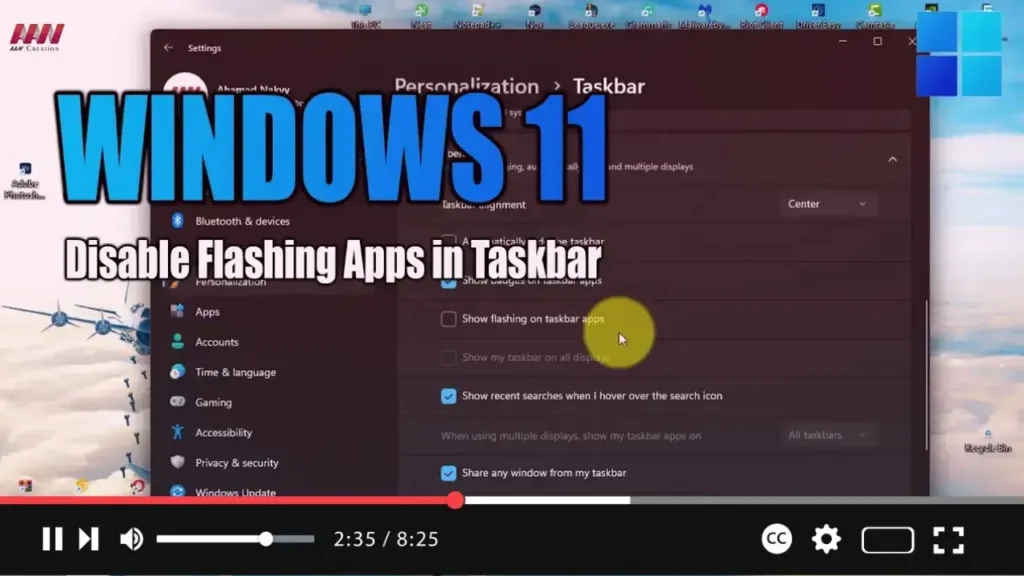
How to Disable Flashing Apps in Taskbar on Windows 11

 In Windows 11, notifications come in two types: those from apps and services, and system notifications. While they’re handy for keeping you informed about new messages or important events, they can sometimes become overwhelming and distract you from your tasks, especially when apps demand your attention with flashing icons in the Taskbar. Previously, disabling this

How to Disable Flashing Apps in Taskbar on Windows 11 Read More »

How to Enable Remote Desktop on Windows 11

 Exciting news for Windows 11 users! You can now enable Remote Desktop, allowing you to access your computer from anywhere using the Remote Desktop Protocol. Whether you need to offer assistance or control another device remotely, this feature enables seamless connectivity without requiring physical presence. Here’s a step-by-step guide to enable Remote Desktop on Windows

How to Enable Remote Desktop on Windows 11 Read More »

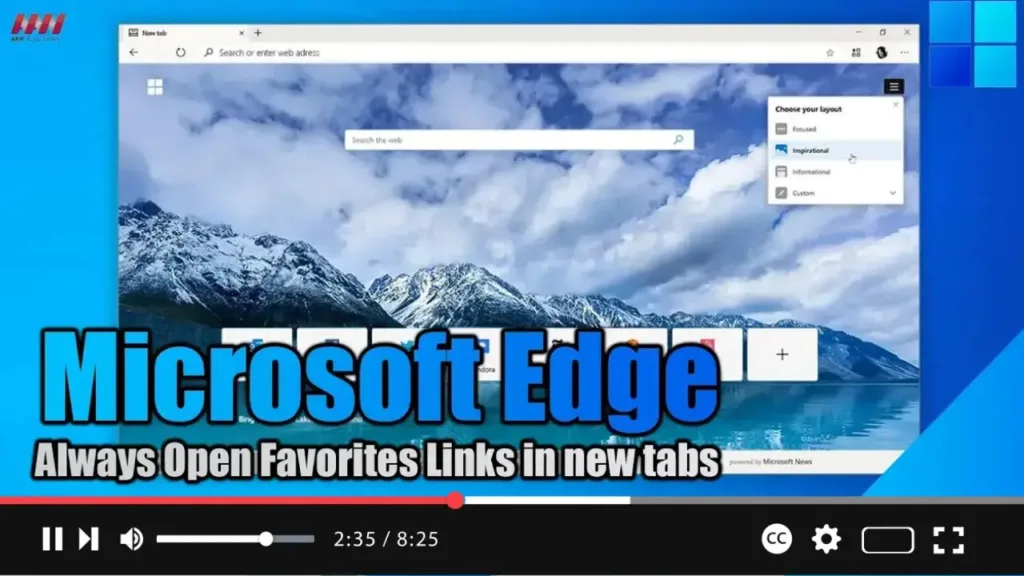
How to Always Open Favorites Links in new tabs on Microsoft Edge

 Exciting news for Microsoft Edge users! With the latest version 110 update, you can now tweak your browser settings to ensure that links saved in your Favorites list open in new tabs. This seemingly minor tweak can actually make a big difference in your browsing experience, especially if you tend to save important pages to

How to Always Open Favorites Links in new tabs on Microsoft Edge Read More »

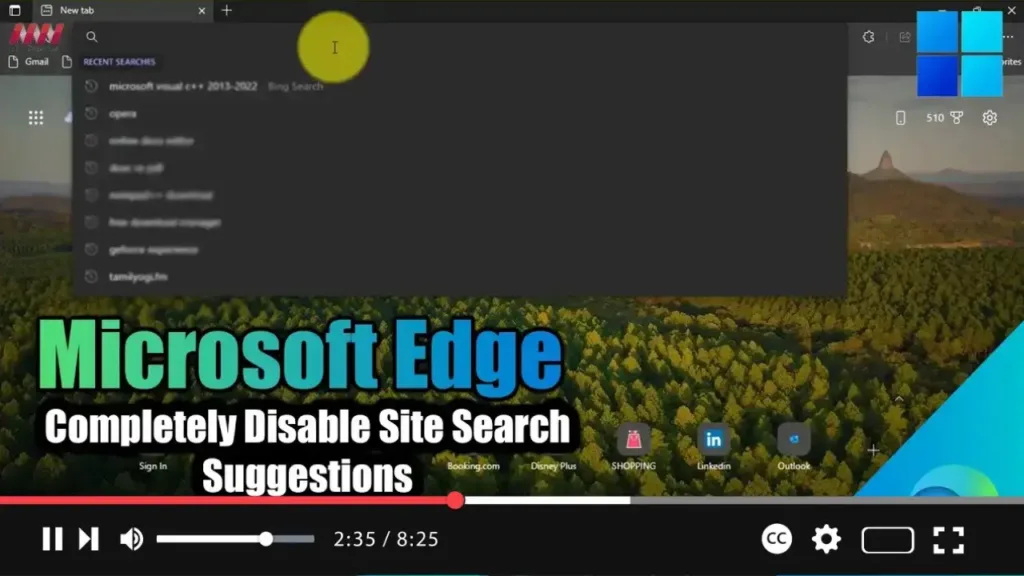
How to Completely Disable Site Search Suggestions from the Search Bar in Microsoft Edge

 Meta Description: Learn how to disable site search suggestions in Microsoft Edge to streamline your browsing experience and reduce distractions. Follow our step-by-step guide for a hassle-free process. In the digital age, web browsers like Microsoft Edge offer a plethora of features to enhance user experience. However, some features, such as site search suggestions, can

How to Completely Disable Site Search Suggestions from the Search Bar in Microsoft Edge Read More »