nakvy88@gmail.com

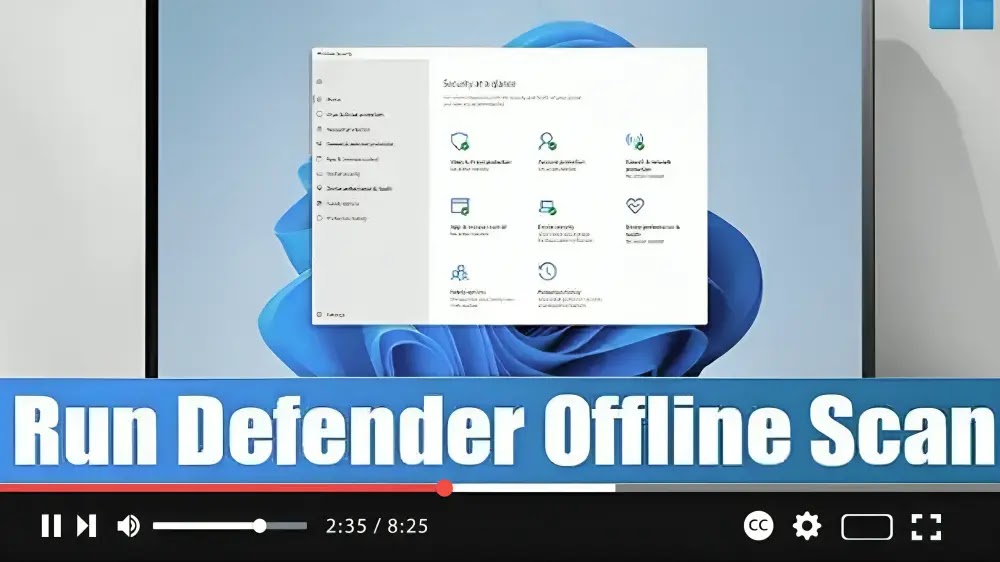
How to do offline virus scan with Microsoft Defender on Windows 11

 Encountering persistent malware on your Windows 11 system can be frustrating, but fear not! Microsoft Defender offers an offline scan feature to help you detect and remove stubborn threats effectively. Here’s a simple guide to using Microsoft Defender Offline scan: Step 01: Open Windows Security: Start by opening the Windows Security app on your Windows

How to do offline virus scan with Microsoft Defender on Windows 11 Read More »
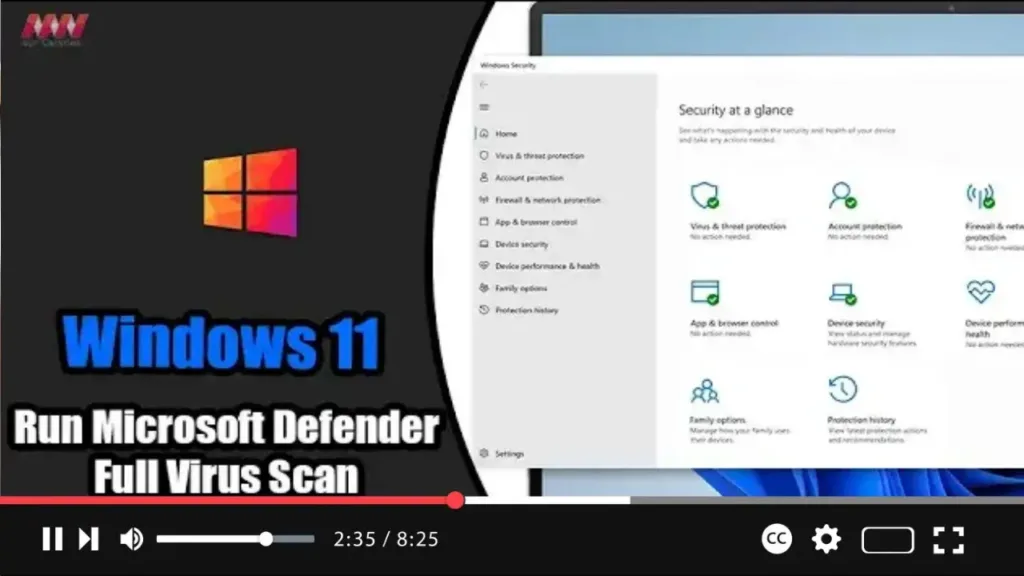
How to Run Microsoft Defender Full Virus Scan on Windows 11

  On Windows 11, Microsoft Defender Antivirus stands guard in the background, diligently scanning for various forms of malware, including viruses, ransomware, spyware, rootkits, and more. This built-in security feature provides proactive protection against cyber threats, ensuring the safety and integrity of your device. However, there are times when performing a manual virus scan becomes

How to Run Microsoft Defender Full Virus Scan on Windows 11 Read More »

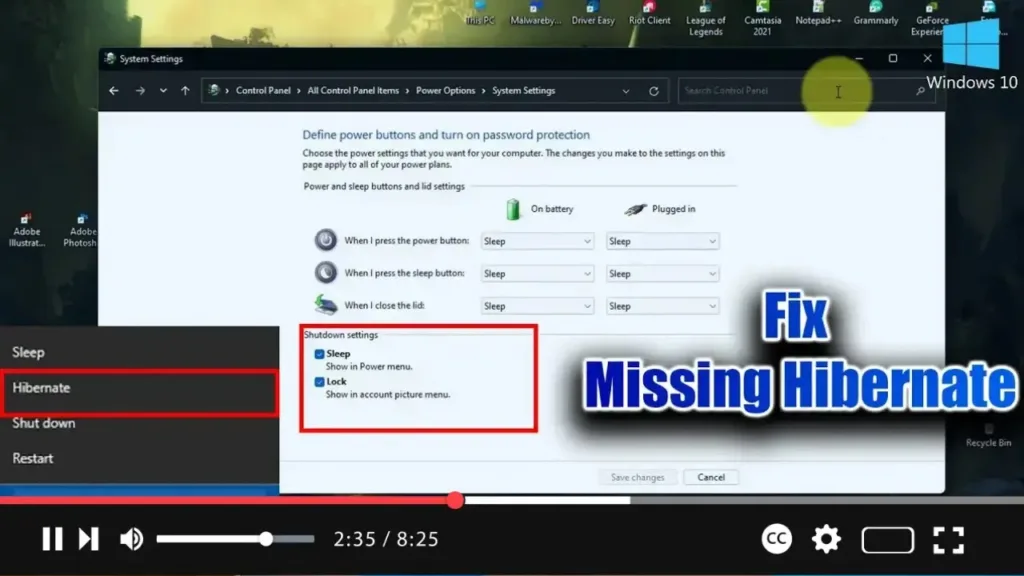
How To Fix Missing Hibernate Option On Windows 10/11

  In Windows, you have the flexibility to choose between putting your system to sleep or hibernating it. These options have been available in older versions of Windows as well. However, if you find that the Hibernate option is missing from the Power Plan settings, it might be because Hibernate is disabled. When disabled, the

How To Fix Missing Hibernate Option On Windows 10/11 Read More »