nakvy88@gmail.com

How to Change Power Mode Settings on Windows 11 for Better Performance or Energy Efficiency

Windows 11 offers various power modes, or power plans, designed to manage your device’s energy usage and performance. Power modes define a set of system and hardware settings like screen brightness, sleep settings, and CPU throttling, which help optimize how your computer consumes energy. The default mode in Windows 11 is Balanced, which automatically adjusts […]

How to Change Power Mode Settings on Windows 11 for Better Performance or Energy Efficiency Read More »

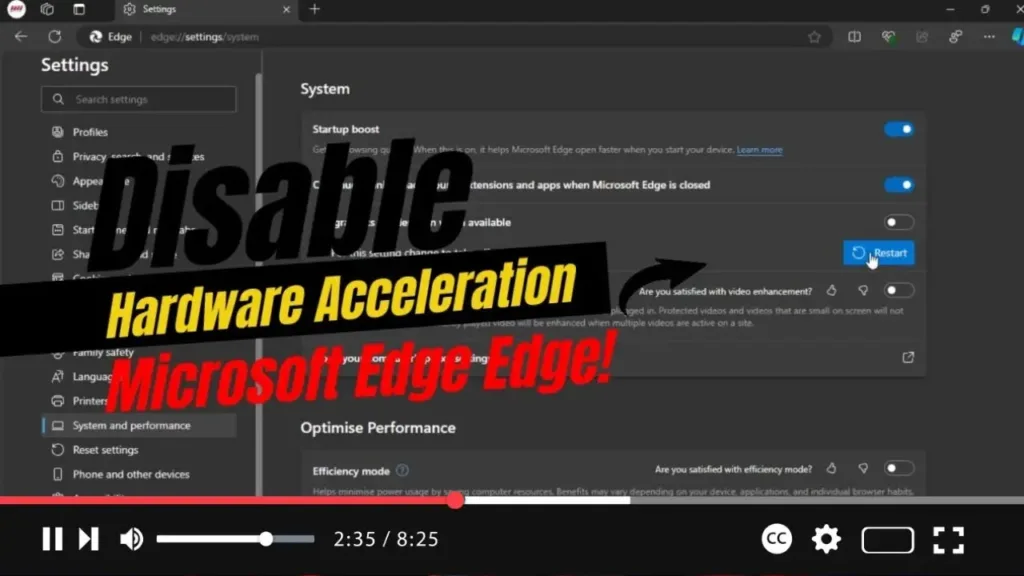
How to Disable Hardware Acceleration on Microsoft Edge

  Hardware acceleration can optimize your browsing by offloading tasks to your GPU, improving performance. However, it may cause issues on certain systems. If you encounter problems like crashes or display glitches in Microsoft Edge, disabling hardware acceleration could resolve them. This guide will walk you through the process step-by-step to help you disable this

How to Disable Hardware Acceleration on Microsoft Edge Read More »

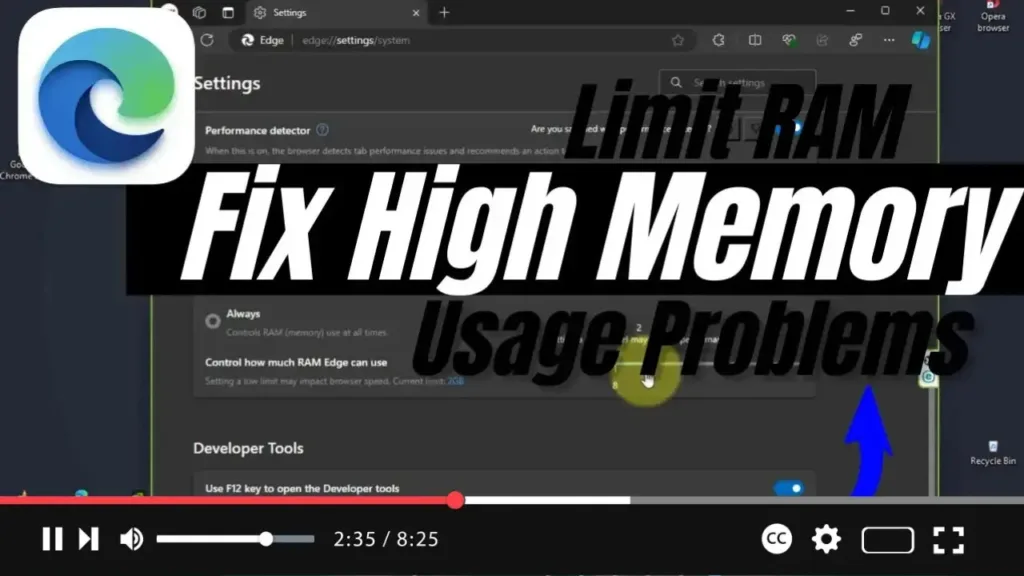
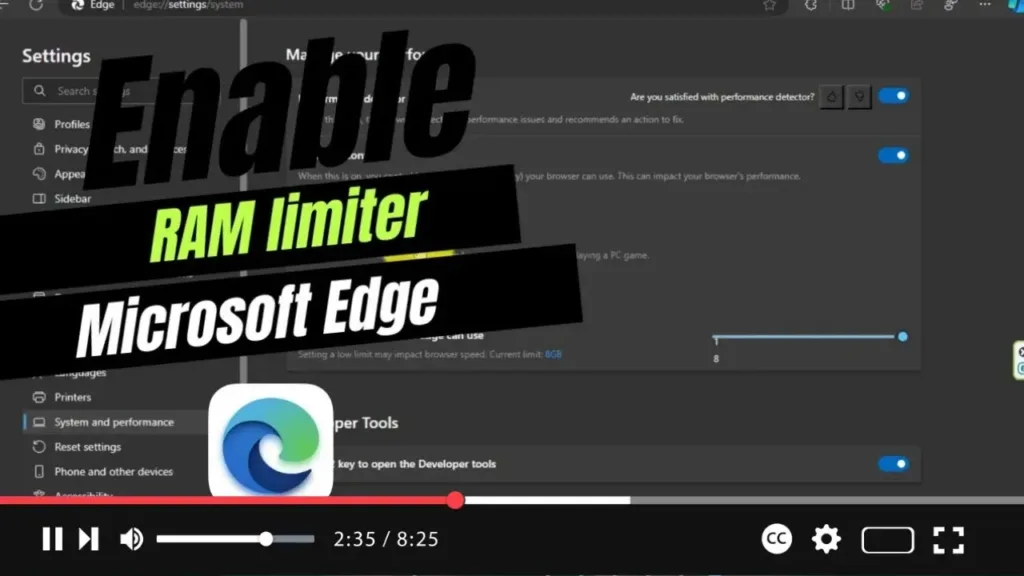
How to Limit RAM to Fix High Memory Usage Problems on Microsoft Edge

  In Windows 11 and 10, Microsoft Edge is set to introduce a new feature that allows you to limit the browser’s memory usage. This feature, called “Resource controls,” aims to help users manage RAM more effectively, especially for those experiencing high memory usage issues. By configuring these settings, you can optimize Edge’s performance while

How to Limit RAM to Fix High Memory Usage Problems on Microsoft Edge Read More »

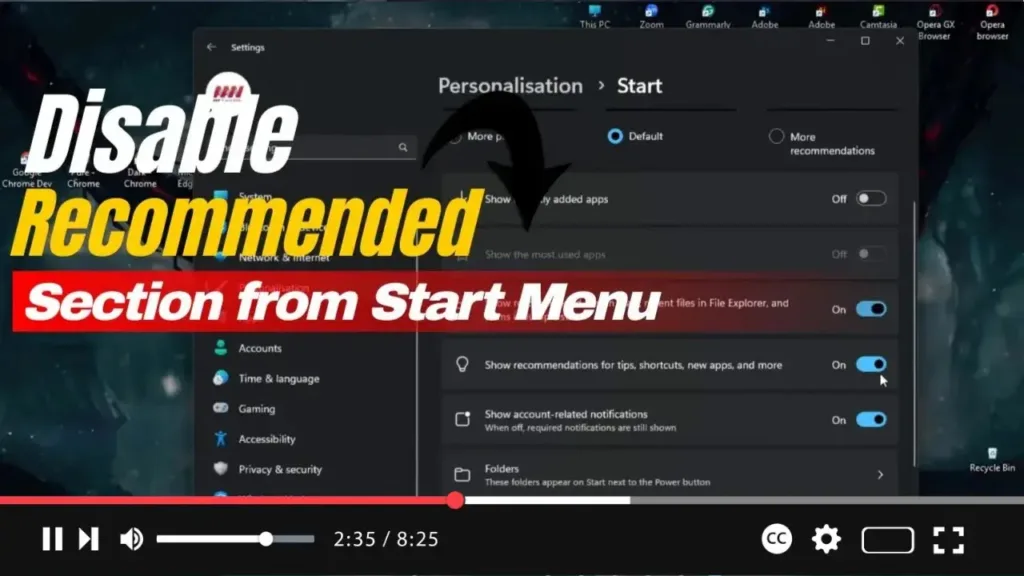
How to Disable ‘Recommended’ Section from Start Menu on Windows 11

 Hello Everyone! In Windows 11, the Start menu features a “Recommended” section that suggests recent files, frequently visited websites, and newly installed applications. While this can be useful for some, not everyone appreciates these suggestions cluttering their Start menu. Unfortunately, the system does not allow you to completely remove this section, but you can easily

How to Disable ‘Recommended’ Section from Start Menu on Windows 11 Read More »